How to Clean Under Keyboard: Easy Steps for a Spotless Desk

How To Clean Under Keyboard

Cleaning under your keyboard might sound simple, but it’s one of those tasks that many people avoid until it becomes a problem. Dust, crumbs, hair, and even spilled drinks can find their way under the keys, causing sticky buttons, strange noises, or unresponsive areas. If you use your keyboard every day—whether for work, gaming, or …

Read more

How to Clean Mouse Sensor for Smoother and Faster Performance

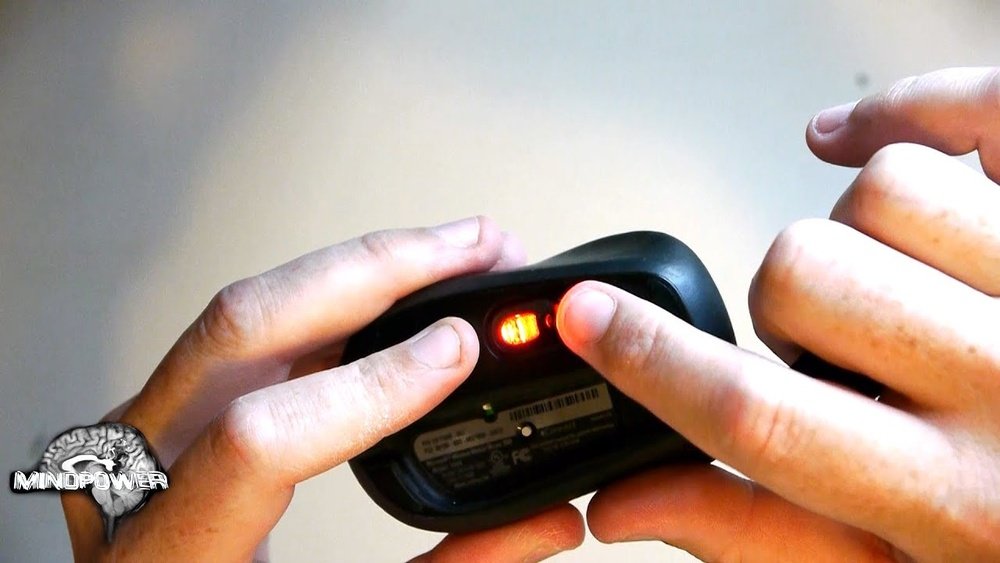
How To Clean Mouse Sensor

Every computer user has faced it at some point: your mouse feels slow, jumps across the screen, or stops responding. Before you rush out to buy a new one, remember—most mouse problems come from a dirty sensor. The mouse sensor is a small, precise part under your mouse that reads the surface and tracks movement. …

Read more

How to Clean Keyboard After Spill: Quick and Easy Steps

How To Clean Keyboard After Spill

Spilling liquid on your keyboard is a stressful experience. Whether it’s coffee, water, soda, or juice, a spill can cause sticky keys, electrical issues, or even permanent damage. But don’t panic—acting quickly and carefully can often save your keyboard and, in many cases, your device. This guide will show you exactly how to clean a …

Read more

Mechanical Keyboard Cleaning Guide: Keep Your Keys Spotless

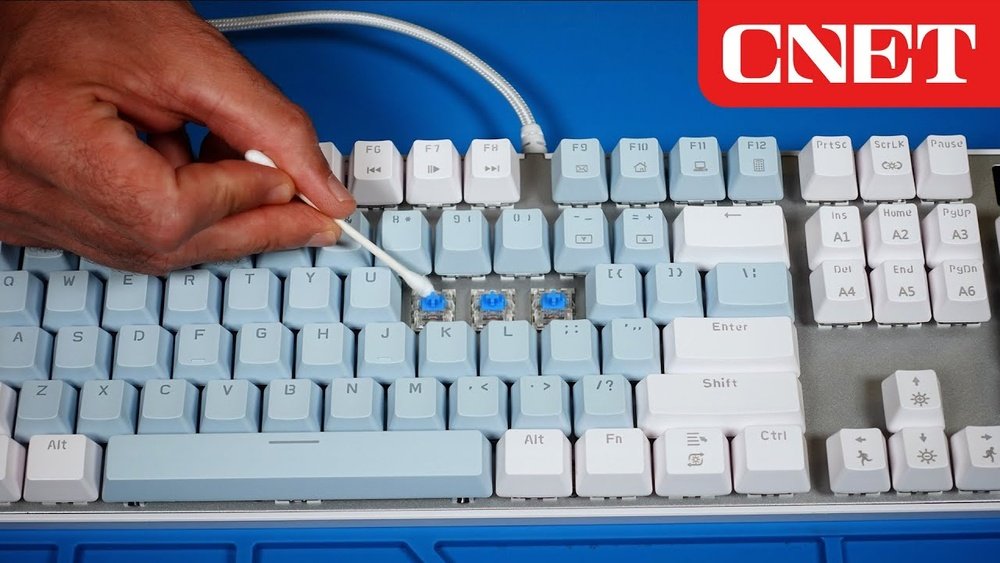
Mechanical Keyboard Cleaning Guide

Mechanical keyboards are more than just tools for typing or gaming—they’re investments in comfort, durability, and performance. But just like any valuable device, regular cleaning is essential to keep your keyboard working well and looking good. Dirt, dust, crumbs, and even oil from your fingers can build up over time, causing sticky keys and even …

Read more

How to Remove Keycaps for Cleaning: Step-by-Step Guide

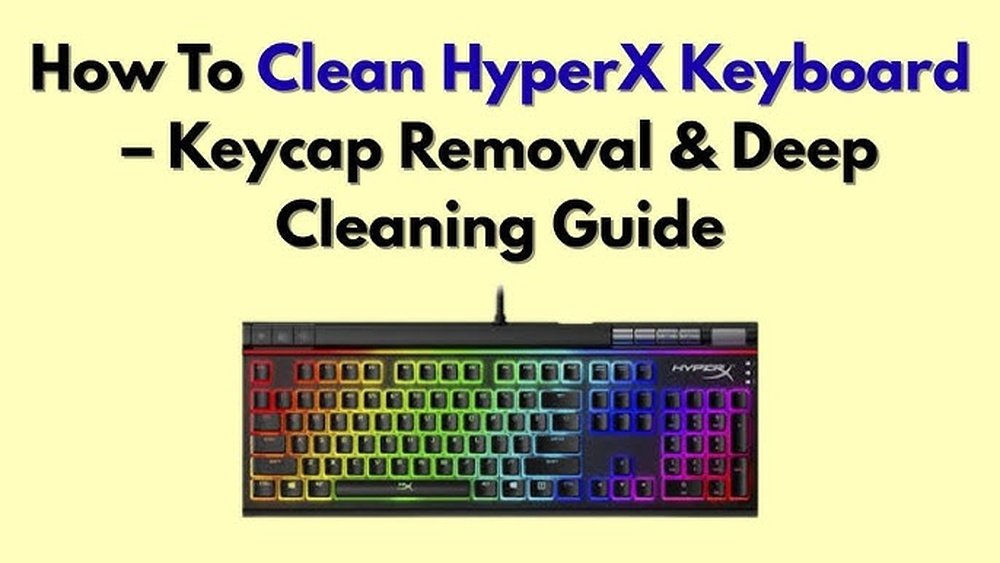
How To Remove Keycaps For Cleaning

Many people use mechanical keyboards for work, gaming, or daily tasks. Over time, dust, hair, and crumbs can build up under the keycaps. This not only looks dirty but can also affect how well your keyboard works. Removing keycaps for cleaning is one of the best ways to keep your keyboard fresh and working smoothly. …

Read more

How to Clean Trackball Mouse: Easy Steps for Peak Performance

How To Clean Trackball Mouse

A trackball mouse is a unique tool that offers accuracy and comfort for many computer users. Whether you are a graphic designer, a gamer, or someone who works long hours at a computer, you may prefer a trackball mouse for its precision and ergonomic design. But like any device, a trackball mouse collects dirt, dust, …

Read more

How to Clean Keyboard Keys: Easy Steps for a Spotless Keyboard

How To Clean Keyboard Keys

Keeping your keyboard clean is not just about looks—it’s also about health and performance. Over time, dust, crumbs, and oil from your fingers build up between and under the keys. This can lead to sticky keys, typing errors, and even spread germs. Many people clean the surface but forget the most important part: the keys …

Read more

Wireless Keyboard Cleaning: Easy Steps for a Germ-Free Workspace

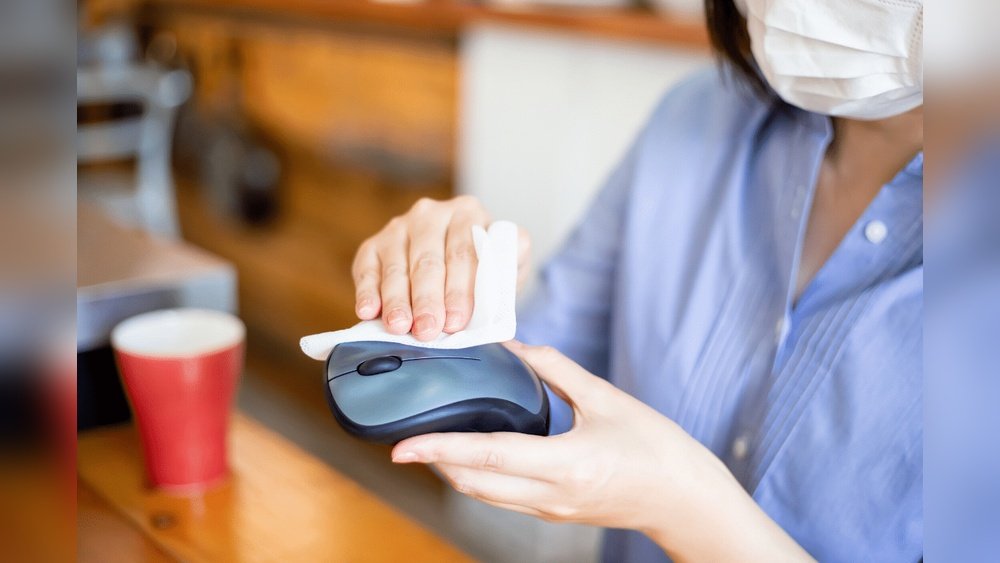
Wireless Keyboard Cleaning

Keeping your wireless keyboard clean is much more than a matter of looks. Dust, food crumbs, and germs collect fast, making your workspace unhealthy and even causing typing mistakes or stuck keys. Many people worry about damaging their keyboard, especially because electronics and water do not mix. The good news is, with the right steps …

Read more