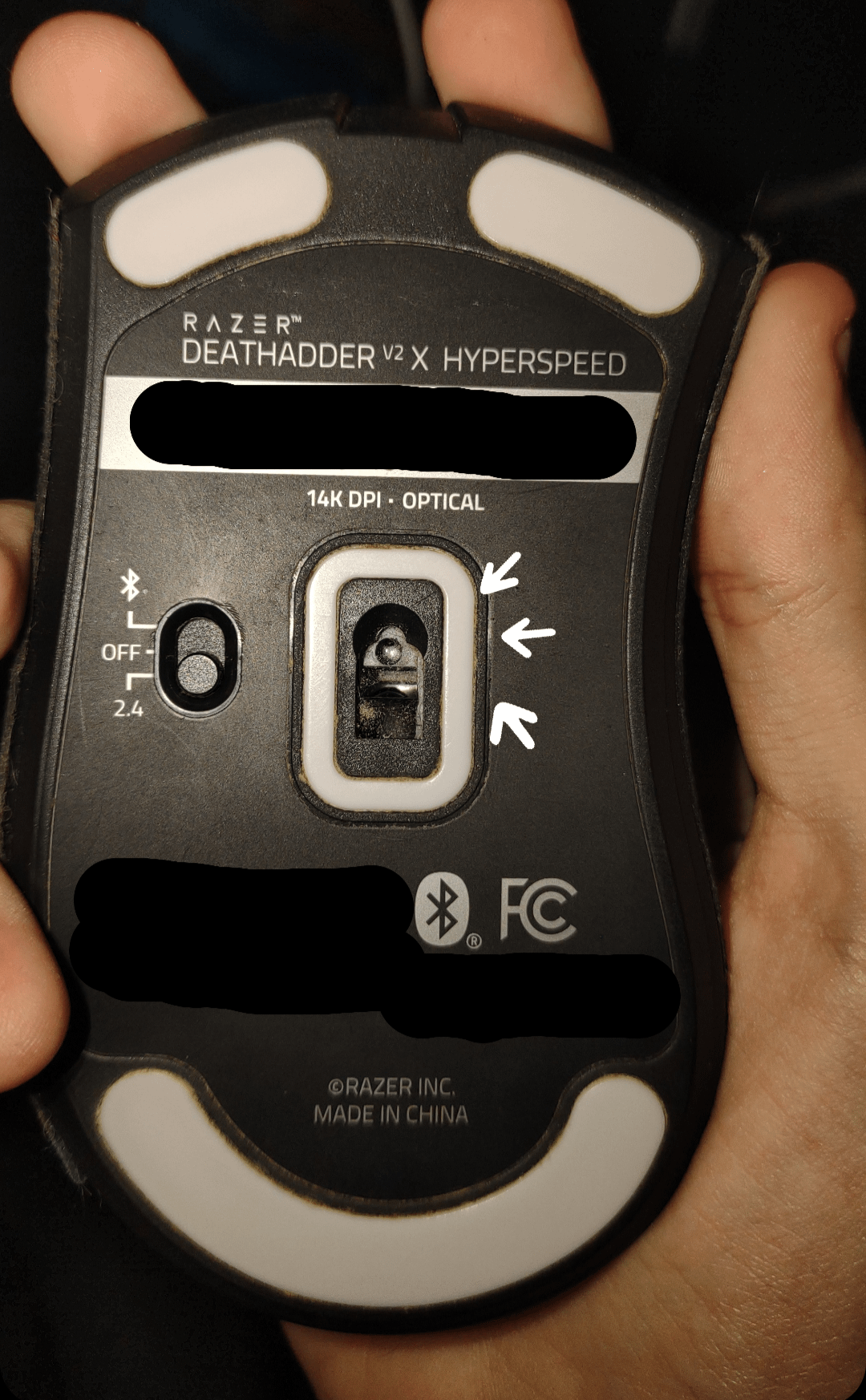
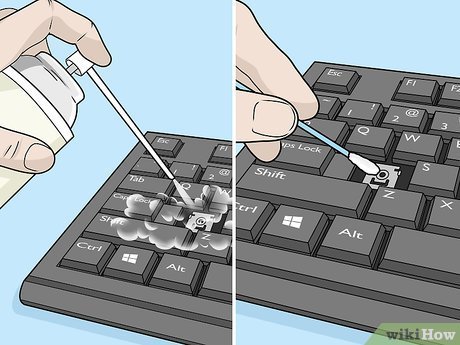
How to Clean Trackball Mouse: Easy Steps for Peak Performance
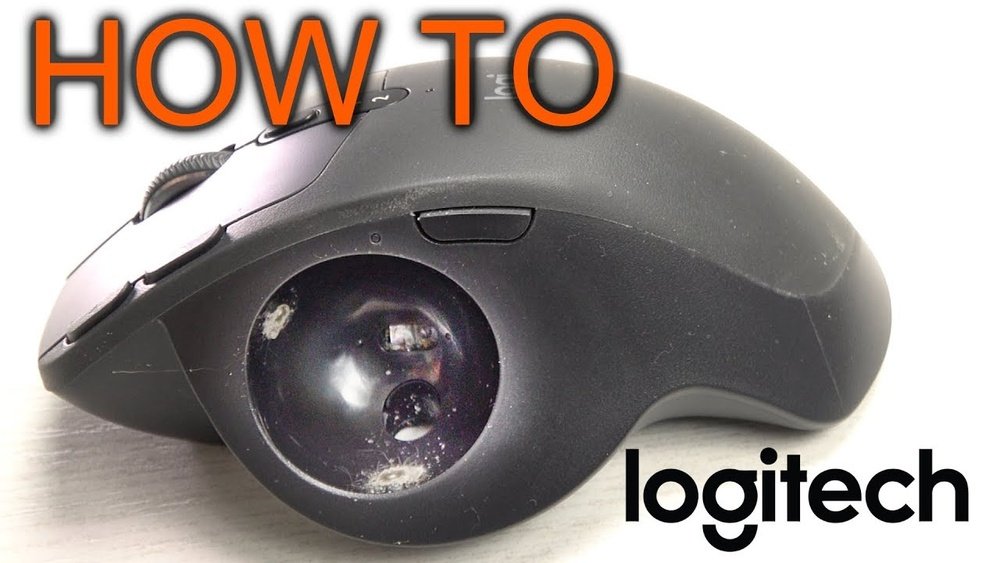
How To Clean Trackball Mouse

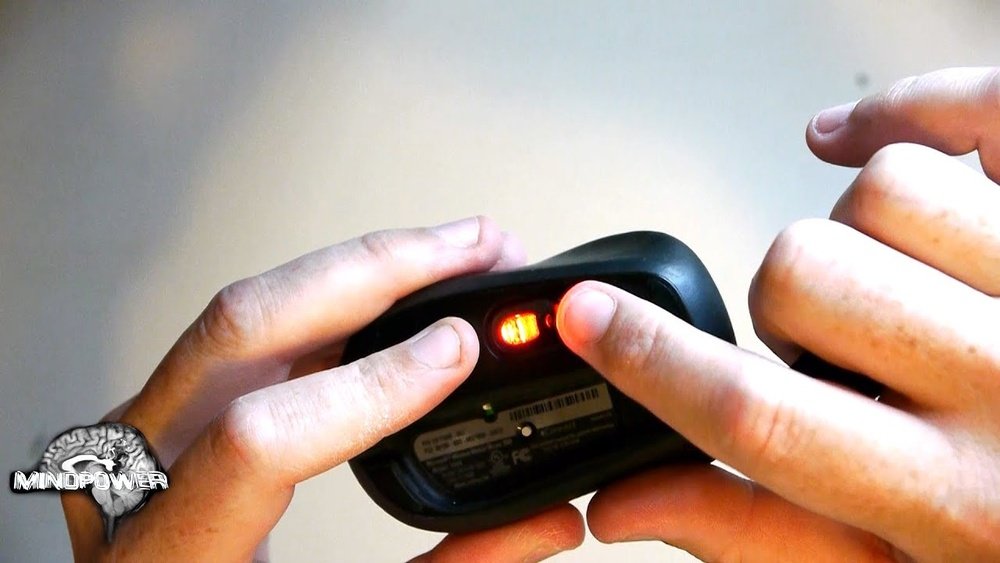
To clean a trackball mouse, turn it off or disconnect it, remove the ball only by the method documented for your model, wipe the ball with a clean lint-free cloth, and gently remove the compacted debris from the accessible support points inside the ball cavity. Reinstall the completely dry ball and test movement before doing …
Read more

How to Clean Keyboard Keys: Easy Steps for a Spotless Keyboard

How To Clean Keyboard Keys

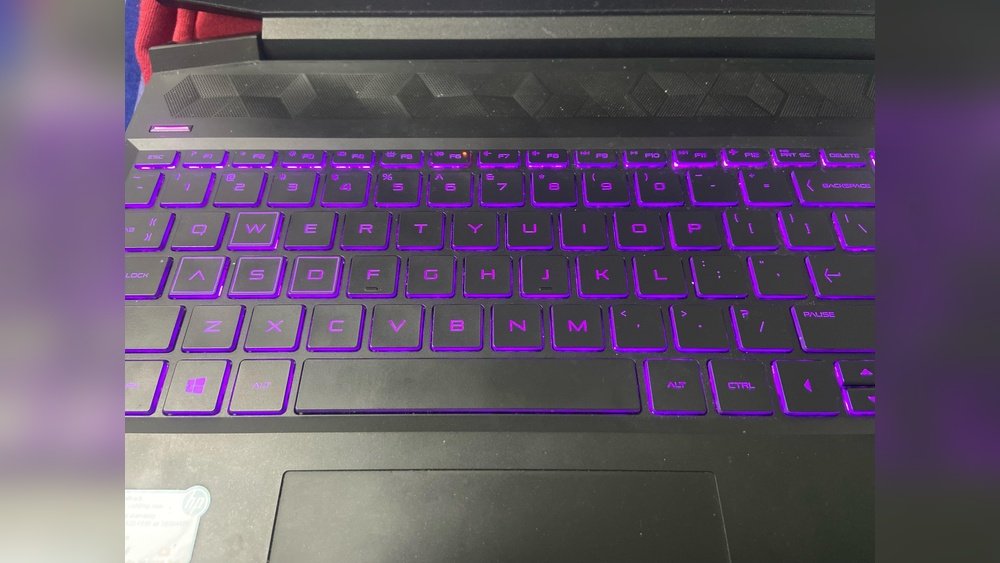
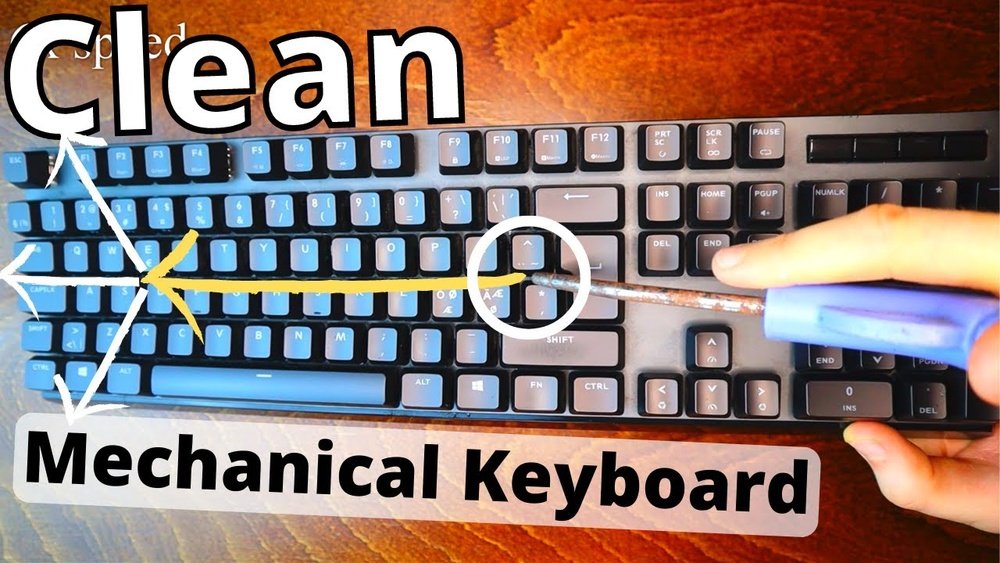
Keeping your keyboard clean is not just about looks—it’s also about health and performance. Over time, dust, crumbs, and oil from your fingers build up between and under the keys. This can lead to sticky keys, typing errors, and even spread germs. Many people clean the surface but forget the most important part: the keys …

Read more

Wireless Keyboard Cleaning: Easy Steps for a Germ-Free Workspace

Wireless Keyboard Cleaning

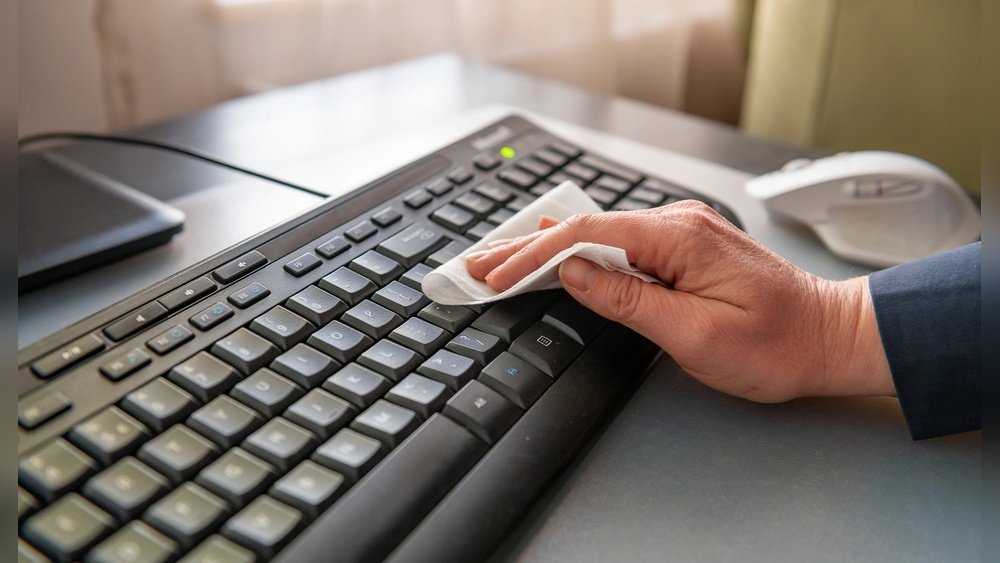
Keeping your wireless keyboard clean is much more than a matter of looks. Dust, food crumbs, and germs collect fast, making your workspace unhealthy and even causing typing mistakes or stuck keys. Many people worry about damaging their keyboard, especially because electronics and water do not mix. The good news is, with the right steps …

Read more

How to Clean Keyboard Properly: A Complete Step-by-Step Guide

How To Clean Under Keyboard

To clean a keyboard properly, disconnect it first, remove loose debris with gentle air or a soft brush, and wipe the key surfaces and case with a lightly dampened microfiber cloth. The safest method depends on the keyboard: removable mechanical keycaps can usually be cleaned separately, while laptop and many low-profile keys should stay in …

Read more

Keyboard Cleaning Tips: Keep Your Workspace Germ-Free and Fresh

Keeping your keyboard clean is more important than most people realize. Every day, your fingers touch the keys, bringing along dust, crumbs, and oils. Over time, this build-up can cause keys to stick, attract germs, and even shorten the life of your keyboard. Many people only clean their keyboards when something goes wrong, like a …

Read more

Optical Mouse Cleaning: Easy Steps for Peak Performance

Optical Mouse Cleaning

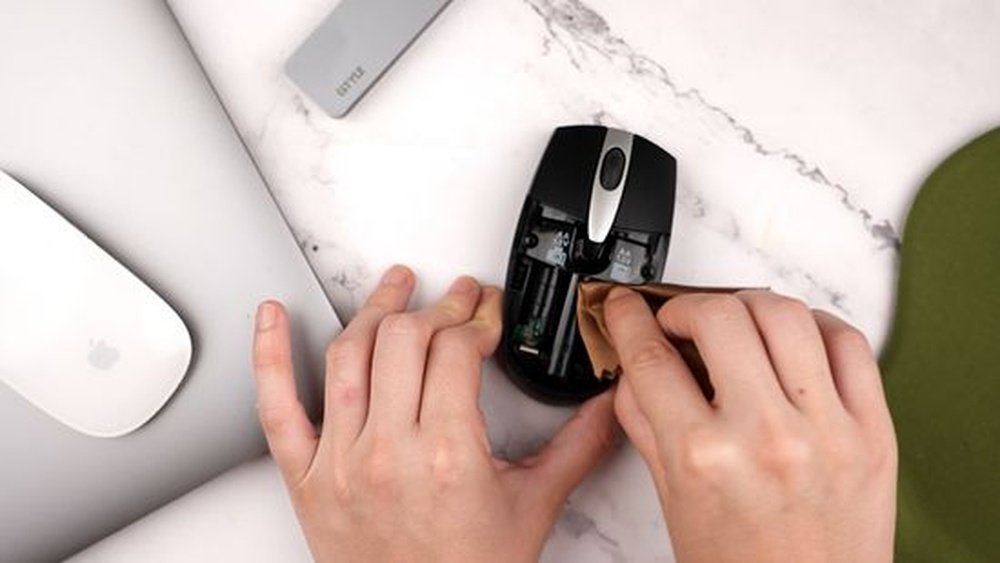
Optical mouse cleaning should focus on the exterior, button gaps, scroll wheel, feet, and sensor opening without pushing liquid or tools into the electronics. Power the mouse off first, use a clean lint-free cloth, and follow the manufacturer’s cleaning instructions when they specify a particular product or method. This guide covers whole-mouse maintenance. If your …

Read more

How to Disinfect Keyboard: Easy Steps for a Germ-Free Workspace

How To Disinfect Keyboard

Keyboards are one of the most-touched items in our daily life—at home, at work, in schools, and public places. Each time you type, your fingers transfer oils, sweat, and even germs to the keys. Over time, dust and crumbs slip between the keys too. Researchers have found that a typical computer keyboard can have more …

Read more

How to Fix Mouse Double Click Issue: A Complete Step-by-Step Guide

To fix a mouse double-click issue, first separate an operating-system setting from a failing button switch. If one physical click produces two activations across different apps and computers, the mouse hardware is the stronger suspect. If the behavior occurs only on one computer or only in a particular app, check software and settings before opening …

Read more

How to Fix Sticky Keys: Your Complete Guide to a Clean Keyboard

If you need to fix sticky keys, first determine whether the problem is physical or software-based. A key that feels gummy, returns slowly, or stays down points to debris, residue, or hardware damage. Modifier keys that behave as though they remain pressed can instead be caused by the Sticky Keys accessibility feature in Windows or …

Read more