
Choosing the right wireless headset for your office can feel overwhelming. With so many models and technologies, you might wonder: should you pick a DECT headset or a Bluetooth headset? Both options promise freedom from tangled cords and the ability to move around during calls, but they are built for different needs. Understanding the differences is key to making the right choice for your workspace, whether you work in a busy call center, a quiet private office, or from home.
This guide will break down the core differences, benefits, and limitations of DECT and Bluetooth headsets for office use. We’ll look at sound quality, range, security, battery life, compatibility, and real-world user experience. By the end, you’ll know which option truly suits your daily work style, and you’ll avoid common mistakes people make when buying their first wireless headset.
What Is A Dect Headset?
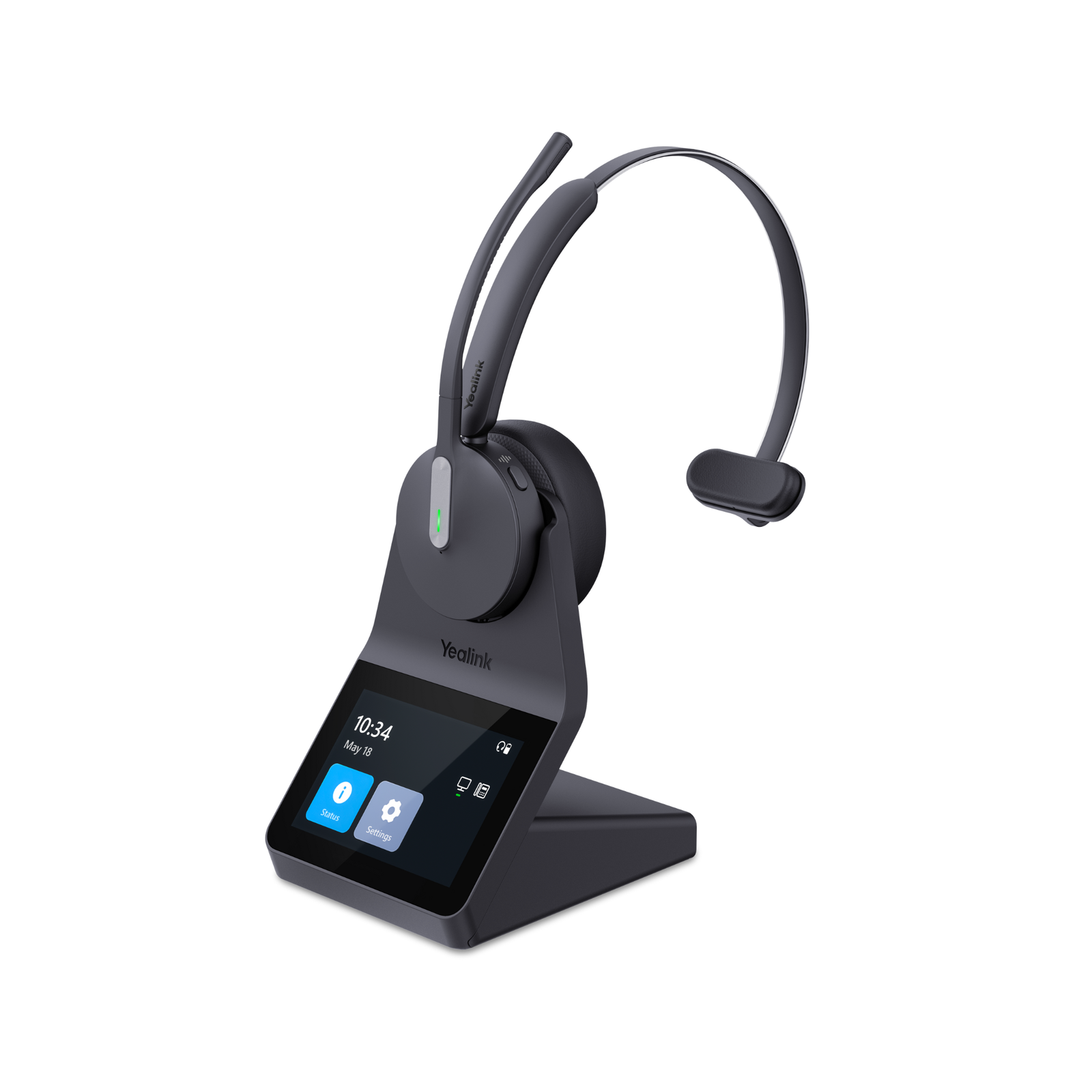
A DECT headset uses Digital Enhanced Cordless Telecommunications technology. This is a wireless standard built mainly for voice communication. DECT technology connects the headset to a base station, which is plugged into your computer or phone. The headset communicates with the base, not directly with your PC or mobile device.
DECT is widely used in office environments and call centers. It is known for its long wireless range, strong signal stability, and high call quality. Many professional office headsets use DECT because it is reliable, especially in spaces with many wireless devices.
What Is A Bluetooth Headset?
A Bluetooth headset uses the Bluetooth wireless protocol, which connects the headset directly to laptops, mobile phones, or tablets. Bluetooth is common in both personal electronics and office devices. It is designed for short-distance connections and is found in most smartphones, tablets, and modern computers.
Bluetooth headsets are popular because they are easy to pair, portable, and can switch between devices. However, they have some limits compared to DECT, especially in office situations with lots of wireless activity.
Credit: headsetadvisor.com
Comparing Dect And Bluetooth Headsets: Key Differences
Let’s dig into the most important differences office users care about.
Wireless Range
One of the first things people notice is the difference in wireless range. Here’s a quick comparison:
| Technology | Average Range (meters) | Maximum Range (meters) |
|---|---|---|
| DECT | 50–100 | Up to 180 (open space) |
| Bluetooth | 10–15 | Up to 30 (Class 1 devices) |
DECT headsets can cover a large office floor. You can walk to the printer, kitchen, or another room without dropping your call. Bluetooth headsets usually give you enough range for a desk or a small office, but the signal can drop if you move too far or have walls in between.
Non-obvious Insight
If your office is crowded with walls or metal objects, DECT’s range advantage becomes even bigger. Bluetooth signals are more likely to bounce or lose strength in these conditions.
Sound Quality And Stability
DECT was designed for voice clarity and stability. In a busy office with many wireless signals, DECT headsets usually keep the call clear and free of dropouts. They use a dedicated frequency band that is less crowded.
Bluetooth headsets can deliver good sound, especially for music and casual calls. However, in environments with many Bluetooth devices, signal interference can cause glitches or reduced call quality.
Practical Example
In a call center with 20 agents using wireless headsets, DECT models will perform more reliably. With Bluetooth, you may hear static or echo when several people use Bluetooth headsets nearby.
Security
Security is critical for business calls. DECT uses encryption built into its protocol, which means your voice data is protected from eavesdropping. Most modern DECT headsets use 64-bit or 128-bit encryption.
Bluetooth also uses encryption, but it has had more known security issues in the past. While Bluetooth security has improved, it may still be less robust than DECT, especially in older devices or when not set up correctly.
Non-obvious Insight
If you handle sensitive client information or work in finance, DECT’s security is a strong reason to choose it over Bluetooth.
Device Compatibility
Bluetooth is built into almost every modern device: PCs, Macs, tablets, and smartphones. This makes Bluetooth headsets highly flexible. You can use the same headset for your laptop, phone, or even your TV.
DECT headsets require a base station. They connect to desk phones, computers (with USB or analog cable), or VoIP systems. While this setup is great for office desks, you cannot connect a DECT headset directly to your smartphone without special adapters.
Practical Example
If you often take calls on your laptop, then switch to your mobile, a Bluetooth headset lets you do this easily. With DECT, you are tied to devices connected to the base station.
Battery Life
DECT headsets are designed for long office shifts. Many models offer 8 to 12 hours of talk time on a single charge. Some high-end versions last up to 20 hours.
Bluetooth headsets vary a lot. Small, music-focused models may last only 4–6 hours per charge. Larger office Bluetooth headsets can reach 10–15 hours, but usually not as long as DECT.
Non-obvious Insight
DECT headsets often include a charging stand, so you can “dock” the headset when not in use. This helps keep the battery full for the next day and reduces the risk of running out mid-call.
Call Management And Features
DECT office headsets often include call controls on the headset (answer, hang up, mute, volume) and can integrate with office phone systems. Some support advanced features like busy lights, remote answering, and conference call modes.
Bluetooth headsets also offer call controls and sometimes voice assistants. However, their features depend on the pairing device and the software used.
Practical Example
If your team uses Microsoft Teams or Cisco desk phones, DECT headsets can be set up for remote answering and call alerts. Bluetooth headsets may have limited integration, especially with older desk phones.
Price And Value
DECT headsets are usually more expensive than Bluetooth headsets. Expect to pay $150–$350 for a quality DECT headset with a base station. Bluetooth office headsets can range from $50 for basic models to $200 for advanced ones.
However, DECT’s extra cost often brings better call quality, longer battery, and professional support. For heavy office users, this can be a good investment.
Interference And Multi-user Environments
DECT uses its own frequency band (1. 8–1. 9 GHz in most countries), which reduces the risk of interference with Wi-Fi, Bluetooth, or microwave ovens. Offices with lots of wireless devices will see fewer conflicts using DECT.
Bluetooth shares its 2. 4 GHz frequency with Wi-Fi, mice, keyboards, and other devices. In a crowded office, Bluetooth headsets may suffer from interference, leading to dropped calls or static noise.
Common Buyer Mistake
Many people buy Bluetooth headsets for an open office, expecting them to work as well as at home. In reality, crowded wireless spaces can make Bluetooth headsets unreliable for important business calls.
Mobility And Use Case
Bluetooth headsets are light and designed for on-the-go use. You can take calls while commuting, walking, or traveling. DECT headsets are best for desk-based roles, where the user stays mostly within the office range.
If your work style is mobile, switching between car, office, and home, Bluetooth offers more flexibility. For team members who are always at their desk, DECT’s stability and range shine.
Summary Of Pros And Cons
Here’s a quick overview to help you remember the main differences:
| DECT Headset | Bluetooth Headset | |
|---|---|---|
| Range | Long (up to 180m) | Short (up to 30m) |
| Sound Quality | Very stable | Good, but can drop |
| Security | High (strong encryption) | Medium (varies by device) |
| Battery Life | Long (8–20 hours) | Varies (4–15 hours) |
| Compatibility | Desk phone/PC (with base) | Almost all devices |
| Price | Higher | Lower |
Choosing The Right Headset For Your Office
Let’s look at which situations are best for each technology.
When To Choose A Dect Headset
- You work in a large office or call center
- You need maximum wireless range to move around the office
- Your job involves long calls every day
- Security is a top priority (finance, legal, government)
- You use a desk phone or unified communications system
When To Choose A Bluetooth Headset
- You often switch between laptop, tablet, and mobile phone
- You travel or work in different locations
- Your office is small or you work from home
- You want a lower price or just basic call functions
- Music listening is also important
Hybrid Solutions
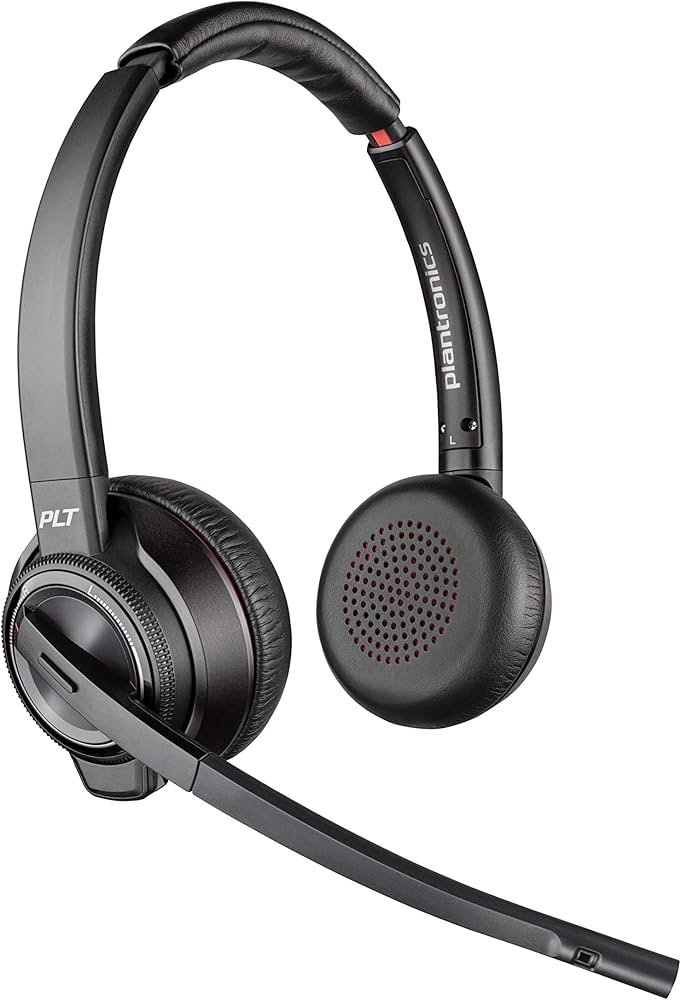
Some advanced headsets now offer both DECT and Bluetooth in one device. These hybrid models can connect to the base station at your desk but also pair with your smartphone. They are more expensive, but useful for managers or team leaders who need both flexibility and office-grade performance.
Credit: www.amazon.com
Real-world User Experiences
People who switched from Bluetooth to DECT in a busy office often report fewer dropped calls and better voice quality. For example, a support team leader in a 50-person office found that switching to DECT cut call issues by 70% and improved customer ratings.
However, solo professionals who work from a home office with a laptop and mobile phone usually prefer Bluetooth. They enjoy the ability to move between rooms or take calls while out shopping.
One mistake beginners make is not checking their device compatibility before buying. It’s important to check if your office phone system supports DECT or if your laptop has Bluetooth version 4. 0 or higher for best results.
Future Trends
DECT is evolving, with new versions supporting wideband audio and integration with cloud-based phone systems. Bluetooth is also improving, with Bluetooth 5. 0 offering better range and speed. Still, for the next 5 years, the main differences outlined above will remain important.
If you want to read about wireless headset technologies in detail, you can check the Wikipedia entry on wireless headsets.
Credit: www.simplyheadsets.com.au
Frequently Asked Questions
Is Dect Safer Than Bluetooth For Office Calls?
Yes, DECT headsets generally offer stronger security for business calls. They use a dedicated frequency and built-in encryption, which makes it harder for outsiders to listen in. Bluetooth is secure, but there have been more known attacks, especially on older devices.
Can I Use A Dect Headset With My Smartphone?
Not directly. DECT headsets connect to a base station, which usually plugs into a desk phone or computer. Some advanced models have Bluetooth built in, but standard DECT headsets do not connect to smartphones without an adapter.
How Do I Know If My Office Needs Dect Or Bluetooth?
Think about your office size, devices, and call needs. If you move around a lot or need stable calls in a large space, go with DECT. If you work alone or use many devices, Bluetooth is more flexible.
Are Bluetooth Headsets Good For Call Centers?
Usually not. Bluetooth headsets can work in small teams, but in large call centers, wireless interference can cause problems. DECT headsets are designed for these environments and perform better with many users.
What Is The Battery Life Difference Between Dect And Bluetooth Headsets?
DECT headsets usually last 8–20 hours per charge, designed for all-day use. Bluetooth headsets vary, but office models give 4–15 hours. Music-focused Bluetooth headsets may have even shorter battery life.
Choosing the best headset for your office is about matching your real daily needs—not just picking the latest technology. If you focus on your workspace, devices, and security needs, you’ll find the headset that truly supports your workday.
