
Ergonomics & Posture Accessories
Tips and product guides on ergonomic accessories, posture correctors, wrist rests, footrests, and tools to stay comfortable while working at your desk.
How to Clean Gel Wrist Rest: Easy Steps for a Fresh Desk
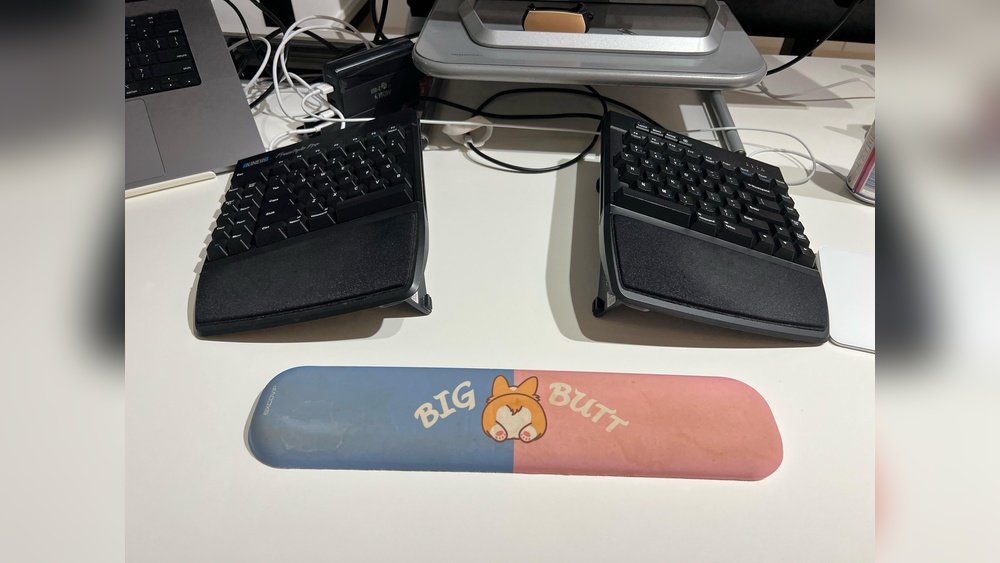
Cleaning your gel wrist rest may seem simple, but doing it right makes a big difference. These handy pads help your wrists feel comfortable while typing or using a mouse. Over time, oils from your skin, sweat, dust, and even food crumbs can build up on the surface. If you ignore this, your gel wrist …
How to Clean Rubber Wrist Rest: Easy Steps for a Fresh Look
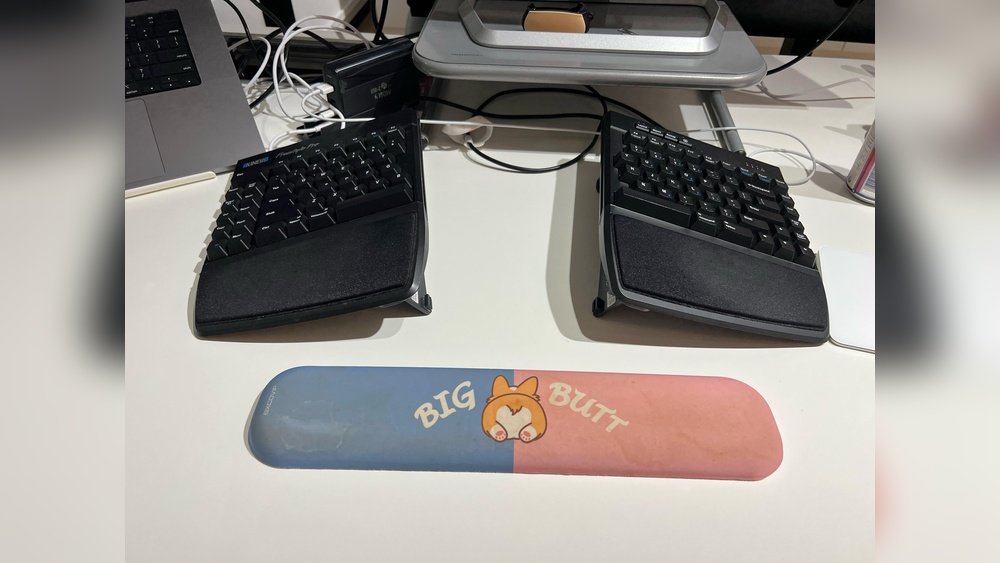
Keeping your workspace clean is about more than just looks. If you use a keyboard or mouse for long hours, you probably have a rubber wrist rest. Over time, these supports collect sweat, oil, dust, and even food crumbs. A dirty wrist rest not only feels unpleasant but can also become a breeding ground for …
Keyboard Wrist Rest How to Use: The Ultimate Ergonomic Guide
To use a keyboard wrist rest correctly, treat it as a support for pauses rather than a surface to press your wrists into while typing. OSHA recommends using a palm or wrist support to maintain a neutral posture and avoiding pressure on the sensitive underside of the wrist. The rest should work with your keyboard …
Do Seat Cushions Help Back Pain? A Complete Guide to Finding Relief
Seat cushions help back pain in specific situations — but not all situations, and not all cushions. The right cushion can relieve tailbone pressure, redistribute weight, and improve posture on a chair that’s nearly correct. The wrong cushion masks symptoms while the underlying setup stays broken. This guide explains which seat cushions actually help, which …
Footrest vs Stool Under Desk Difference: Which Is Best for You?
The main footrest vs stool under desk difference is function. A footrest supports your feet while you remain seated in your regular chair. A stool is a separate seat or perch that changes how you sit and usually requires more active balance. If your feet do not reach the floor comfortably after your chair is …
How to Reduce Neck Pain from Computer Use: An Expert Guide
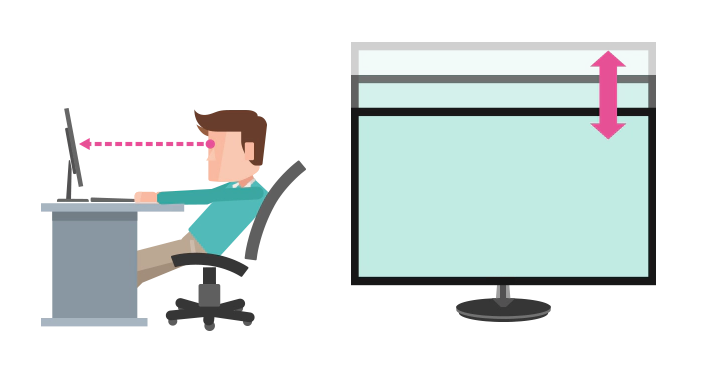
To reduce neck pain from computer use, start with the factors you can safely change: screen position, viewing distance, keyboard and mouse placement, chair fit, and how long you stay in one position. Computer-related neck discomfort is not always caused by one posture problem, and an ergonomic change cannot guarantee a medical cure. A useful …
The Ultimate Desk Ergonomics Checklist: A Guide to a Pain-Free Workspace
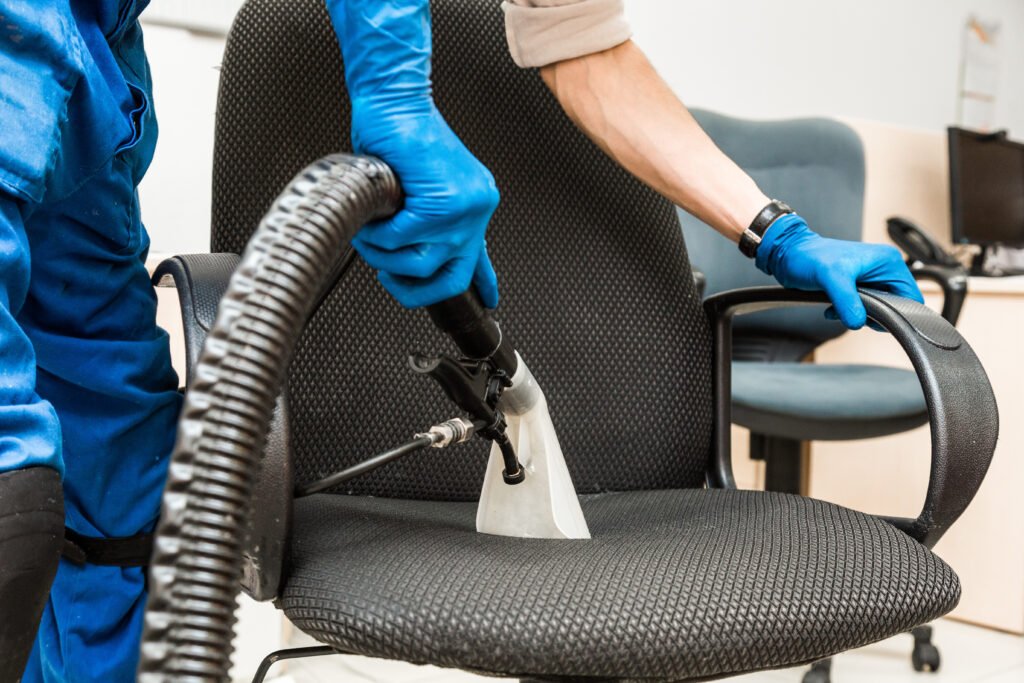
A desk ergonomics checklist should help you fit the workstation to the person using it, not force everyone into the same measurements. Start with the chair and feet, then check the keyboard and mouse, monitor, frequently used items, lighting, and your ability to change position during the day. Use the checklist below as a practical …
Ergonomic Chair vs Gaming Chair Difference: Which Is Best for You?
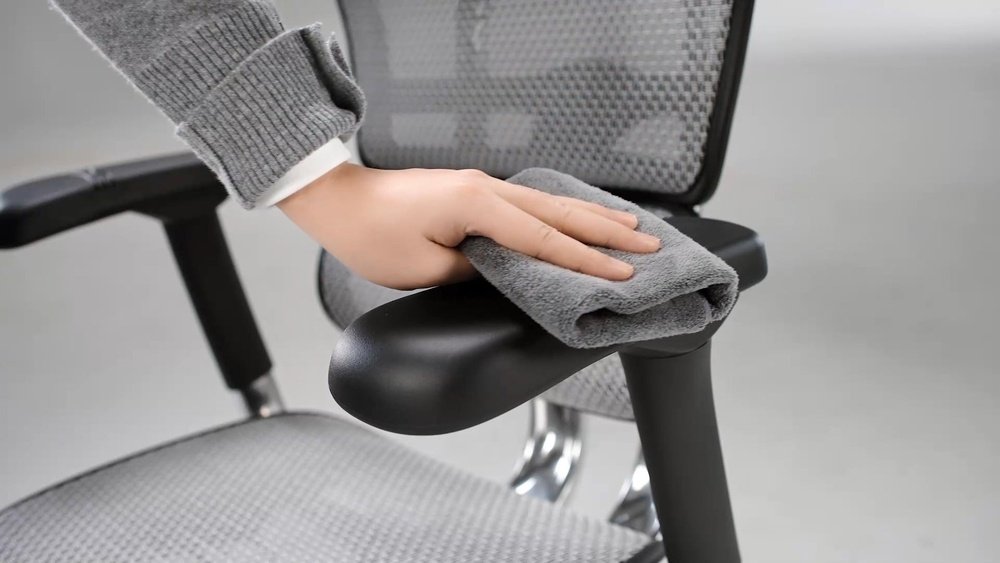
Ergonomic chairs and gaming chairs look similar from a distance — both have high backs, lumbar support, and adjustable parts. But their designs serve different bodies and different goals. Ergonomic chairs are built for long workdays and back health. Gaming chairs are built for visual appeal, racing-style aesthetics, and short bursts of intense use. This …