Signs of Bad Laptop Charger: How to Spot and Fix Issues Fast
Signs Of Bad Laptop Charger

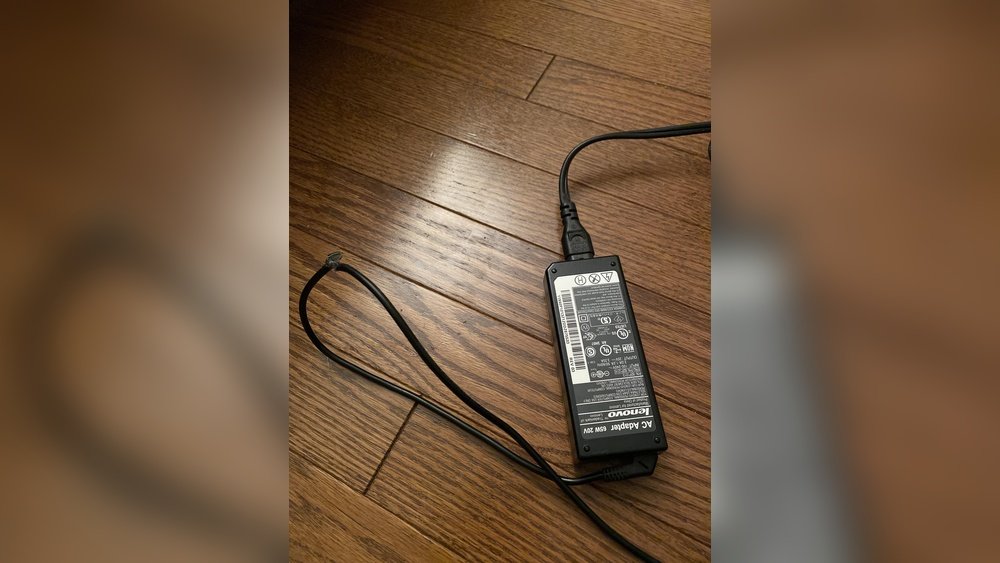
A laptop is only as reliable as its charger. Most users focus on the laptop itself, but the charger is just as important. If your charger fails, your device can become unusable in minutes. Worse, a bad charger can damage the laptop’s battery, mainboard, or even pose a safety risk. Yet, many people ignore the …
Read more

Usb C Docking Station Charging: Boost Your Workspace Efficiency

USB-C Docking Station Charging

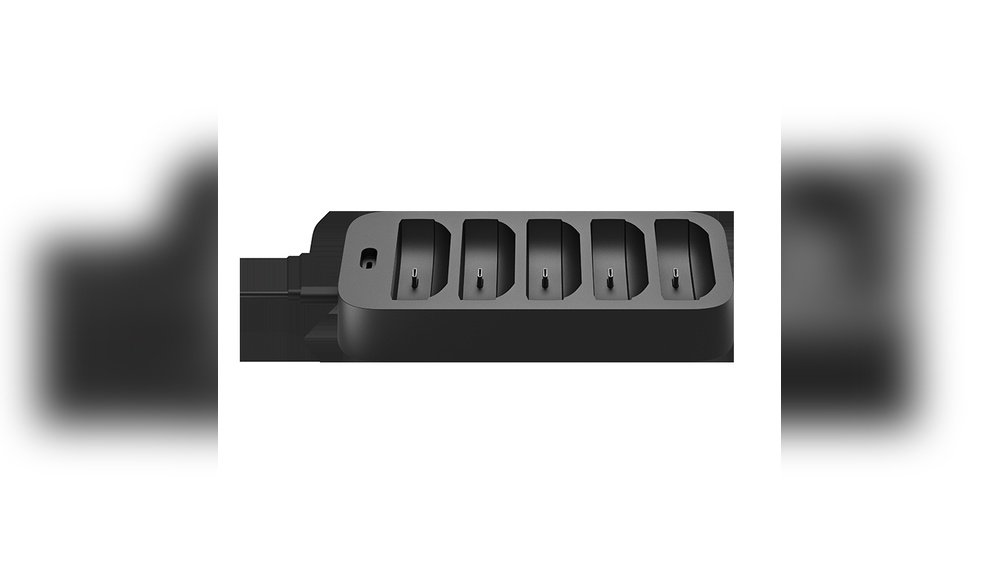
In today’s fast-moving digital world, more people work on laptops, tablets, and smartphones. These devices are thinner and lighter than ever. But many users quickly realize a challenge: not enough ports for their needs. Enter the USB C docking station—a simple tool that transforms a single port into a powerful workstation hub. One of its …

Read more

How to Charge Multiple Devices at Once: Ultimate Guide

Every day, we use more devices that need charging—smartphones, tablets, wireless earbuds, smartwatches, laptops, and even e-readers. At home, in the office, or while traveling, the need to charge multiple devices at once is a common challenge. You might have noticed your power outlets filling up fast, cords tangling, or some devices charging slowly. Many …

Read more

How to Remove Keycaps for Cleaning: Step-by-Step Guide

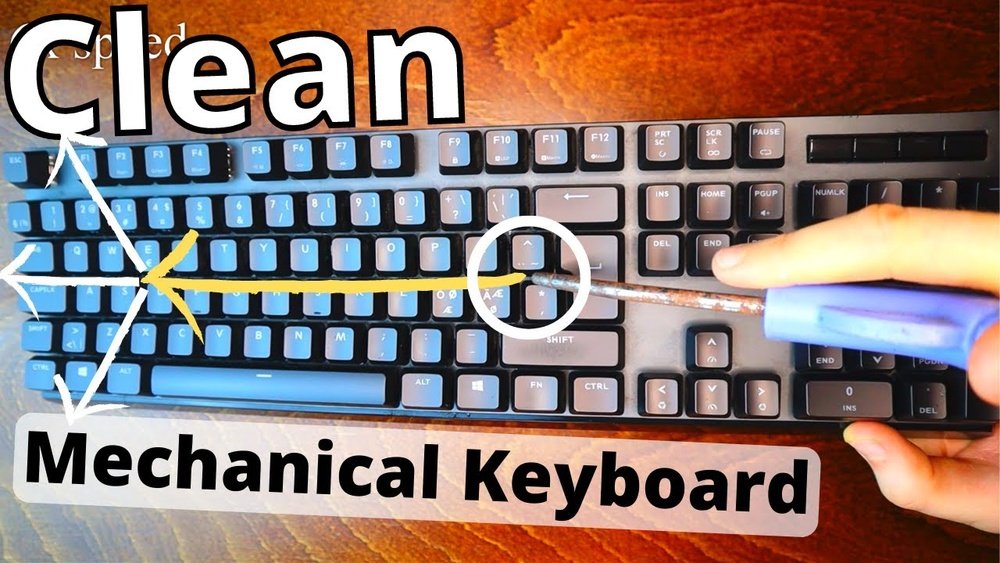
How To Remove Keycaps For Cleaning

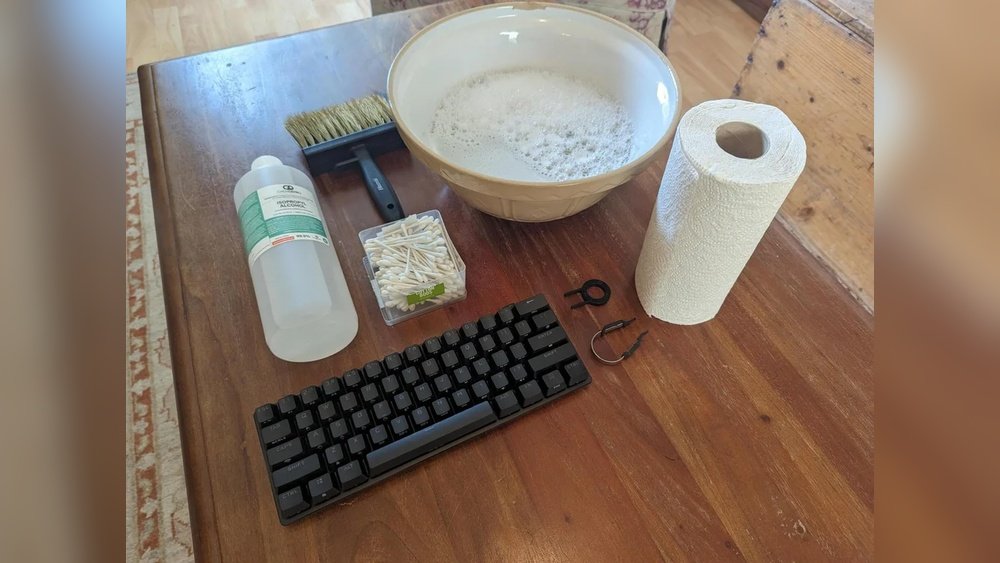
Removing keycaps can make a deep keyboard cleaning much easier, but it is not a universal procedure for every keyboard. The safest method depends on the keyboard design, the keycap mount, the stabilizers under larger keys, and whether the manufacturer expects the keys to be removable at all. For most desktop mechanical keyboards with removable …

Read more

How to Clean Trackball Mouse: Easy Steps for Peak Performance

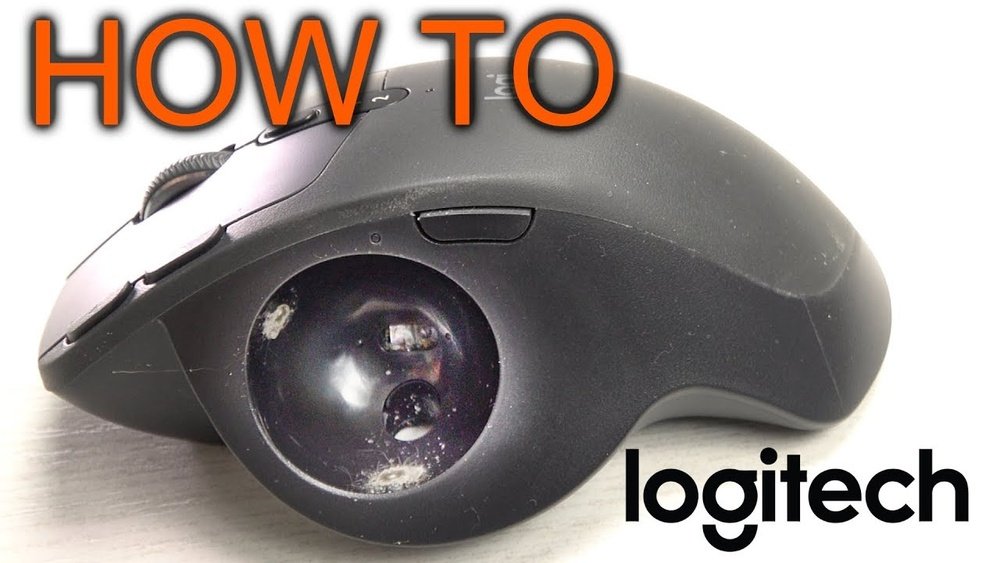
How To Clean Trackball Mouse

To clean a trackball mouse, turn it off or disconnect it, remove the ball only by the method documented for your model, wipe the ball with a clean lint-free cloth, and gently remove the compacted debris from the accessible support points inside the ball cavity. Reinstall the completely dry ball and test movement before doing …

Read more

How to Disinfect Office Chair: A Step-by-Step Cleaning Guide

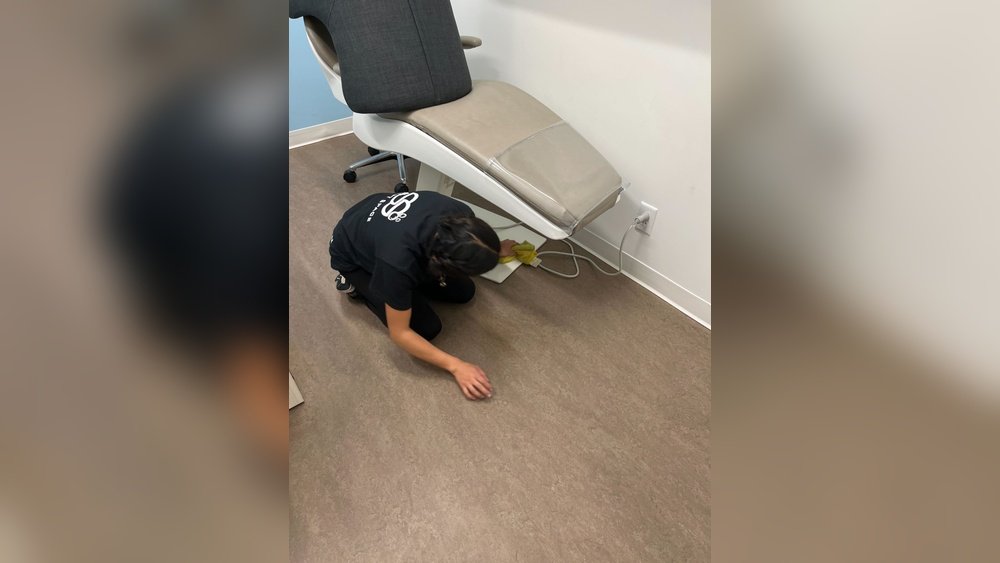
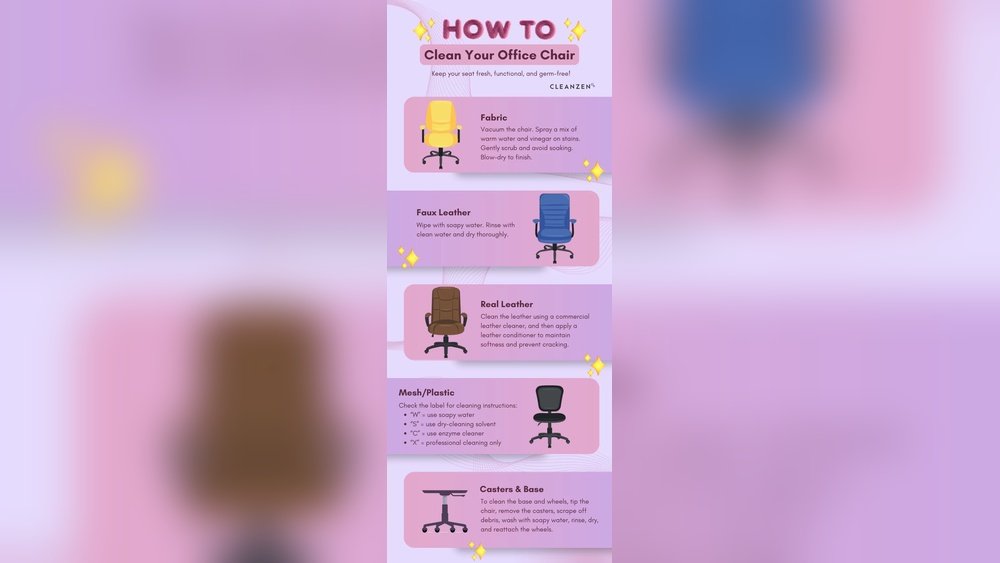
How To Disinfect Office Chair

Keeping your office chair clean is more than just a matter of appearance. A well-disinfected chair can help reduce germs, prevent illness, and create a healthier work environment. Many people spend hours every day sitting in their office chairs, touching the armrests, adjusting the seat, and sometimes even eating at their desks. All these habits …

Read more

How to Clean Keyboard Keys: Easy Steps for a Spotless Keyboard

How To Clean Keyboard Keys

Keeping your keyboard clean is not just about looks—it’s also about health and performance. Over time, dust, crumbs, and oil from your fingers build up between and under the keys. This can lead to sticky keys, typing errors, and even spread germs. Many people clean the surface but forget the most important part: the keys …

Read more

How to Clean Desk Fan Quickly for Dust-Free Air

How To Clean Desk Fan

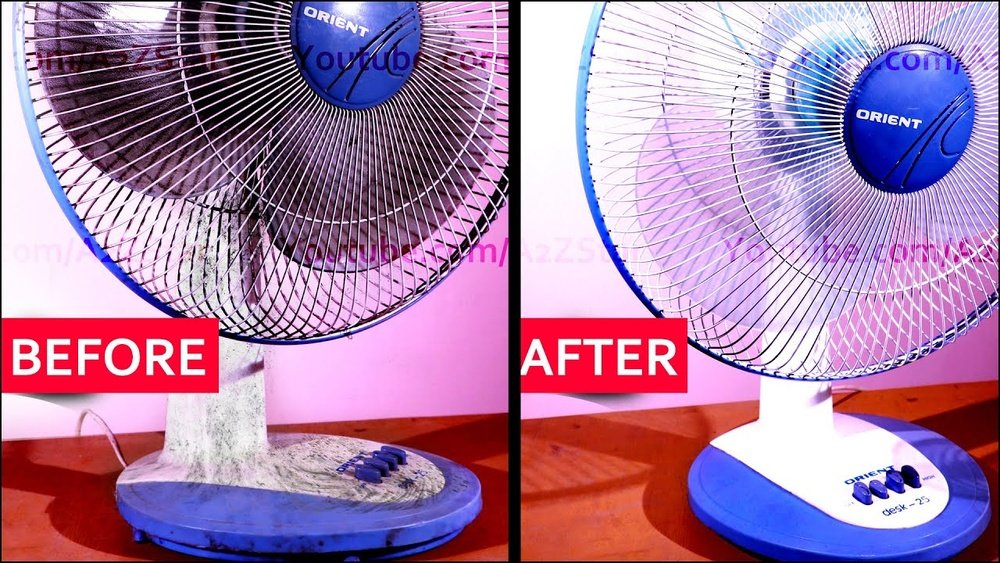
A clean desk fan does more than just move air. It helps you breathe better, keeps your workspace comfortable, and can even make your fan last longer. But many people ignore their fans, letting dust and dirt build up over time. This not only makes the fan work less effectively but can also spread dust …

Read more

How to Test UPS Battery: Simple Steps for Reliable Backup

How To Test UPS Battery

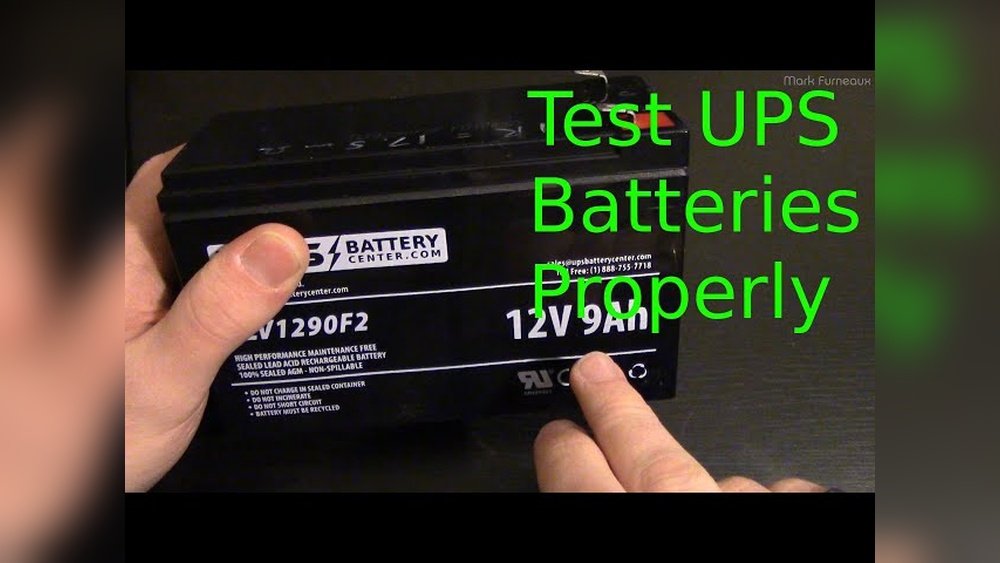
Testing a UPS (Uninterruptible Power Supply) battery is one of those tasks that seems simple but often reveals hidden problems. A UPS battery is your safety net during power outages—if it fails, you risk data loss or hardware damage. Many users just trust the “replace battery” warning light, but by then, it could be too …

Read more