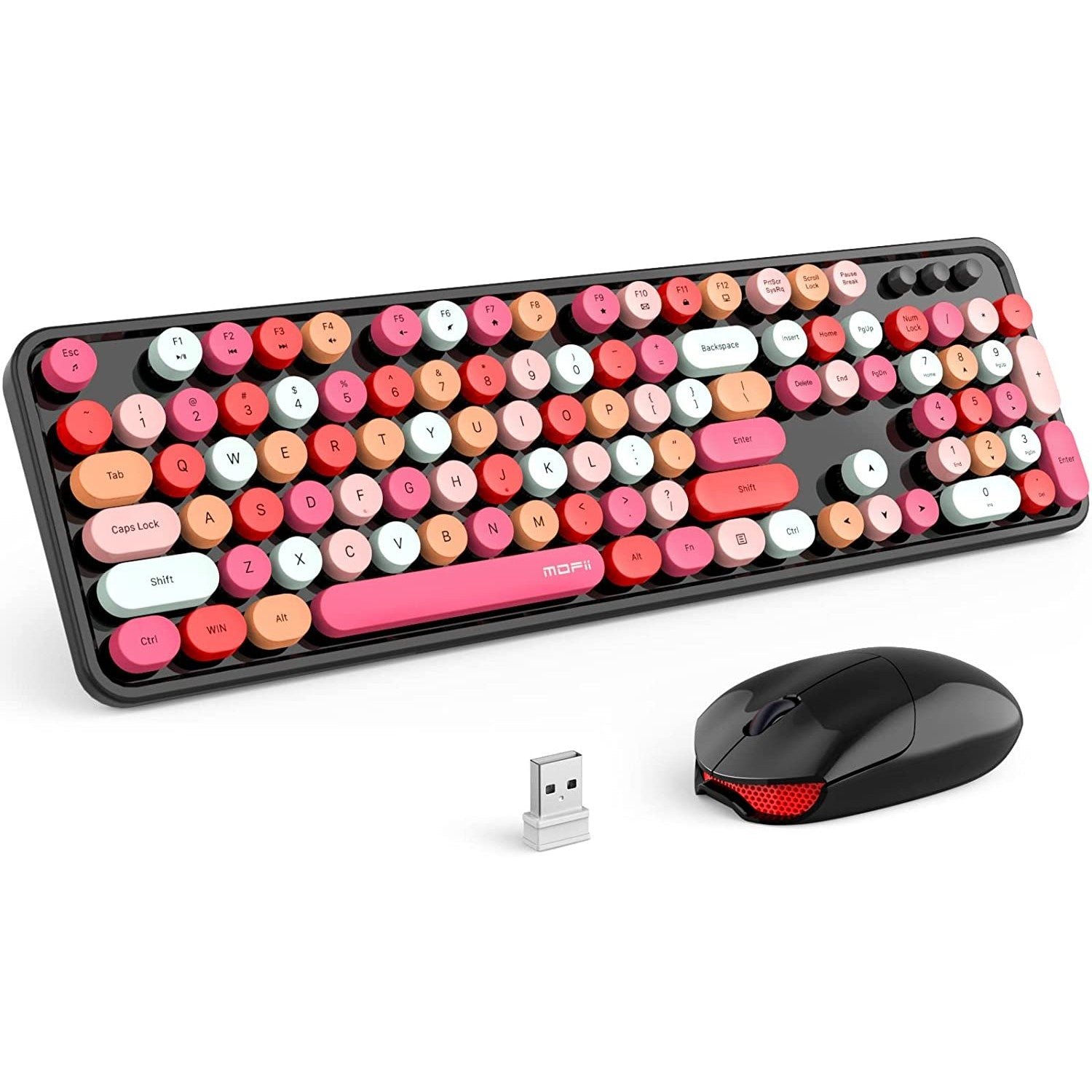
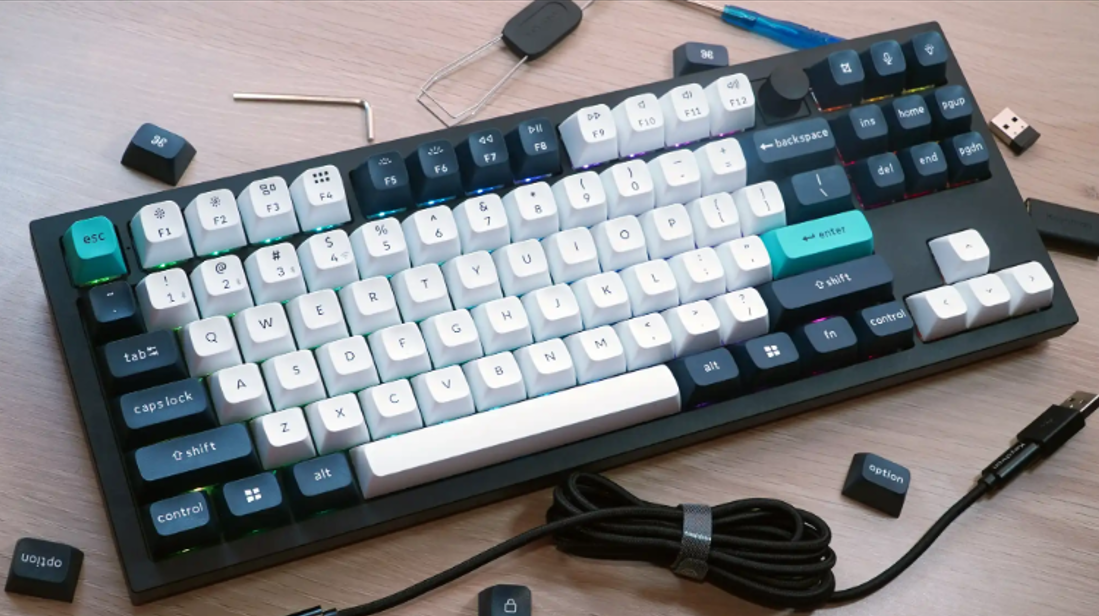
Keyboard Size 60 75 Tkl Full Explained

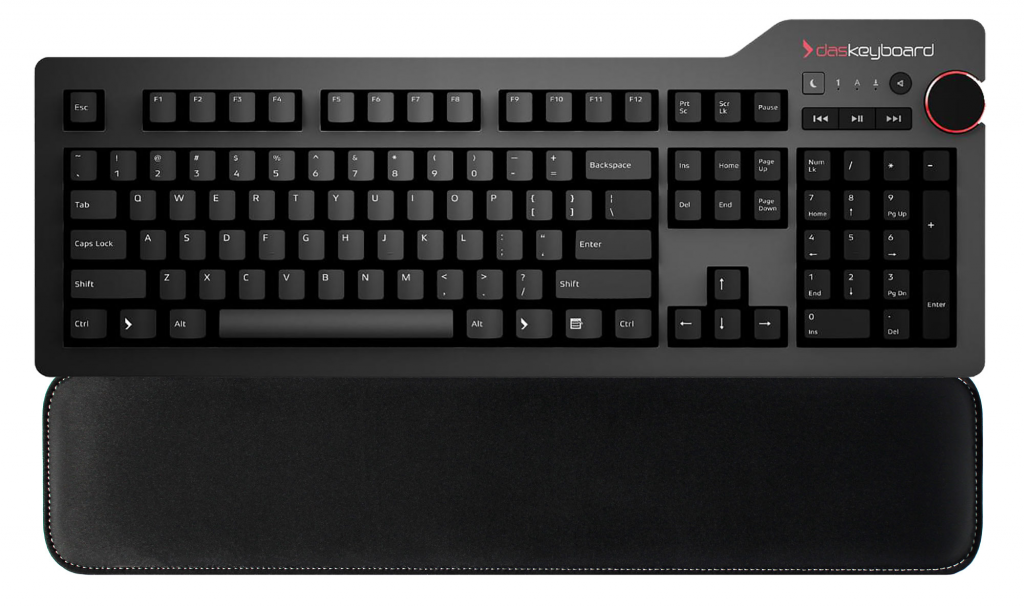
Keyboard sizes such as 60%, 75%, TKL, and full-size describe how much of the traditional keyboard layout is retained and how compactly the keys are arranged. The percentages are category labels rather than precise physical dimensions, so two keyboards in the same size class can still have different widths, key spacing, and layouts. For office …
Read more

Trackball Mouse Pros and Cons: Is It Right for You?

A trackball mouse moves the pointer by rotating a ball with your thumb or fingers while the device itself stays in place. That makes it useful on small desks and appealing to people who want a different pointing motion from a conventional mouse. It is not automatically more ergonomic, more accurate, or better for wrist …

Read more

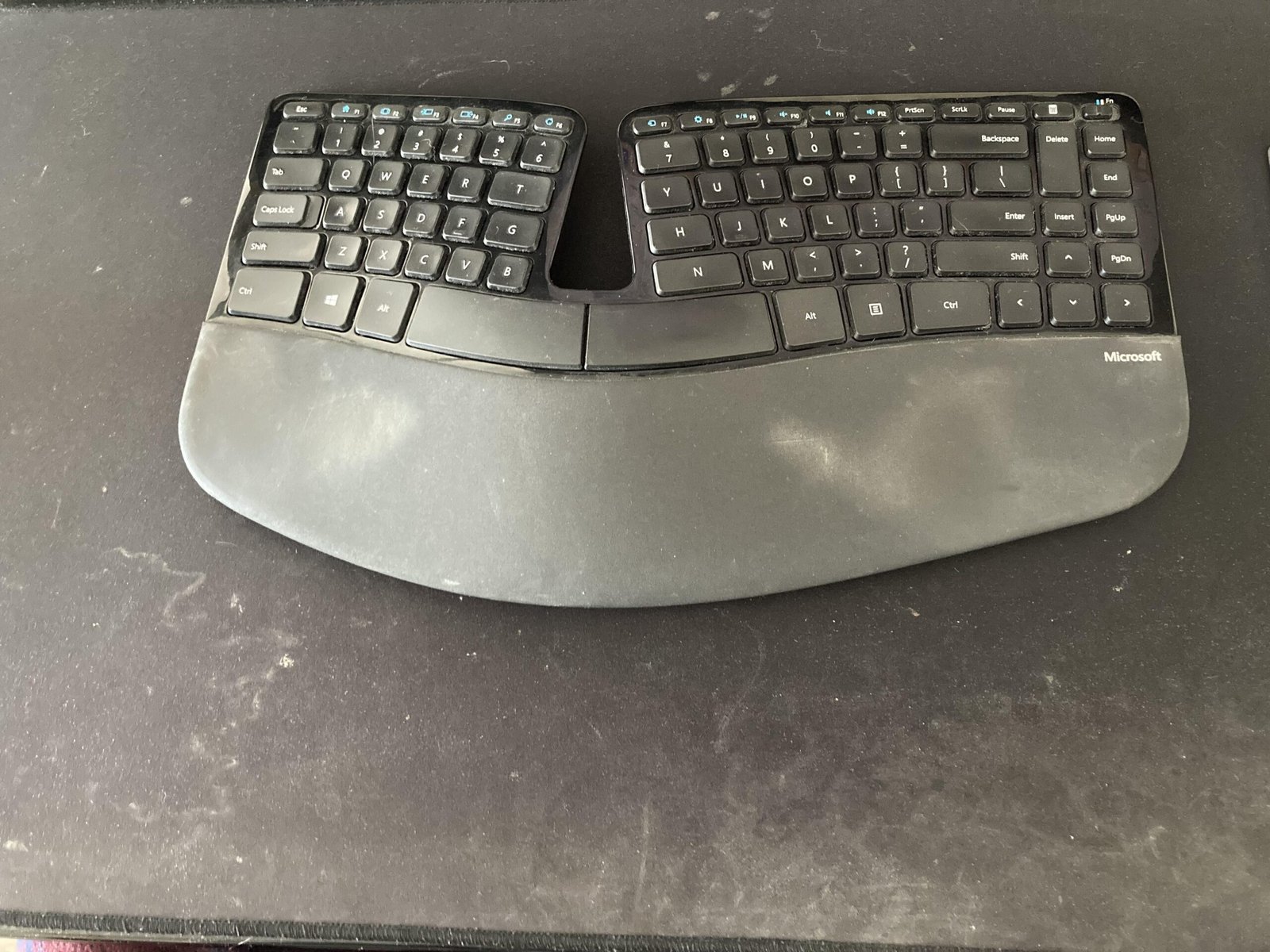
Navigating the Split Keyboard Learning Curve: Your Complete Guide

A split keyboard can feel awkward at first because it changes the position, angle, and sometimes the spacing of the keys your hands already know by habit. The learning curve is usually less about relearning how to type and more about adapting to a new hand position without chasing speed too early. The easiest transition …

Read more

Keyboard Wrist Rest Do You Need

Do you need a keyboard wrist rest? Not necessarily. A wrist or palm rest is an optional workstation accessory that can reduce contact with a hard desk edge during pauses, but it should not force your wrists upward, push the keyboard away, or become an anchor that you press into while typing. The decision depends …

Read more

How To Clean Mechanical Keyboard

To clean a mechanical keyboard, start with the least invasive method: disconnect power, remove loose debris with a soft brush or suitable air blower, and wipe exterior surfaces according to the keyboard manufacturer’s care instructions. Remove keycaps only when deeper cleaning is needed and the model supports normal keycap removal. The safest method depends on …

Read more

How to Reduce Wrist Pain From Typing: A Complete Guide for Relief

Wrist pain while typing is a signal to change the way your workstation and typing habits load your hands—not a condition that can be diagnosed from a keyboard alone. Start by reducing awkward wrist angles, keeping the keyboard and mouse close, using a light touch, and varying your posture and tasks during the day. Persistent …

Read more

How to Type Faster Without Pain: An Ergonomic Guide

To type faster without pain, build speed around comfortable technique rather than forcing a target words-per-minute number. Keep the keyboard and mouse positioned so your wrists can stay close to neutral, use only the force needed to activate the keys, practice accuracy before speed, and interrupt long periods of repetitive work with changes in activity …

Read more