
Smart Plug Schedule Timer: The Complete Guide
Imagine waking up to your coffee brewing automatically, your living room lights turning on just before sunset, and your devices shutting off when you leave for work—all without you lifting a finger. This is not a future dream. It’s what the smart plug schedule timer makes possible for millions of homes today. Smart plugs have become one of the easiest ways to start building a smart home, and their scheduling features unlock even more convenience, energy savings, and control.
If you’re curious about how these simple devices can transform your daily routine, reduce electricity bills, and make your home safer, you’re in the right place. This guide covers everything you need to know about smart plug schedule timers, from what they are and how they work to choosing the right one, setting up schedules, troubleshooting, and maximizing their benefits.
Whether you’re a tech beginner or a smart home enthusiast, you’ll find clear explanations, practical tips, and insights most people miss.
What Is A Smart Plug Schedule Timer?
A smart plug schedule timer is a feature found in many smart plugs that lets you set specific times for your plugged-in devices to turn on or off. Imagine a regular power outlet, but with a built-in brain you control from your phone or voice assistant. You plug your lamp, fan, heater, or any electronic device into the smart plug, and then use an app to create a schedule. The smart plug follows your instructions, switching power on and off at the exact times you choose.
Unlike traditional mechanical timers, smart plugs are much more flexible. You can set daily, weekly, or even custom schedules. Many let you control them remotely, or connect them to other smart devices for more advanced routines.
Key Features
- Remote control: Turn devices on/off from anywhere using your smartphone.
- Custom scheduling: Set multiple on/off times per day or week.
- Voice assistant integration: Control with Amazon Alexa, Google Assistant, or Apple HomeKit.
- Energy monitoring: Track power usage for each connected device.
- Random mode: Some can turn devices on/off randomly to make your home look occupied.
The smart plug schedule timer is ideal for people who want to automate their homes but don’t want to rewire or buy expensive systems. It’s a plug-and-play solution with lots of power.
Why Use A Smart Plug Schedule Timer?
Smart plug schedule timers are more than just a cool gadget. They offer real value for daily life. Here are some reasons people use them:
1. Energy Savings
Leaving devices on when they’re not needed wastes electricity. With a schedule timer, you make sure things like lights, fans, or heaters only run when necessary. According to the U. S. Department of Energy, standby power (devices left plugged in) can make up 5-10% of a household’s energy use.
Smart plugs help cut this down.
2. Convenience
Set schedules for coffee makers, lamps, or even holiday decorations. No more forgetting to turn something on or off.
3. Safety
Reduce fire risks by automatically shutting off devices like irons or space heaters. You can also use them to make your home look lived-in when you’re away by scheduling lights to turn on and off.
4. Routine Automation
Make mornings and evenings smoother by automating regular tasks. For example, turn on your humidifier at bedtime and off in the morning.
5. Elderly Or Mobility Aid
For people with limited mobility, smart plug timers remove the need to physically reach switches.
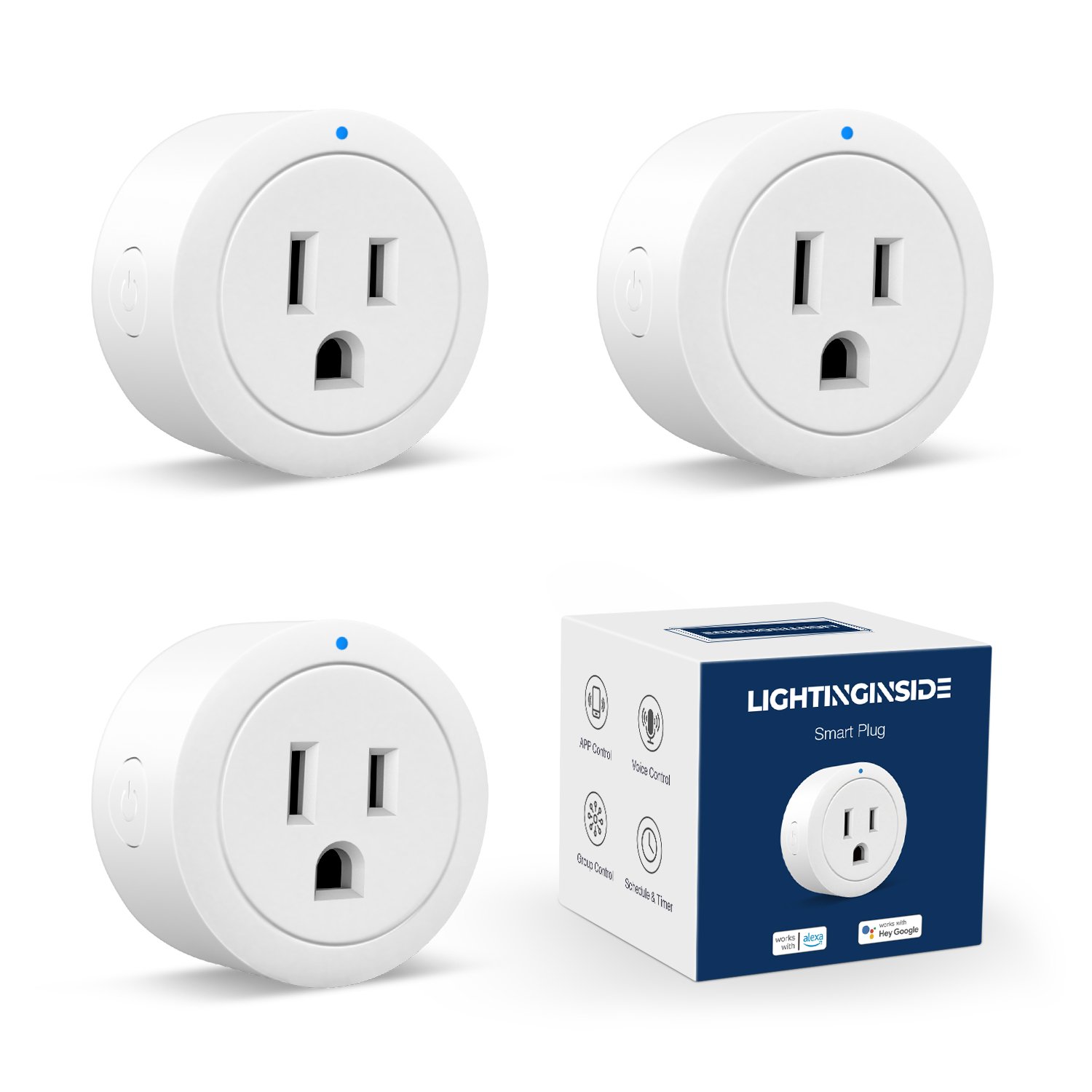
Non-obvious Insight: Compatibility Matters
Many beginners forget to check if their smart plug supports the power requirements of their devices. High-wattage appliances like air conditioners or space heaters may need heavy-duty smart plugs with higher amp ratings.
Credit: lightinginside.com
How Smart Plug Schedule Timers Work
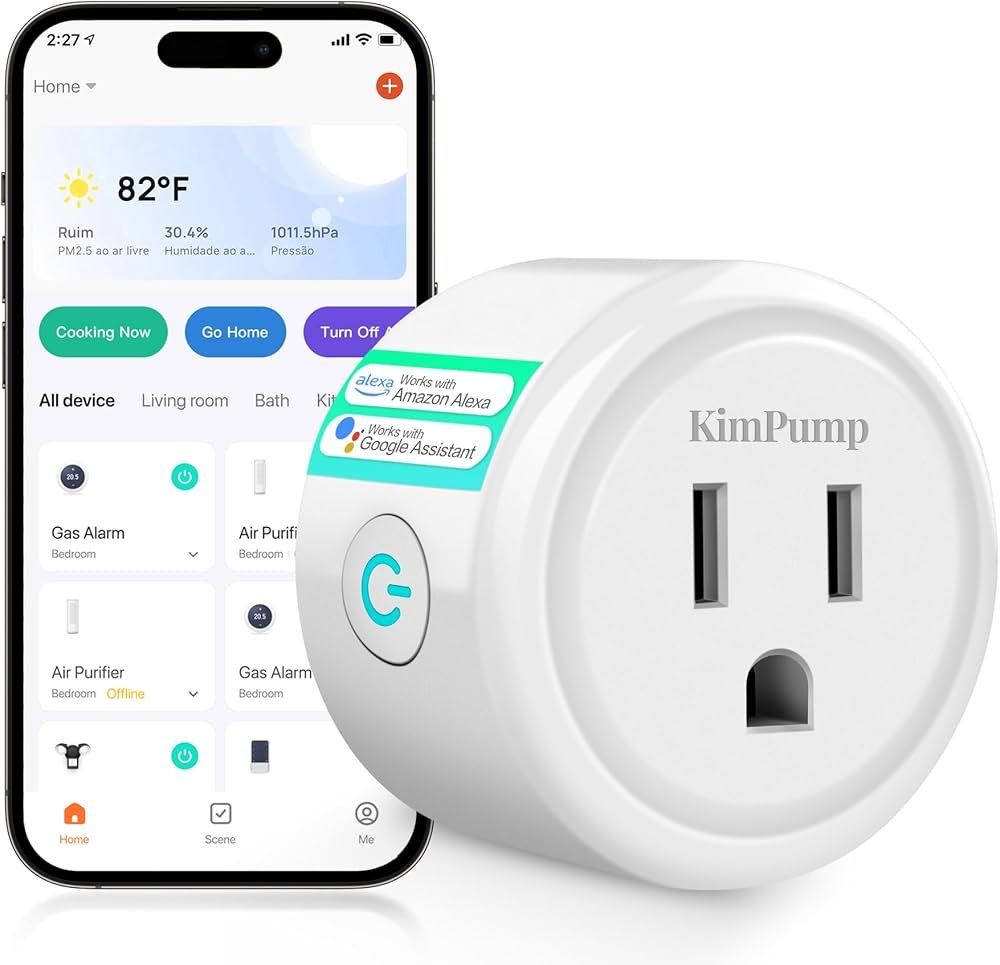
A smart plug is basically a small adapter that plugs into your regular wall outlet. It connects to your Wi-Fi network and is controlled by an app on your smartphone or tablet.
Here’s what happens step-by-step:
- Plug in your device (lamp, fan, coffee maker) into the smart plug.
- Connect the smart plug to Wi-Fi using the manufacturer’s app.
- Set a schedule in the app—choose the days and times you want the device to turn on or off.
- The smart plug follows your schedule, switching power on and off automatically.
Most smart plugs also allow for manual override, so you can turn devices on/off instantly from your app, even if they’re set to a schedule.
Some smart plugs also support “scenes” or “routines.” This means you can link several smart devices together (like turning on the hallway light and your coffee maker at 7:00 AM) for more complex automation.
Example: Scheduling A Lamp
Let’s say you want your living room lamp to turn on at sunset every day and off at 11 PM. In the smart plug app, you choose the lamp, set “on” at sunset (many apps can get your local sunset time automatically), and “off” at 11:00 PM. The plug handles the rest.
Advanced Feature: Away Mode
Some smart plugs include an Away Mode. This randomly turns your devices on and off during certain hours, making it look like someone is home. This is a simple but effective way to deter burglars when you’re traveling.
Choosing The Right Smart Plug Schedule Timer
Not all smart plugs are created equal. Here’s how to select the right one for your needs:
1. Power Rating
Check the maximum load (amps and watts) the smart plug supports. Standard smart plugs are fine for lamps and chargers, but heavy appliances (like heaters or AC units) need higher capacity.
2. App Compatibility
Some plugs work only with their own app, while others support major smart home platforms like Alexa, Google Assistant, or Apple HomeKit. Choose one that fits your existing setup.
3. Scheduling Features
Look for:
- Multiple on/off schedules per day
- Custom days (e.g., only weekdays)
- Sunrise/sunset triggers
- Random or “away” mode
4. Energy Monitoring
Some smart plugs can track how much electricity your devices use. This is useful if you want to reduce your energy bills or monitor specific devices.
5. Size And Design
Some smart plugs are bulky and block other outlets. Slim or compact models are better for crowded power strips or wall plates.
6. Outdoor Use
If you want to schedule garden lights or outdoor decorations, make sure the smart plug is weatherproof.
7. Price And Warranty
Price usually ranges from $10 to $30 per plug. Look for at least a one-year warranty.
Quick Comparison Of Popular Smart Plugs
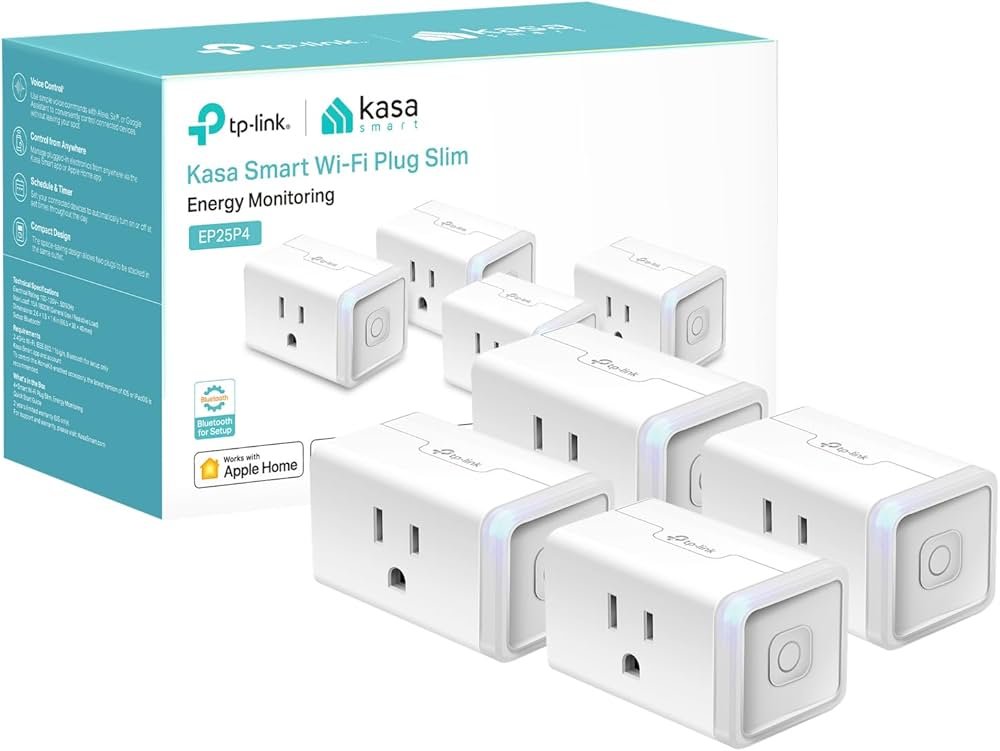
Here’s a side-by-side look at three top choices:
| Model | Max Load | Voice Assistant | Energy Monitoring | Outdoor Rated | Price (approx.) |
|---|---|---|---|---|---|
| TP-Link Kasa HS103 | 12A / 1,440W | Alexa, Google | No | No | $12 |
| Amazon Smart Plug | 15A / 1,800W | Alexa | No | No | $25 |
| Meross Outdoor Plug | 15A / 1,800W | Alexa, Google, HomeKit | No | Yes (IP44) | $30 |
Common Mistake: Ignoring Wi-fi Band
Many smart plugs only work on 2.4GHz Wi-Fi networks, not 5GHz. Some users get stuck during setup because their phone connects to a 5GHz network and the plug only sees 2.4GHz. Always check this before buying.
Credit: www.amazon.com
How To Set Up A Smart Plug Schedule Timer
Most smart plugs follow a similar setup process. Here’s a general guide:
- Plug in the smart plug to a working power outlet.
- Download the app specified by the smart plug brand (e.g., Kasa, Smart Life, Meross).
- Create an account if required.
- Add a new device in the app and follow the instructions to connect the plug to your home Wi-Fi.
- Name your device (e.g., “Living Room Lamp”) for easy identification.
- Set your schedule:
- Choose the device in the app.
- Go to the “Schedules” or “Timer” section.
- Select “Add schedule” or “Create schedule.”
- Set the times and days for the plug to turn on and off.
- Save your schedule.
Example: Setting Up A Weekday Routine
Suppose you want your desk lamp to turn on at 7:00 AM and off at 8:00 AM, Monday through Friday.
- In the app, select your plug.
- Set “on” time: 7:00 AM, repeat: Monday-Friday.
- Set “off” time: 8:00 AM, repeat: Monday-Friday.
- Save.
Your lamp will now automatically turn on and off at those times during the workweek.
Using Voice Assistants
If your plug supports Alexa or Google Assistant, you can also create schedules using voice commands or routines in their respective apps. For example, “Alexa, turn on the lamp at 7 AM every day. ”
Advanced Scheduling Features
Some smart plugs let you:
- Set countdown timers (e.g., turn off after 2 hours)
- Trigger on/off based on sunrise or sunset
- Link schedules to your phone’s location (geofencing)
- Create “scenes” that control multiple devices together
Real-world Uses For Smart Plug Schedule Timers
The true power of a smart plug schedule timer is in how it fits into your lifestyle. Here are practical ways people use them:
1. Automate Morning Routines
Plug your coffee maker into a smart plug. Schedule it to turn on 10 minutes before you wake up. Fresh coffee, no effort.
2. Control Lighting
Set your bedroom lamp to turn on at sunset and off at bedtime. This is especially helpful during winter months with shorter days.
3. Aquarium And Pet Care
Automate fish tank lights or reptile heating lamps. Pets get regular light cycles, and you don’t have to remember.
4. Home Security
Make it look like you’re home by scheduling living room lights to turn on randomly in the evening.
5. Energy Savings With Fans And Heaters
Use a schedule timer to run a fan or space heater only when you need it. Save on electricity and avoid overheating or overcooling rooms.
6. Holiday Decorations
No need to go outside in the cold. Set your Christmas lights or garden decorations to turn on at dusk and off at midnight.
7. Charge Devices Efficiently
Avoid overcharging your phone or laptop by setting a charging schedule (e.g., turn on for 2 hours overnight).
8. Air Purifiers And Humidifiers
Keep air quality devices running on a set schedule, so your home is always comfortable.
9. Elderly Care
Help elderly family members by automating lights, fans, or essential devices, reducing fall risks and making life easier.
10. Remote Control While Away
Traveling? Adjust schedules or turn off forgotten devices from your phone, anywhere in the world.
Common Problems And Troubleshooting Tips
While smart plug schedule timers are generally reliable, users sometimes run into problems. Here’s how to solve the most common issues:
1. Plug Not Connecting To Wi-fi
- Make sure your Wi-Fi is 2.4GHz (most smart plugs do not support 5GHz).
- Place the plug closer to your router during setup.
- Restart your router and try again.
2. Schedule Not Running
- Double-check the schedule in the app: Correct time, days, and AM/PM.
- Make sure your phone’s time zone matches the plug’s settings.
- Update the plug’s firmware if available.
3. Device Turns On/off At Wrong Times
- Check for daylight saving time settings.
- Ensure schedules are not overlapping or conflicting with other routines.
4. App Cannot Find The Plug
- Reset the smart plug (usually by holding the button for 5-10 seconds).
- Make sure you’re on the same Wi-Fi network.
- Restart the app.
5. Voice Assistant Not Working
- Re-link the plug with your voice assistant’s app.
- Make sure both the smart plug app and voice assistant app are updated.
Non-obvious Insight: Router Settings
Some routers have security features (like AP isolation) that can block smart plugs from connecting. If you’ve tried everything and it still won’t connect, check your router’s settings or try another network.
Advanced Tips For Getting The Most From Your Smart Plug Schedule Timer
Once you’re comfortable with basic schedules, there are many ways to take your automation further.
1. Use Location-based Automation
Some smart plug apps let you set schedules based on your location (geofencing). For example, your plug can turn off all devices when you leave home and turn them back on when you return.
2. Integrate With Other Smart Devices
Connect your smart plug to other devices, like sensors or smart speakers, for more powerful routines. For example, use a motion sensor to trigger a plug when someone enters the room.
3. Energy Monitoring And Reports
If your smart plug tracks energy usage, review the data monthly. Identify devices that use the most power and adjust their schedules to save money.
4. Vacation And Security Routines
Set up “away” routines that randomize your lights while you’re out of town. Some apps even let you control multiple plugs together for a more realistic effect.
5. Combine With Ifttt Or Home Automation Platforms
Platforms like IFTTT or Samsung SmartThings let you create custom automations. For example, turn on your garden fountain if the weather is sunny, or flash a lamp if you receive an urgent email.
Example Of An Advanced Routine
Suppose you want your aquarium lights to turn on at sunrise and off at sunset, but only if the temperature is above 18°C. You can link a smart plug with a temperature sensor and use a home automation platform to create this rule.
Are Smart Plug Schedule Timers Safe?
Safety is a common concern, especially when automating electrical devices. The good news is, most reputable smart plugs are certified by organizations like UL (Underwriters Laboratories) or ETL and include safety features like surge protection and thermal cutoff.
Safety Tips
- Do not exceed the smart plug’s maximum load.
- Only use outdoor-rated plugs outside.
- Keep plugs dry and away from flammable materials.
- Update firmware regularly for security patches.
Data Privacy
Smart plugs connect to the internet, so choose brands with good privacy policies. Use strong passwords for your Wi-Fi and app accounts.
Comparing Smart Plug Schedule Timers To Other Automation Options
How do smart plug schedule timers compare to other automation devices, like smart switches or smart bulbs? Here’s a quick look:
| Feature | Smart Plug | Smart Switch | Smart Bulb |
|---|---|---|---|
| Installation | Plug & Play | Requires wiring | Replace bulb |
| Device Types Controlled | Any plug-in device | Hardwired fixtures | Lights only |
| Portability | High | Low | Medium |
| Scheduling | Yes | Yes | Yes |
| Energy Monitoring | Some models | Rare | Some models |
| Price | Low | Medium/High | Medium |
A smart plug schedule timer is the easiest, most flexible way to automate plug-in devices without installing new wiring.
The Future Of Smart Plug Schedule Timers
As smart home technology advances, smart plug schedule timers are getting even smarter. Newer models are starting to support features like:
- Voice scheduling: Set schedules by speaking to your voice assistant.
- AI learning: Plugs that learn your habits and suggest schedules to save more energy.
- Integration with renewable energy: Plugs that turn on heavy devices when solar panels are producing extra power.
- Matter support: A new standard that will make smart plugs work with any brand or platform.
If you want to keep your smart home simple, affordable, and flexible, smart plug schedule timers are likely to remain a top choice for years to come.
For further reading on energy-efficient smart devices, see U.S. Department of Energy.
Frequently Asked Questions
What Devices Should I Avoid Using With A Smart Plug Schedule Timer?
Avoid plugging in high-power devices like air conditioners, refrigerators, or space heaters unless the smart plug is rated for high wattage (usually over 15A or 1,800W). Also, appliances that need to “remember” settings (like microwaves) may not work as expected when power is cycled.
Can I Set Different Schedules For Weekdays And Weekends?
Yes, most smart plug apps let you set multiple schedules and choose which days they apply. For example, you can have your lamp turn on earlier on weekdays and later on weekends.
Will A Smart Plug Schedule Timer Work Without Wi-fi?
Basic schedules are usually saved inside the plug, so they will continue working if your Wi-Fi goes down, as long as the plug is powered. However, you won’t be able to change schedules or control the plug remotely until Wi-Fi is restored.
Is It Safe To Leave A Smart Plug Running 24/7?
Yes, as long as you do not exceed the maximum load rating and use the smart plug as intended. Certified smart plugs include built-in safety features. Always check for UL, ETL, or similar certifications.
Can I Use A Smart Plug Schedule Timer With Power Strips?
You can plug a power strip into a smart plug, but the total load of all devices must stay below the plug’s rating. Never connect high-wattage devices together, and always use high-quality, certified power strips.
Smart plug schedule timers are a simple, affordable, and powerful way to automate your home. With the right device, a bit of planning, and attention to safety, you can enjoy more convenience, lower bills, and a touch of futuristic living—today.
Credit: www.amazon.com
Related Office Guides
Continue with these related workspace guides:
