
Keeping your office workstation clean is not just about looks. A tidy desk can help you feel more organized, stay healthier, and even boost productivity. In fact, studies show that a clean workspace can reduce stress and improve focus. Yet, many people overlook the importance of regular cleaning at work.
Dust, germs, and clutter can build up fast, especially on shared items like keyboards and phones. With a few smart habits and the right tools, you can keep your workstation clean and create a better environment for yourself and your coworkers.
Let’s explore practical office workstation cleaning tips you can use every day.
Why A Clean Workstation Matters
A clean workstation is about more than just tidiness. It affects your health, work quality, and even your mood. Most office surfaces, especially keyboards and phones, can have more bacteria than a toilet seat. According to a study by the University of Arizona, the average office desk harbors 400 times more germs than a toilet seat.
These germs can cause illness, which means more sick days and less productivity.
A messy desk can also make it harder to focus and find what you need. When your space is organized, you spend less time searching for documents or supplies. Plus, a neat area makes a good impression on visitors and coworkers.
Daily Cleaning Habits
The best way to keep your office workstation clean is to make it part of your daily routine. Spending just five minutes each day can prevent big messes later.
- Clear your desk at the end of each day. Put away papers, pens, and other items.
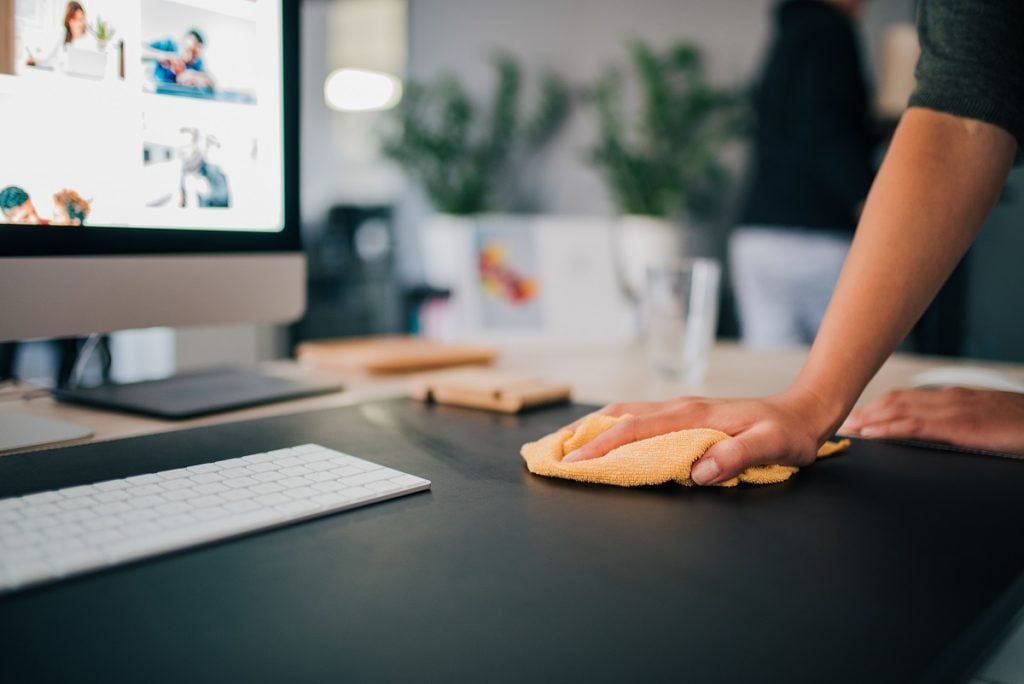
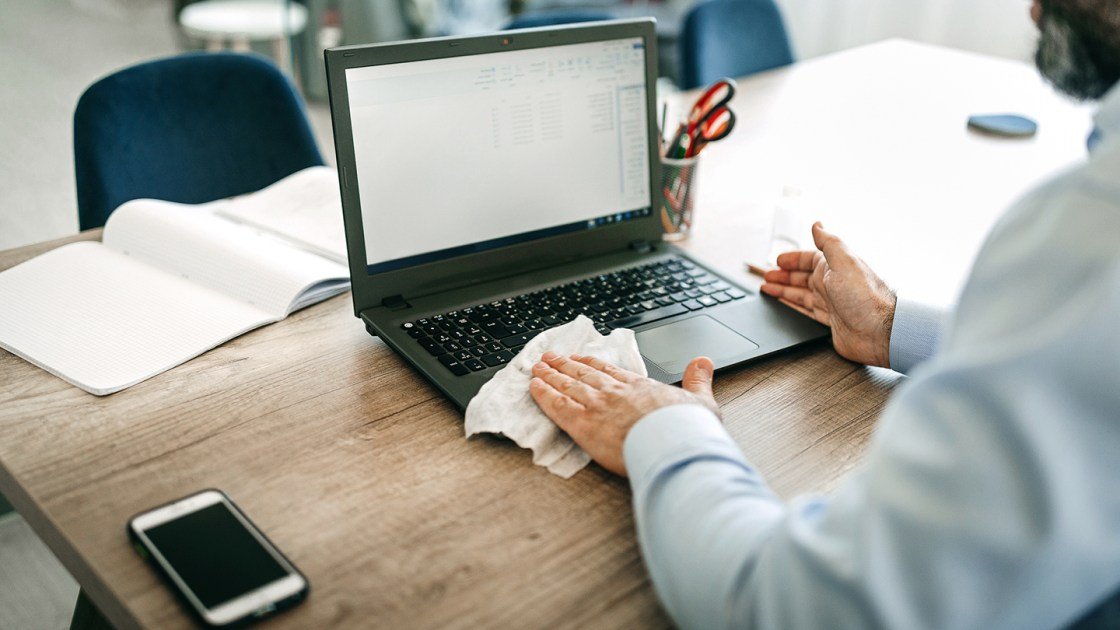
- Wipe surfaces with a disinfectant wipe or spray, focusing on areas you touch often.
- Empty trash every day to stop odors and bacteria.
- Organize supplies so everything has a place. This keeps clutter from building up.
- Check your keyboard and mouse for crumbs or dust.
These simple habits make a big difference over time. They also help you start each day with a fresh, organized space.
Weekly Deep Cleaning Steps
Some cleaning tasks should be done less often but more thoroughly. A weekly deep clean helps remove dirt and germs from places you might miss during daily cleaning.
Keyboard And Mouse
Keyboards can trap dust, crumbs, and germs. Turn your keyboard upside down and gently tap to remove debris. Use compressed air to blow out particles between keys. Wipe the surface with a disinfectant cloth, but avoid too much moisture.
For your mouse, unplug it or turn it off. Wipe it down with a disinfectant wipe, paying attention to buttons and the bottom. Dirt can make the mouse sticky or slow.
Monitor
Screens collect dust and fingerprints. Turn off your monitor before cleaning. Use a soft, dry microfiber cloth to remove dust. For smudges, lightly dampen the cloth with water or a special screen cleaner—never spray directly on the screen.
Phone And Headset
Phones are often touched but rarely cleaned. Wipe the receiver, buttons, and any touchscreens with a disinfectant wipe. For headsets, clean the earpads and microphone with a slightly damp cloth, and let them dry before using.
Desk And Chair
Wipe down your desk, especially corners and edges. For the chair, vacuum fabric seats or wipe leather surfaces. Check wheels and armrests for dust or hair.
Monthly Organization And Decluttering
Every month, take time to sort through your workspace. This prevents clutter from piling up and helps you work more efficiently.
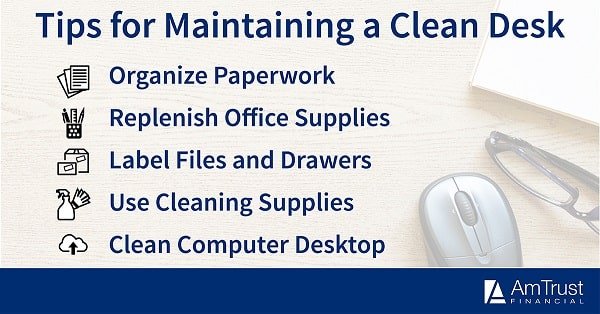
- Sort through files and papers. Shred or recycle what you don’t need.
- Check office supplies. Toss broken pens, old sticky notes, or empty markers.
- Organize digital files on your computer. Delete unused files and organize folders.
- Clean under and behind equipment where dust collects.
By making decluttering a habit, you keep your space clean and save time finding what you need.
Credit: www.in-tec.com.au
Cleaning Tools And Products
Having the right tools makes office cleaning easier and more effective. Here’s a comparison of common cleaning products and what they’re best for:
| Tool/Product | Best For | Notes |
|---|---|---|
| Microfiber cloth | Monitors, desks, phones | Lint-free, reusable |
| Disinfectant wipes | Keyboards, phones, mouse | Kills germs, fast drying |
| Compressed air | Keyboards, vents | Removes dust from tight spots |
| Screen cleaner | Monitors, tablets | Streak-free finish |
| Small vacuum | Chairs, floors, under desk | Removes crumbs, dust |
Using the right product for each surface prevents damage and ensures a thorough clean. Avoid using harsh chemicals on electronics and always follow manufacturer instructions.
Common Germ Hotspots In Workstations
Not all surfaces carry the same risk. Some parts of your workstation collect more germs than others. Knowing these hotspots helps you focus your cleaning efforts.
| Surface | Average Germs per Square Inch | Cleaning Frequency |
|---|---|---|
| Keyboard | 3,295 | Daily/Weekly |
| Phone | 25,127 | Daily |
| Desk Surface | 20,961 | Daily/Weekly |
| Mouse | 1,676 | Weekly |
| Chair Arms | Unknown (high) | Weekly |
Phones and desks are some of the dirtiest items in the office. Cleaning these areas more often reduces your risk of getting sick.
Tips For Shared Workstations
Many offices use shared desks or hot desking. This means more people touch the same surfaces, increasing the spread of germs. Here’s how to keep shared workstations clean:
- Wipe down all surfaces before and after use.
- Keep personal items in a bag or drawer, not on the desk.
- Use hand sanitizer before and after touching shared equipment.
- Clean keyboards and mice if you switch users.
- Don’t eat at shared desks, as crumbs attract pests and bacteria.
In shared spaces, good habits matter even more. Always leave the space as clean as you found it.
Handling Food And Drinks
Food and drinks are common in offices but can create mess and health risks. Coffee spills, crumbs, and sticky residues attract pests and bacteria.
- Eat in designated areas if possible, not at your desk.
- Clean up spills immediately to avoid stains and sticky surfaces.
- Wash mugs and dishes daily. Do not leave dirty items overnight.
- Throw away food wrappers and empty containers right after eating.
For those who must eat at their desk, use a tray or placemat to catch crumbs. This makes cleaning up faster and stops crumbs from getting into your keyboard.
Credit: www.wework.com
Managing Cables And Electronics
Cables can quickly become dusty and tangled, making cleaning harder. Proper cable management keeps your desk neat and reduces dust collection.
- Use cable organizers or clips to keep wires tidy.
- Unplug devices before cleaning to stay safe.
- Wipe cables with a dry or slightly damp cloth.
- Vacuum around power strips and behind your desk to remove dust.
A clean cable setup is not only safer but also looks more professional.
Cleaning Office Chairs
Office chairs are often forgotten in cleaning routines. Yet, they collect dust, sweat, and even food crumbs. A clean chair is more comfortable and lasts longer.
Fabric Chairs
- Vacuum weekly to remove dust and crumbs.
- Spot clean stains with a mild fabric cleaner.
- Check for loose screws or parts during cleaning.
Leather Or Vinyl Chairs
- Wipe with a damp cloth and mild soap.
- Dry thoroughly to prevent cracking.
- Use a leather conditioner every few months.
Taking care of your chair makes your whole workstation cleaner and more comfortable.
Credit: amtrustfinancial.com
Reducing Paper Clutter
Paper is one of the main sources of office mess. Too much paper makes cleaning harder and wastes time. Here are ways to cut down on paper clutter:
- Go digital whenever possible. Scan important documents and store them on your computer.
- Use labeled folders for papers you must keep.
- Recycle or shred old papers regularly.
- Handle mail immediately—file it, scan it, or discard it.
Reducing paper clutter frees up space and makes cleaning your workstation faster.
Setting A Cleaning Schedule
Consistency is key to a clean workstation. Set a regular schedule for different cleaning tasks. Here’s a sample:
| Task | Frequency |
|---|---|
| Wipe desk, phone, mouse, keyboard | Daily |
| Deep clean keyboard and monitor | Weekly |
| Vacuum chair and floor | Weekly |
| Declutter papers and supplies | Monthly |
| Check under/behind equipment | Monthly |
Customize this schedule to fit your needs. Setting reminders can help you stay on track.
Non-obvious Cleaning Insights
Many people forget about areas like under the desk, the bottom of chairs, and ventilation grilles. Dust in these places can affect air quality and cause allergies. Also, never spray cleaning liquids directly onto electronics—always apply them to a cloth first.
Another tip: use color-coded cloths for different surfaces (for example, blue for screens, yellow for desks). This prevents spreading germs from one area to another.
When To Call Professional Cleaners
Sometimes, regular cleaning is not enough. If you notice mold, heavy dust, or persistent odors, it may be time to call professionals. They have the right equipment to deep clean carpets, vents, and upholstery. This is especially important after illnesses have spread in the office or during seasonal deep cleans.
Building Long-term Habits
A clean workstation is not a one-time project. It’s a daily practice. Encourage your coworkers to join in. Post cleaning reminders, share supplies, or set up a cleaning rotation for shared spaces. Over time, these habits become second nature, making your office healthier and more productive.
For more information about healthy office habits, you can visit the CDC’s guide on office environments.
Frequently Asked Questions
How Often Should I Clean My Keyboard And Mouse?
You should clean your keyboard and mouse at least once a week, but daily if you share your workstation or eat at your desk. Keyboards can collect germs quickly, so regular cleaning helps keep you healthy.
What Is The Safest Way To Clean A Computer Monitor?
Turn off your monitor first. Use a microfiber cloth slightly dampened with water or a screen-safe cleaner. Never spray liquid directly on the screen, as this can cause damage.
Are Disinfectant Wipes Safe For Electronics?
Most disinfectant wipes are safe for plastic and metal surfaces, like keyboards and phones. However, avoid wipes with bleach or too much moisture on screens. Always check manufacturer guidelines.
What Should I Do If I Spill Coffee On My Desk?
Act quickly. Blot up the spill with a paper towel, then wipe the area with a damp cloth. If any liquid got into your keyboard or electronics, unplug them and let them dry completely before using.
How Can I Get My Coworkers To Help Keep The Office Clean?
Set up cleaning guidelines and share them with your team. Provide cleaning supplies and encourage everyone to tidy up after themselves. Regular reminders and teamwork make cleaning easier for all.
A clean office workstation is more than a nice-to-have—it’s essential for good health, clear thinking, and professional success. With a mix of daily habits, the right tools, and smart organization, anyone can keep their workspace in top shape. Start small, stay consistent, and enjoy the benefits of a cleaner, happier work environment.
Related Office Guides
Continue with these related workspace guides:
