
Foam ear pads make headphones comfortable, but they also collect sweat, oil, dust, and bacteria. If you use your headphones daily, you’ve probably noticed the foam pads start to smell or feel dirty after a while. Cleaning them is important—not just for hygiene, but also for better sound quality and longer pad life.
Many people worry about damaging foam pads or making them harder to reattach. With the right method, you can safely clean foam ear pads and restore freshness without risk.
Why Clean Foam Ear Pads?
Foam ear pads are soft and porous. This means they absorb sweat, skin oils, and dust. Over time, this buildup creates odors and can even cause skin irritation or acne around your ears. Dirty pads also trap bacteria, which may affect your health.
If you notice your headphones sound muffled, dirt in the pads could be blocking the speaker. Cleaning foam pads regularly helps prevent these problems.
Recent studies show headphone pads can harbor up to 2,000 bacteria per square inch if not cleaned for a month. Keeping them clean reduces risk of skin infection and allergies. Clean pads also last longer, saving you money.
Preparing To Clean Foam Ear Pads
Before you start, gather your supplies. You’ll need:
- Mild liquid soap or baby shampoo
- Lukewarm water
- A soft cloth or microfiber towel
- A small bowl
- Cotton swabs (optional)
- Paper towels
Check your headphone manual first. Some brands have special cleaning instructions. Avoid harsh chemicals or alcohol—they can damage the foam.
Removing The Foam Pads
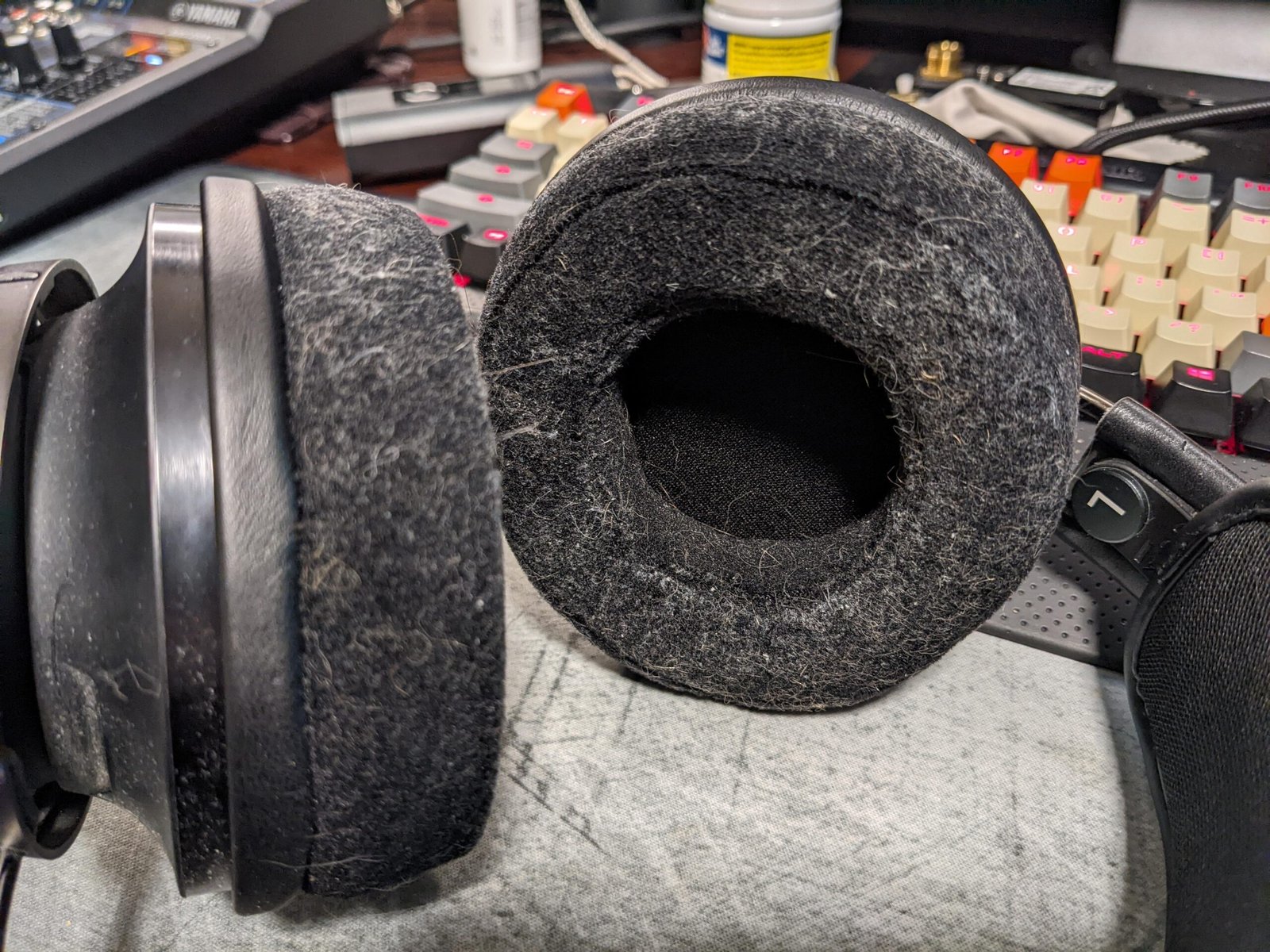
Most foam ear pads are easy to remove. Gently pull them off the headphone speakers. If they seem stuck, look for small clips or grooves. Do not force them; you might tear the foam. If you’re unsure, search for your headphone model’s pad removal guide online.
Credit: www.reddit.com
Step-by-step Cleaning Process
Follow these steps to clean your foam ear pads safely:
1. Prepare The Cleaning Solution
Fill the bowl with lukewarm water—about 1 cup. Add a few drops of mild soap. Stir until you see bubbles. Avoid hot water; it can warp or shrink the foam.
2. Soak The Pads
Place the foam pads in the soapy water. Let them soak for 2–3 minutes. This loosens sweat, dirt, and oils. Do not leave them for longer than 5 minutes, as foam can absorb too much water and take longer to dry.
3. Gently Clean
Use your fingers to lightly squeeze and rub the foam pads. Focus on areas with visible dirt. For stubborn spots, use a soft cloth or a cotton swab. Never scrub hard; this can tear or deform the foam.
4. Rinse Thoroughly
Remove the pads and rinse them under cool running water. Gently squeeze to remove soap. Keep rinsing until water runs clear and no bubbles remain.
5. Remove Excess Water
Place the pads on a clean towel. Press gently to absorb water. Do not twist or wring; foam can lose its shape.
6. Air Dry Completely
Leave the pads in a well-ventilated area. Avoid direct sunlight or heat sources. Foam needs 12–24 hours to dry fully. Make sure they are completely dry before reattaching to your headphones.
Common Mistakes To Avoid
Many people damage their foam pads by making simple mistakes. Here are some to watch for:
- Using hot water: This can shrink or warp the foam.
- Scrubbing with brushes: Brushes tear the foam and create holes.
- Using alcohol or bleach: These chemicals break down foam cells.
- Drying with a hair dryer: Heat melts foam or changes its shape.
- Reattaching pads when damp: Moisture trapped inside can cause mold.
If you avoid these mistakes, your pads will stay comfortable and last longer.
How Often Should You Clean Foam Ear Pads?
The cleaning frequency depends on how you use your headphones. Here’s a simple guide:
| Usage Type | Recommended Cleaning Interval |
|---|---|
| Daily (1+ hours/day) | Every 2 weeks |
| Occasional (few hours/week) | Every month |
| Workout/Sports | Weekly |
| Shared/Office use | Weekly |
If you sweat a lot or use headphones outdoors, clean more often. For light use, monthly cleaning is enough.
Comparing Cleaning Methods
Different cleaning methods exist. Each has pros and cons. Here’s a comparison:
| Method | Effectiveness | Risk Level | Drying Time |
|---|---|---|---|
| Hand Wash (Soapy Water) | High | Low | 12–24 hours |
| Wet Wipes | Medium | Low | 1–2 hours |
| Alcohol Spray | Low | High (damages foam) | 1 hour |
| Ultrasonic Cleaner | High | Medium (possible foam damage) | 12–24 hours |
Hand washing is safest and most effective for foam pads. Wet wipes are fast but don’t remove deep dirt. Alcohol and ultrasonic cleaners can damage foam if not used carefully.
Credit: www.wikihow.com
Practical Tips For Keeping Foam Ear Pads Clean
To keep foam pads fresh longer, follow these tips:
- Wash your hands before using headphones.
- Store headphones in a clean, dry case.
- Avoid wearing headphones with wet hair.
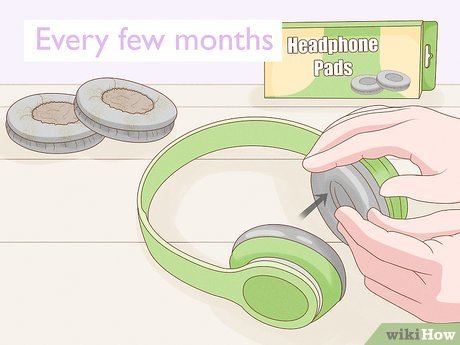
- Replace pads every 6–12 months for best hygiene.
- Use headphone covers if you share them with others.
- Clean pads more often if you have skin allergies.
Many people overlook headphone storage. Storing in a humid place can cause mold. Keep headphones in a dry, cool area.
Can You Use Replacement Foam Pads?
If your pads are torn or smell bad even after cleaning, it’s time to replace them. Most brands sell replacement pads. Look for pads made for your headphone model. Cheap pads may not fit well or block sound.
According to headphone manufacturers, replacing pads every year improves comfort and hygiene. Always check that new pads are made from high-density foam for best sound quality.
Credit: www.youtube.com
Troubleshooting: When Cleaning Isn’t Enough
Sometimes, cleaning doesn’t fix all problems. If your headphones still smell or sound bad after cleaning, check for these issues:
- Foam has holes or tears: Replace pads immediately.
- Pads feel hard or crusty: Foam has aged, replace pads.
- Persistent odor: Bacteria may be deep inside, replace pads.
- Speaker mesh dirty: Clean mesh gently with a dry cloth.
- Mold spots: Do not use. Replace pads and clean headphones.
If you’re unsure, contact your headphone manufacturer for advice.
Data: Foam Pad Lifespan
How long do foam pads last? Most users report:
| Usage | Average Pad Lifespan | Replacement Cost |
|---|---|---|
| Light Use | 12–18 months | $5–$15 |
| Heavy Use | 6–12 months | $10–$25 |
| Sports/Outdoor | 3–6 months | $15–$30 |
Replacing pads is not expensive. It’s a small investment for comfort and hygiene.
What Beginners Miss
Many first-time headphone users miss these important points:
- Dry pads completely before reattaching. Even a little moisture can ruin headphones.
- Clean speaker mesh gently. Dust on the mesh can reduce sound quality.
- Check pad fit after cleaning. Pads should snap on easily and cover the speaker fully.
- Avoid scented cleaners. These leave residue and may cause skin reactions.
- Keep pads away from pets. Animal fur sticks to foam and is hard to remove.
Expert Advice: Cleaning High-end Foam Pads
If you own expensive headphones, always follow the manufacturer’s guide. Some high-end brands use special foam types that need gentle cleaning. Avoid soaking pads for long. Use only approved cleaners, and consider buying extra pads as backup. For more details on headphone hygiene, see this Wikipedia Headphones Article.
Frequently Asked Questions
How Can I Tell If My Foam Ear Pads Need Cleaning?
Look for signs like bad smell, visible dirt, or pads feeling sticky. If you notice any of these, it’s time to clean. You should also clean pads if you’ve been sweating or using headphones outdoors.
Can I Use Regular Soap To Clean Foam Ear Pads?
Yes, but use only mild liquid soap or baby shampoo. Avoid strong detergents, dish soap, or anything with alcohol. Harsh soaps break down foam and cause it to crumble.
How Long Do Foam Pads Take To Dry After Cleaning?
Foam pads usually need 12–24 hours to dry completely. Drying time depends on room humidity. Never use them while still damp, as this can cause mold and damage your headphones.
Are Foam Pads Machine Washable?
No. Machine washing ruins foam pads. The spinning and heat can tear foam or cause it to lose shape. Always hand wash pads gently.
What Should I Do If My Foam Pads Still Smell After Cleaning?
If smell remains after cleaning and drying, bacteria are likely deep inside the foam. Replace pads with new ones. Clean the headphone speakers before attaching new pads.
Cleaning foam ear pads is simple, but doing it right keeps your headphones safe, comfortable, and hygienic. Don’t wait until pads look dirty—regular care means better sound and longer pad life. With these tips, your headphones will stay fresh and enjoyable every day.
Related Office Guides
Continue with these related workspace guides:
