Clean Desk Policy Office: Boost Productivity and Security
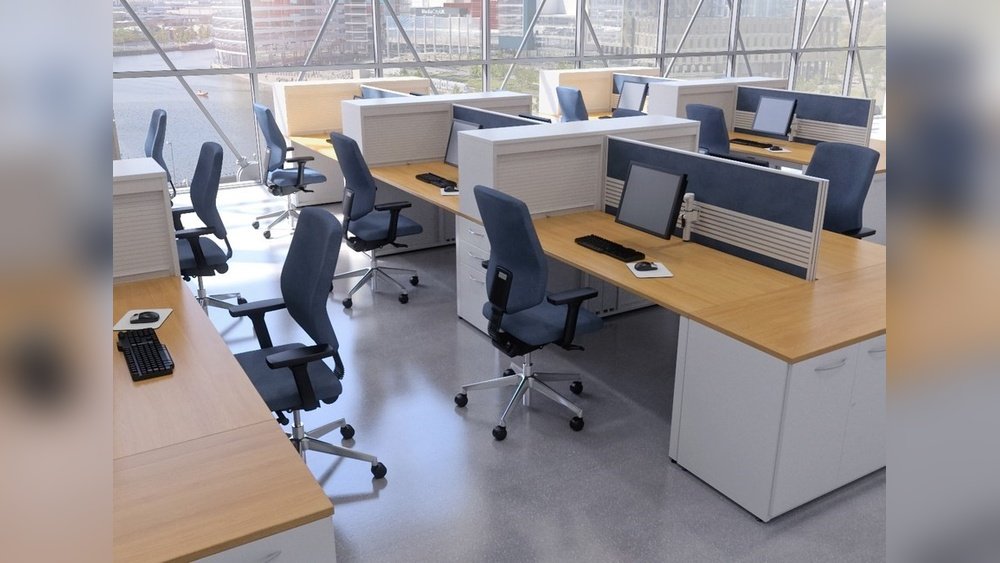
Clean Desk Policy Office

A messy desk might look harmless, but in a busy office, it can cause real problems. Important documents get lost. Sensitive information might be seen by the wrong people. Productivity drops when workers spend time searching for things. That’s why many organizations use a Clean Desk Policy in the office. This policy means every employee …
Read more

Printer Not Printing Troubleshooting: Your Complete Step-by-Step Guide

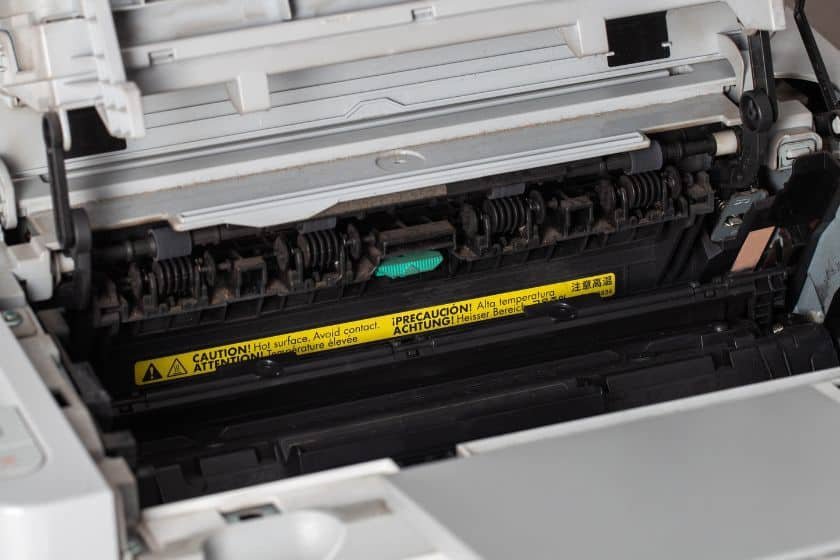
Printer not printing troubleshooting works best when you separate the problem into four layers: the printer itself, the connection, the operating-system print queue, and the print engine or consumables. Start with the simplest visible checks, then move toward software and hardware only when the earlier layer is confirmed. A printer that is powered on but …

Read more

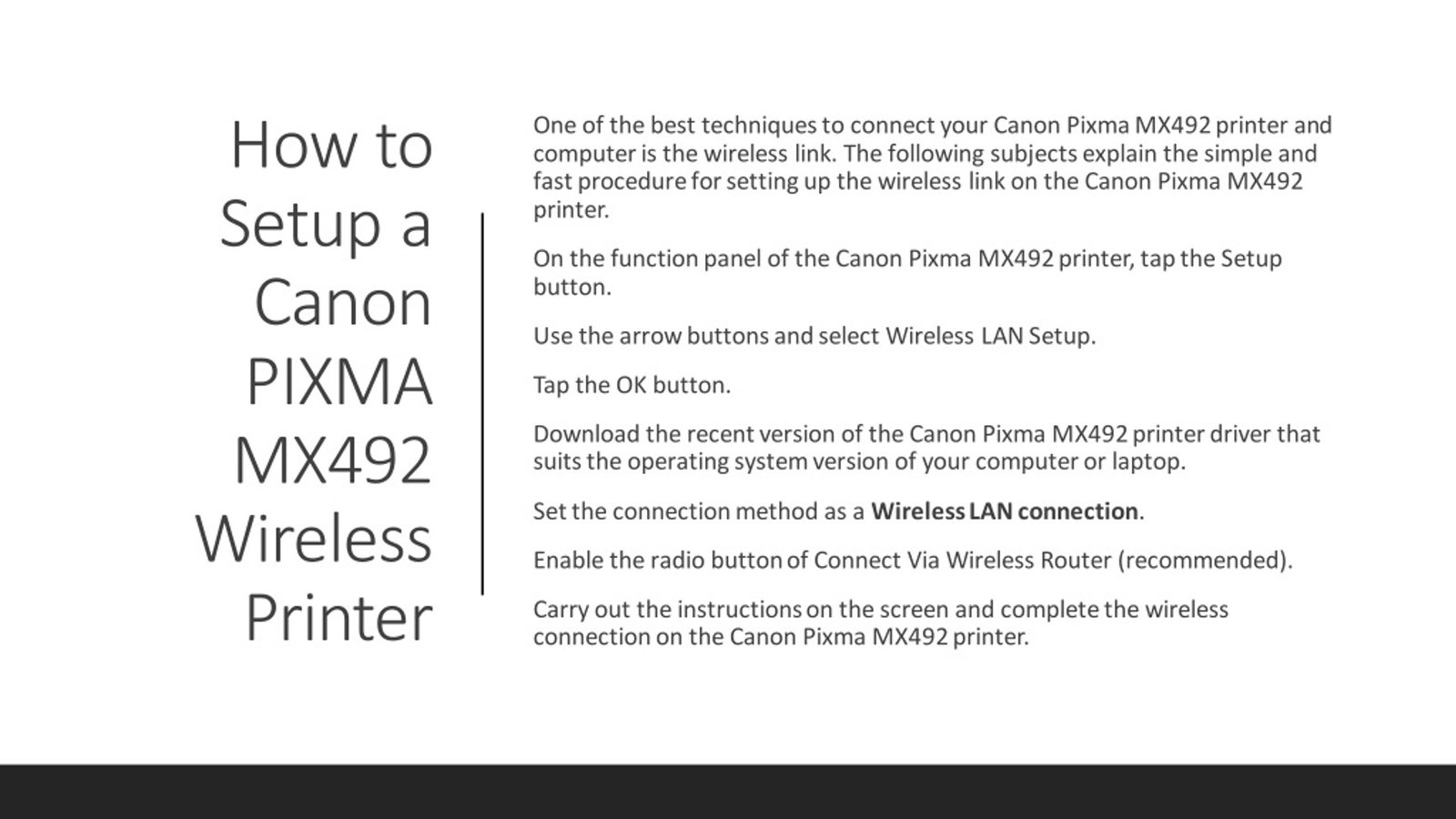
How To Connect Printer To Wifi

To connect a printer to Wi-Fi, first put the printer on the same wireless network you want your computer or phone to use, then add the printer from your operating system or the manufacturer’s app. The exact buttons and setup flow vary by model, so the printer manual or manufacturer support page should control any …

Read more

Inkjet vs Laser Printer Difference: Which is Best for You?

The main inkjet vs laser printer difference is the printing method and the kind of work each technology handles best. Inkjet printers place liquid ink on paper through small nozzles, while laser printers use toner powder, an imaging drum, and heat to fuse toner to the page. Neither technology is automatically better for every office. …

Read more

How to Fix Mouse Double Click Issue: A Complete Step-by-Step Guide

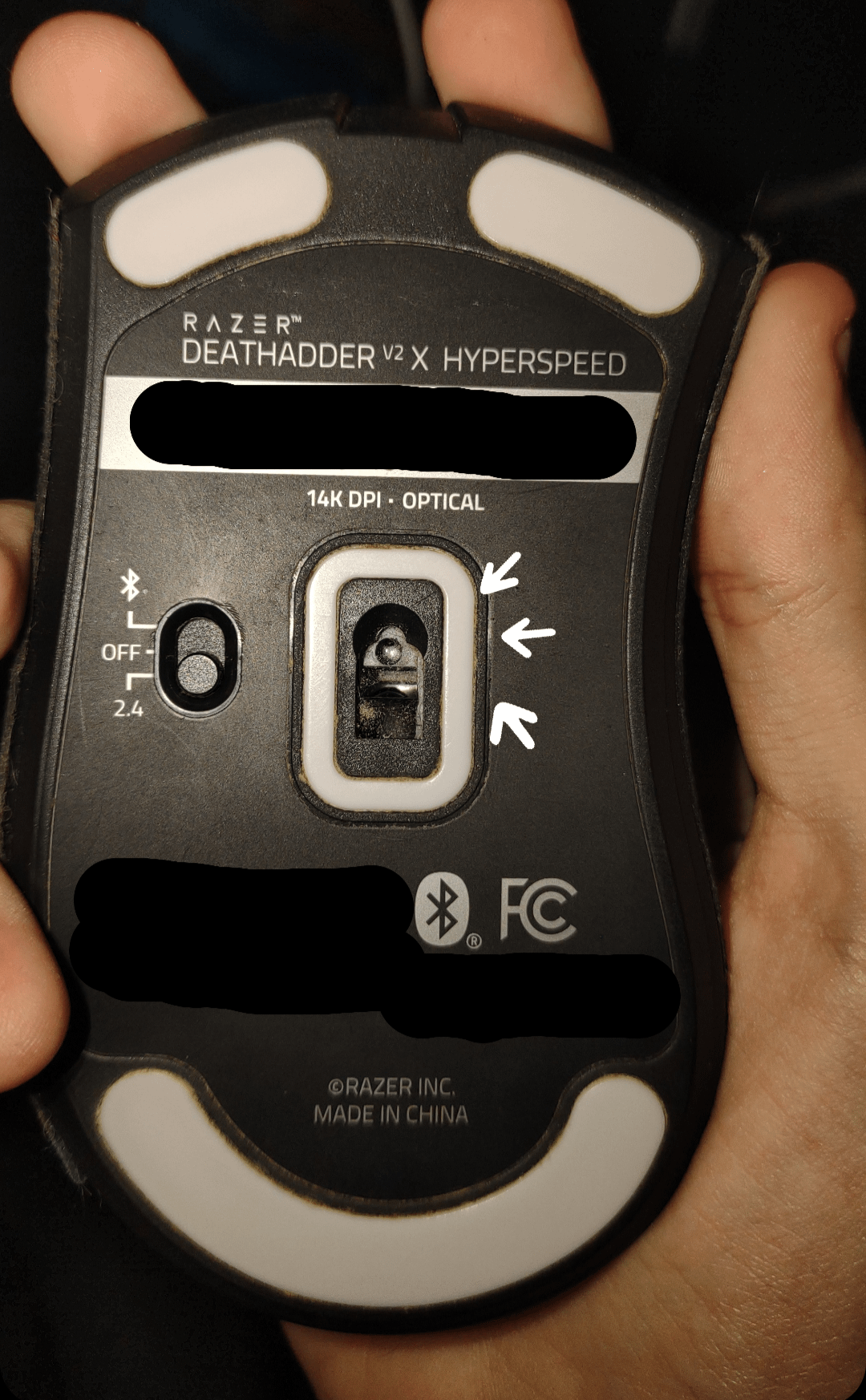
To fix a mouse double-click issue, first separate an operating-system setting from a failing button switch. If one physical click produces two activations across different apps and computers, the mouse hardware is the stronger suspect. If the behavior occurs only on one computer or only in a particular app, check software and settings before opening …

Read more

How to Fix Sticky Keys: Your Complete Guide to a Clean Keyboard

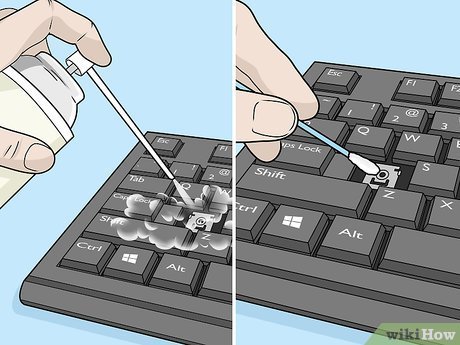
If you need to fix sticky keys, first determine whether the problem is physical or software-based. A key that feels gummy, returns slowly, or stays down points to debris, residue, or hardware damage. Modifier keys that behave as though they remain pressed can instead be caused by the Sticky Keys accessibility feature in Windows or …

Read more

Keyboard Size 60 75 Tkl Full Explained

Keyboard sizes such as 60%, 75%, TKL, and full-size describe how much of the traditional keyboard layout is retained and how compactly the keys are arranged. The percentages are category labels rather than precise physical dimensions, so two keyboards in the same size class can still have different widths, key spacing, and layouts. For office …

Read more

Trackball Mouse Pros and Cons: Is It Right for You?

A trackball mouse moves the pointer by rotating a ball with your thumb or fingers while the device itself stays in place. That makes it useful on small desks and appealing to people who want a different pointing motion from a conventional mouse. It is not automatically more ergonomic, more accurate, or better for wrist …

Read more

Navigating the Split Keyboard Learning Curve: Your Complete Guide

A split keyboard can feel awkward at first because it changes the position, angle, and sometimes the spacing of the keys your hands already know by habit. The learning curve is usually less about relearning how to type and more about adapting to a new hand position without chasing speed too early. The easiest transition …

Read more