
Setting up a home office can be exciting but also confusing, especially if you are new to remote work. Maybe you are starting a new job, working as a freelancer, or need a space for studying and personal projects. Whatever your reason, a well-designed home office can boost your productivity, comfort, and health. But how do you make the right choices and avoid beginner mistakes? This guide will walk you through everything you need to know to build a smart, effective home office from scratch—even if you have limited space or budget.
Choosing The Right Space
The first step is deciding where your home office will be. Some people have a spare room, but many need to use part of a living area or bedroom. What matters most is that your workspace is as quiet, private, and distraction-free as possible.
- Dedicated Room: If you have a guest room or small extra room, this is the best option.
- Corner of a Room: Use a corner of your bedroom, living room, or dining area. Face your desk away from distractions.
- Closet Office (“Cloffice”): Small closets can be converted into compact offices with a desk, shelves, and good lighting.
Non-obvious tip: If you cannot find a quiet place, try noise-cancelling headphones or a white noise machine to block out distractions.
The Essential Desk
Your desk is the foundation of your home office. There are many types, so think about your needs before buying.
- Standard Desk: Simple, sturdy, and usually enough for a laptop or desktop and some supplies.
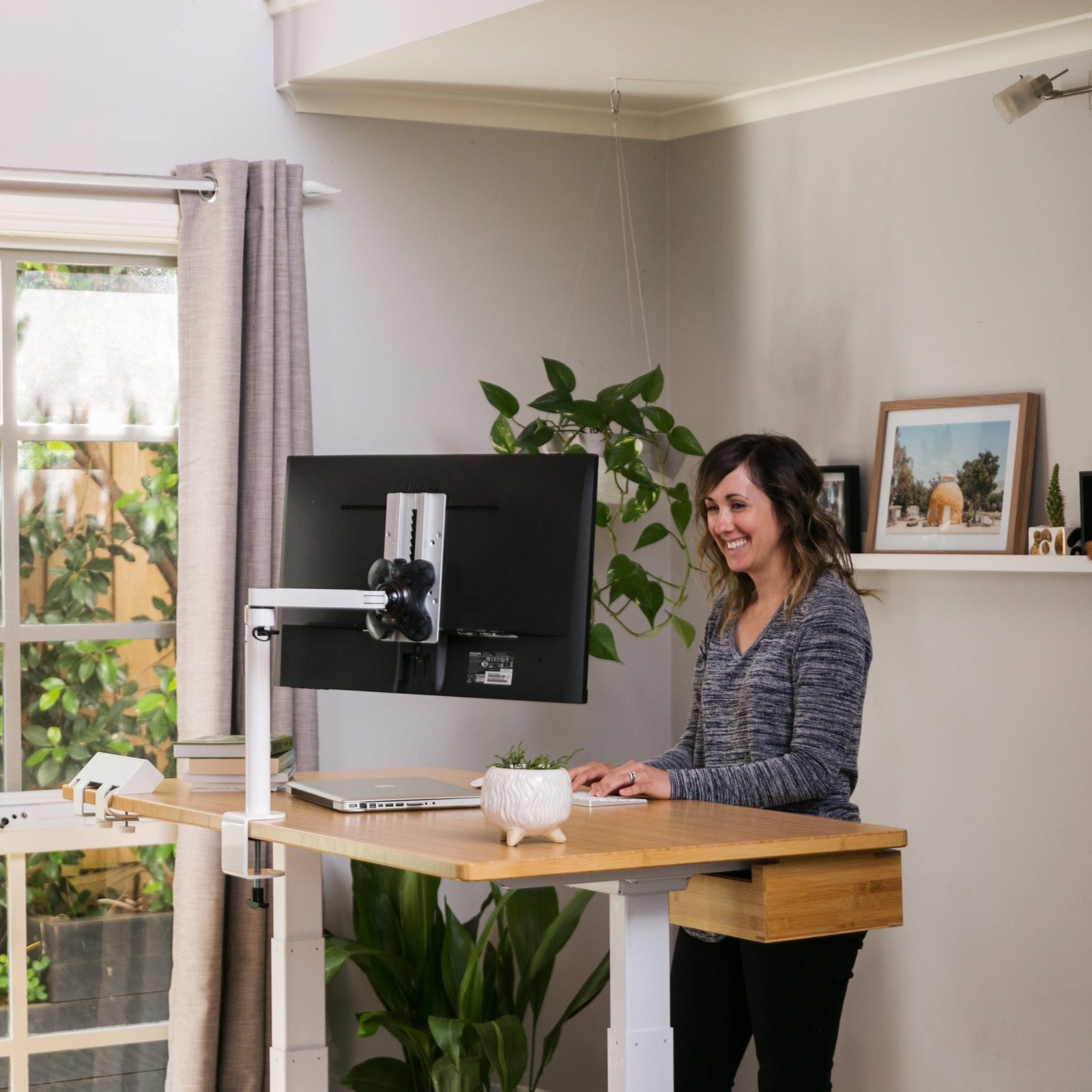
- Standing Desk: Lets you switch between sitting and standing, which can improve your health and energy.
- Wall-Mounted Desk: Good for small spaces. Folds away when not in use.
- L-Shaped Desk: Offers more space for multiple monitors or paperwork.
Minimum size: For most people, a desk at least 47 inches (120 cm) wide and 23 inches (60 cm) deep works well.
Beginner mistake: Choosing a desk that is too small or wobbly. Test the desk for stability before buying.
The Right Chair For Comfort
You will spend hours in your office chair. A bad chair can cause back pain, neck pain, and even wrist problems. Invest in the best ergonomic chair you can afford.
What To Look For:
- Adjustable height
- Lumbar support
- Padded seat
- Swivel and wheels
If your budget is tight, add a lumbar pillow and seat cushion to a basic chair.
Non-obvious insight: Try the chair in person if possible. Online reviews can be misleading because everyone’s body is different.
Computer And Devices
Your computer is the heart of your home office. Choose a device that fits your work style:
| Device | Best For | Pros | Cons |
|---|---|---|---|
| Laptop | Flexibility, small spaces | Portable, compact | Small screen, less power |
| Desktop PC | Heavy work, gaming, design | Powerful, upgradable | Not portable, needs space |
| All-in-One | Simple setup, neat look | Fewer cables, saves space | Harder to upgrade |
| Tablet + Keyboard | Light tasks, travel | Very portable | Limited features |
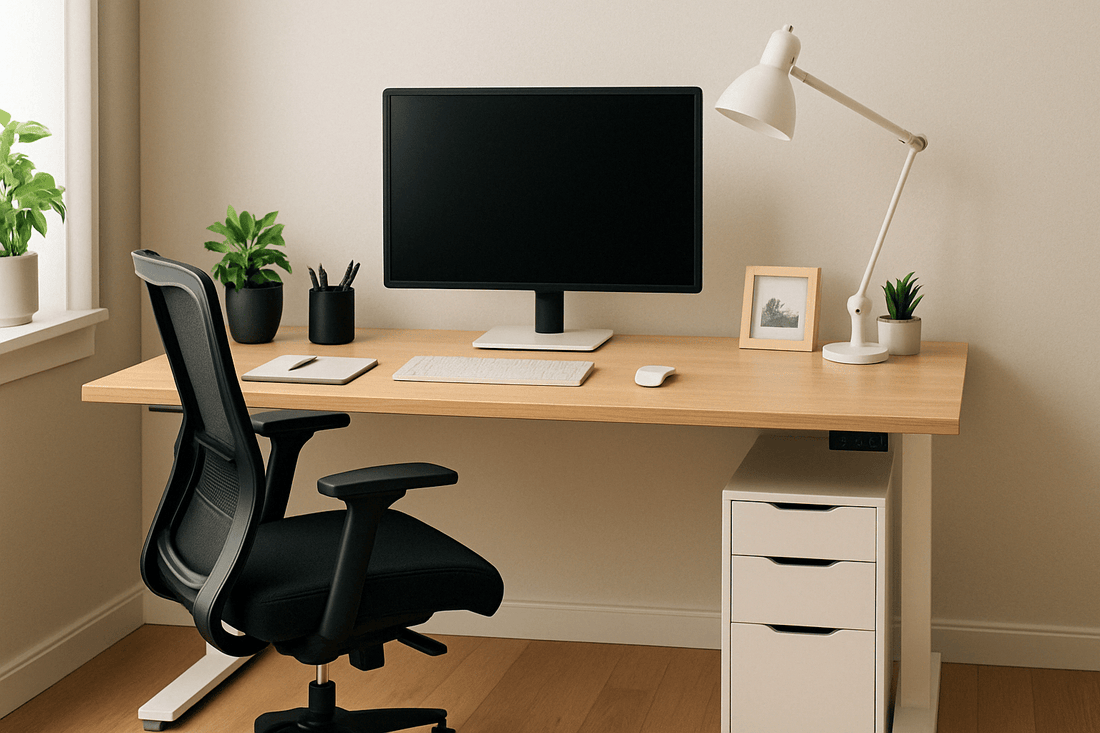
Pro tip: If you use a laptop, add an external monitor, keyboard, and mouse for comfort.
Credit: effydesk.com
Good Lighting Matters
Lighting affects your mood and energy. Poor lighting can cause eye strain and headaches. Try to set up your desk near a window for natural light. If that’s not possible, use a good desk lamp.
Types Of Lighting:
- Natural Light: Best for energy and focus. Place your desk sideways to the window to reduce glare.
- Desk Lamp: Choose LED lamps with adjustable brightness and color temperature.
- Overhead Light: Use a ceiling light for general brightness, but avoid harsh bulbs.
Non-obvious insight: Use “warm white” (around 3000K) for a cozy feel, or “cool white” (4000-5000K) to stay alert.
Internet And Connectivity
A weak Wi-Fi signal can ruin video calls and slow your work. Test your speed with online tools. If your connection is below 25 Mbps, try these solutions:
- Move Router Closer: Shorter distance, better signal.
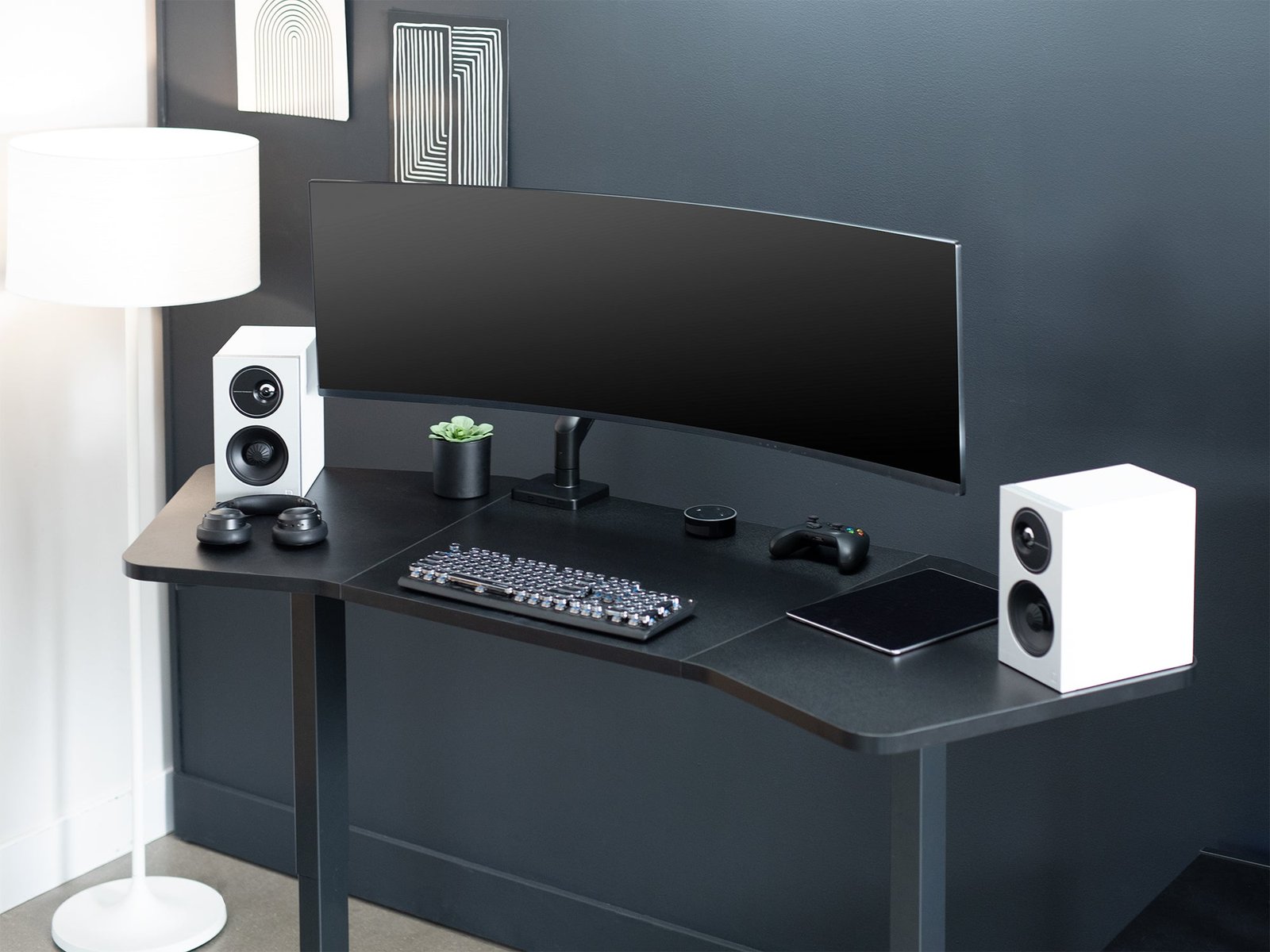
- Ethernet Cable: Wired is faster and more stable than Wi-Fi.
- Wi-Fi Extender or Mesh Network: Boosts signal for large homes.
- Mobile Hotspot: As a backup, use your phone’s hotspot.
Beginner mistake: Ignoring upload speed. Fast download is good, but video calls also need good upload speed (at least 3 Mbps).
Credit: vivo-us.com
Organizing Cables And Power
Messy cables look bad and can be dangerous. Organize your power cords and USB cables with:
- Cable sleeves or clips
- Under-desk trays
- Labeling cords
Surge protectors protect your devices from power surges and allow more plugs.
Pro tip: Plan for future devices—leave extra outlets and USB ports for later.
Essential Accessories
Certain accessories can make your work smoother and your space more comfortable:
- Monitor Stand: Raises your monitor to eye level, reducing neck strain.
- Keyboard and Mouse: Ergonomic models prevent wrist pain.
- Desk Mat: Protects your desk and helps with mouse movement.
- USB Hub: More ports for charging and connecting devices.
- Notebook or Planner: For quick notes and to-do lists.
- Desk Organizer: Keeps pens, papers, and supplies tidy.
- Headphones with Microphone: For calls and focus.
Non-obvious tip: A wrist rest for your mouse or keyboard can prevent fatigue over long sessions.
Managing Noise And Distractions
Noise from family, pets, or neighbors can break your focus. Try these methods:
- Noise-cancelling headphones: Block most background sounds.
- Soft background music or white noise: Helps some people concentrate.
- “Do Not Disturb” Sign: Let others know when you are in meetings.
- Room Divider: A folding screen can create privacy in shared spaces.
Beginner mistake: Not communicating your work hours to family or roommates. Set clear boundaries for fewer interruptions.
Keeping Your Space Healthy
A healthy workspace helps you avoid eye strain, muscle pain, and fatigue. Follow these tips:
- Screen Position: Top of the monitor should be at or just below eye level.
- Chair Position: Feet flat on the floor, knees at a 90-degree angle.
- Breaks: Every 30–60 minutes, stand up, stretch, and rest your eyes.
- Air Quality: Open windows or use an air purifier if possible.
- Plants: A small plant on your desk can reduce stress and improve air quality.
Non-obvious insight: Use the “20-20-20” rule—every 20 minutes, look at something 20 feet away for 20 seconds to rest your eyes.
Personalizing Your Office
Your home office should feel inspiring, not boring. Personal touches make the space more enjoyable:
- Photos or art: Hang a favorite picture or print.
- Motivational quotes: Place on the wall or desk.
- Color scheme: Soft blues and greens are calming, while yellow can boost energy.
- Small plant or flowers: Adds life to your desk.
Pro tip: Avoid clutter. Keep only a few personal items visible.
Storage Solutions
Good storage keeps your workspace organized and your mind clear.
| Storage Option | Best For | Advantages | Considerations |
|---|---|---|---|
| Filing Cabinet | Paperwork, files | Secure, organized | Needs floor space |
| Wall Shelves | Books, decor | Uses vertical space | Needs installation |
| Drawers | Supplies, small items | Out of sight, neat | Easy to forget items |
| Storage Boxes | Rarely used items | Stackable, cheap | Not for daily use |
Beginner mistake: Not labeling boxes or folders. Use clear labels for quick finding.
Budgeting For Your Home Office
You do not need to spend a lot to set up a great home office. Here are some budget tips:
- Start with essentials: Desk, chair, computer, lighting.
- Upgrade over time: Add accessories and storage as you go.
- Buy used: Good quality used desks and chairs are often half the price.
- DIY solutions: Make your own monitor stand or desk organizer.
- Look for discounts: Watch for sales, especially during back-to-school or holiday seasons.
Pro tip: Invest most in your chair and monitor—these affect your comfort and health the most.
Keeping Your Office Secure
Security is often forgotten in home offices, but it is important, especially if you handle private information.
- Use strong passwords for all devices and accounts.
- Lock your computer when away.
- Store sensitive papers in a locked drawer.
- Install antivirus software and update regularly.
- Back up files using cloud storage or an external drive.
For more on best cybersecurity practices, see this helpful guide from the National Cybersecurity Alliance.
Credit: updowndesk.com.au
Creating A Productive Routine
A good office setup is only half the battle. A regular work routine helps you stay focused and motivated.
- Set work hours and stick to them.
- Dress for work: Even at home, changing out of pajamas can boost your mood.
- Plan your day: Use a planner or app to organize tasks.
- Take breaks: Schedule short breaks to move and rest your eyes.
- Review progress at the end of each day.
Beginner mistake: Mixing housework and office work during your work hours. Keep clear boundaries for better results.
Frequently Asked Questions
What Is The Minimum Equipment I Need For A Basic Home Office?
At a minimum, you need a desk, a comfortable chair, a computer (laptop or desktop), and good lighting. Add a surge protector and basic accessories like a notebook and pen. Start simple and upgrade as you learn what you need.
How Do I Reduce Distractions When Working From Home?
Choose the quietest spot you can, use headphones, and set clear work hours. Tell family or housemates your schedule. Try tools like “Do Not Disturb” signs, room dividers, or white noise to block outside sounds.
Should I Get A Standing Desk For My Home Office?
Standing desks can help reduce back pain and improve energy. If you sit for long periods, consider one. If cost is a concern, try a desk converter to raise your monitor and keyboard instead of buying a new desk.
How Important Is Internet Speed For A Home Office?
Internet speed is very important for video calls, large file uploads, and smooth work. Aim for at least 25 Mbps download and 3 Mbps upload speeds. If you have video calls often, faster speeds are better.
How Can I Keep My Home Office Organized?
Use cable organizers, drawers, and shelves. Store items you use daily within reach, and less-used items in boxes or cabinets. Label everything for easy access. Clean your desk at the end of each day to start fresh tomorrow.
Setting up your first home office is an investment in your productivity, comfort, and well-being. Start with the basics, personalize your space, and adjust as you learn what works best. Small changes can make a big difference. With a little planning, you can create a workspace that helps you do your best work, every day.
