
The world of electronics is full of different cables and plugs. But when you buy a new device, one question often comes up: Is USB-C faster than USB-A for charging? Many people feel confused when they see both port types on their laptops, phones, or chargers. Some believe USB-C is always better, while others think the cable doesn’t matter. The truth is more complex, and understanding the details can help you charge your devices faster, save money, and avoid frustration.
In this article, you’ll learn the real differences in charging speed between USB-C and USB-A. We’ll look at how each works, the factors that affect charging, and which option suits your needs best. You’ll also discover common mistakes people make, how to pick the right cable, and what the future holds for USB charging. Whether you’re a tech lover, a casual user, or just want your phone to charge quickly, this guide will clear up the confusion.
Understanding Usb-a And Usb-c
Before comparing charging speeds, let’s first explain what USB-A and USB-C actually are.
USB-A is the traditional rectangular USB port seen on computers, wall chargers, and many older devices. It has one correct way to plug in (which often leads to flipping it over several times). USB-A has been around for over 20 years and supports many standards, including USB 2.0, 3.0, and 3.1.
USB-C is the newer, smaller, and reversible connector. It works either way up, so you don’t need to guess how to plug it in. USB-C is now common on smartphones, tablets, laptops, and even game consoles. It supports faster data transfer, higher power delivery, and can carry video signals.
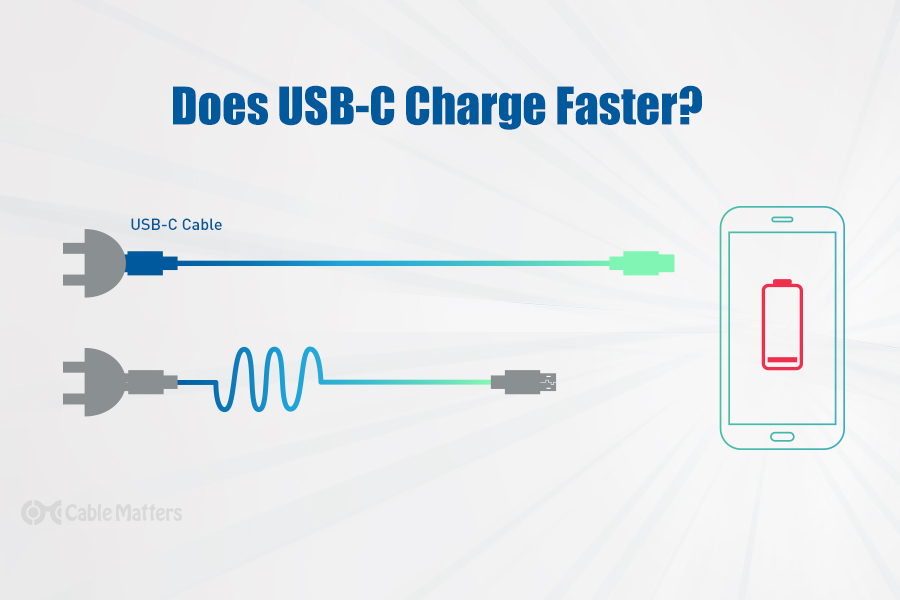
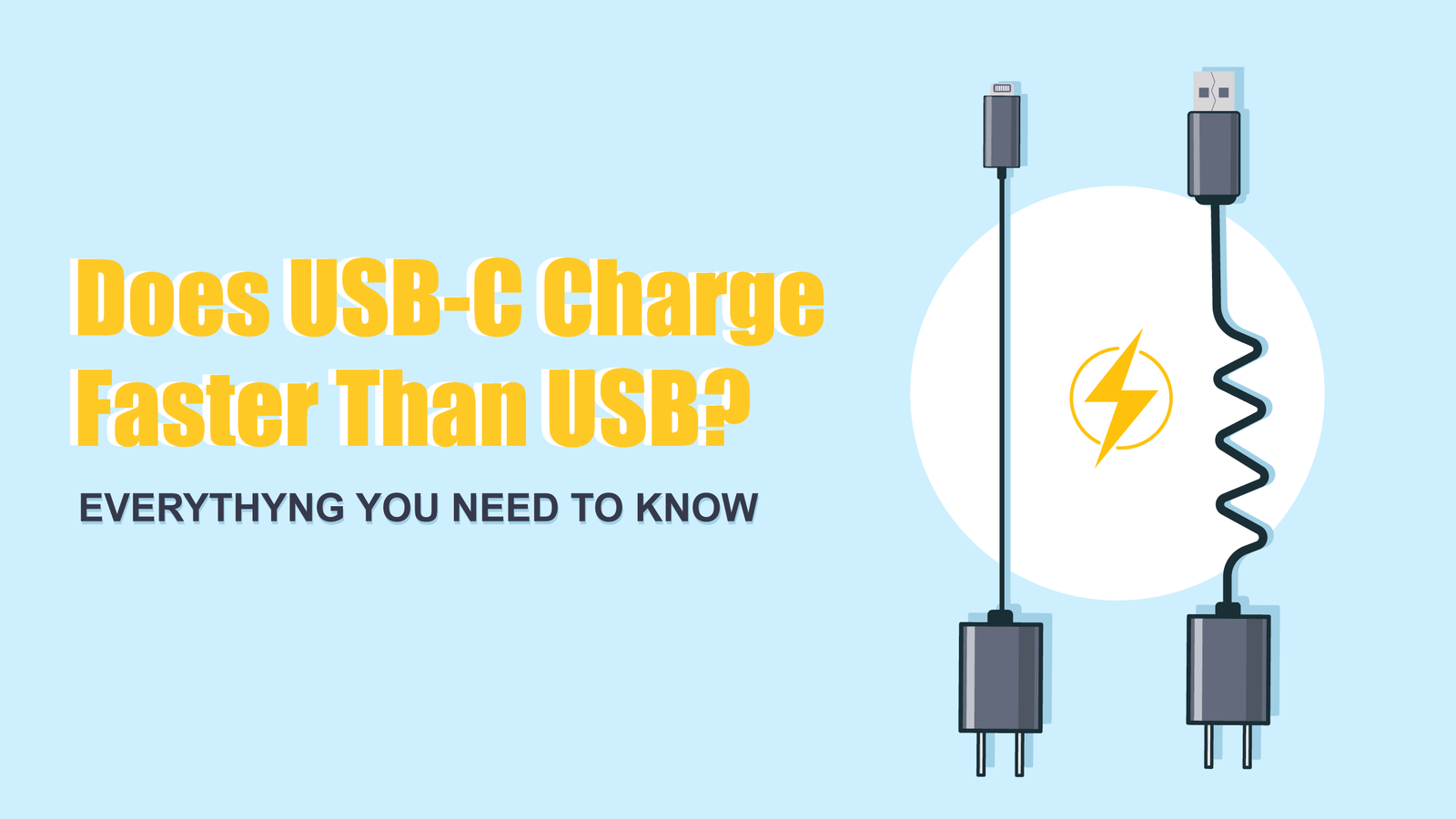
Key difference: USB-C is a connector type, not a speed standard. Both USB-A and USB-C can support different speeds and power levels, depending on the cable, device, and charger.
How Charging Works: The Basics
Charging speed is not just about the port shape. It depends on three main factors:
- Voltage (V): The force that pushes electricity through the cable.
- Current (A or mA): The amount of electricity flowing.
- Power (W): The total energy delivered, calculated as voltage × current.
For example, a charger that provides 5 volts at 2 amps gives 10 watts (5V × 2A = 10W).
The higher the wattage, the faster a device can charge—if the device supports it.
Usb Charging Standards
Over the years, many charging standards have been created. The most common are:
- USB 2.0: Up to 2.5 watts (5V, 0.5A)
- USB 3.0/3.1: Up to 4.5 watts (5V, 0.9A)
- USB Battery Charging (BC) 1.2: Up to 7.5 watts (5V, 1.5A)
- USB Power Delivery (USB PD): Up to 240 watts (48V, 5A) with USB-C
- Qualcomm Quick Charge: Varies, up to 27W or more with compatible devices
USB-C is required for high levels of USB Power Delivery, which is why it’s often linked to faster charging. But not all USB-C cables or devices support high wattage.
Usb-a Charging Speed: What To Expect
Most USB-A ports and chargers are limited by older standards. Here’s what you usually see:
- Standard USB-A port: 2.5W to 7.5W (mostly 5V, 0.5A to 1.5A)
- High-power USB-A charger: Sometimes up to 12W (5V, 2.4A), like on some iPads
- Proprietary Fast Charging: Some brands (like Samsung Adaptive Fast Charging, or Quick Charge) use USB-A with special chips to boost speed, but this only works with supported devices.
Limitations of USB-A:
- Cannot handle more than 5V by default (unless using proprietary tech)
- Cannot safely deliver more than 2.4A in most cases
- Not designed for heavy power needs (like charging laptops)
Real-world Example
Plugging an iPhone into a standard USB-A port on a laptop will usually charge it at about 5W. Using a 12W USB-A wall charger is faster, but still much slower than modern USB-C fast chargers.
Usb-c Charging Speed: What To Expect
USB-C opens the door to much higher charging speeds, especially with USB Power Delivery (PD). Here’s what’s possible:
- Basic USB-C port: At least 15W (5V, 3A) is supported by all USB-C ports
- USB-C with Power Delivery: Up to 100W (20V, 5A) with older spec, up to 240W (48V, 5A) with the latest spec
- Fast Charging for Phones: Many Android phones support 18W, 25W, or higher via USB-C PD
Advantages of USB-C:
- Can deliver much higher power safely
- Supports a wide range of voltages (5V, 9V, 12V, 15V, 20V, and more)
- Essential for charging laptops, tablets, and some power banks
Real-world Example
Charging a MacBook with a USB-C PD charger at 60W is common. Many modern Android phones can go from 0% to 50% battery in under 30 minutes with a USB-C PD fast charger.
Key Differences: Usb-c Vs Usb-a Charging Speed
To make things clearer, let’s compare the two side by side.
| Feature | USB-A | USB-C |
|---|---|---|
| Maximum Power (Standard) | 7.5W (5V, 1.5A) | 15W (5V, 3A) |
| With Power Delivery | Not Supported | Up to 240W |
| Supports Fast Charging | Limited / Proprietary | Yes, via USB PD |
| Reversible Connector | No | Yes |
| Compatible With Laptops | Rarely | Common |
| Universal Standard | Older Devices | Modern Devices |
Insight: Even though USB-A can sometimes support “fast charging” through special chargers, it cannot match the flexibility and power of USB-C.
Factors That Affect Charging Speed
Many users think changing the cable or port is enough to speed up charging. But several other factors matter.
1. Charger Power Output
Your wall charger or power bank must support the same power your device needs. Plugging a USB-C phone into a cheap USB-A charger will limit speed.
2. Cable Quality
Not all USB-C or USB-A cables are equal. Some only support charging, not data. Others can’t handle high current and may overheat or slow down charging.
3. Device Support
Your device must be able to accept higher charging speeds. For example, some older phones cannot use USB-C fast charging, even with the right charger.
4. Charging Protocols
Different brands use different “languages” (protocols) for fast charging. If the cable, charger, and device don’t match, you may only get basic charging speed.
5. Power Delivery Version
Not all USB-C PD chargers are the same. Some support only up to 18W, others up to 100W or more. Laptops often need 60W or higher.
Misconceptions And Beginner Mistakes
“all Usb-c Is Fast Charging”
This is not true. Some USB-C cables are limited to USB 2. 0 speeds and can only carry 2. 5W. Always check the specs before buying.
“using A Usb-c To Usb-a Cable Is Just As Good”
Not always. If you use a USB-C to USB-A cable, the charging speed is limited to what the USB-A port can deliver, not what USB-C supports. For true USB-C fast charging, both ends must support the standard.
“expensive Cables Are Always Better”
Price doesn’t always mean quality. Some cheap cables are dangerous, but you can also find overpriced cables that don’t support fast charging. Look for cables certified for USB-IF or USB PD.
Credit: www.cablematters.com
Real-world Charging Speeds: Examples
Here are some practical examples showing how charging speed changes depending on the port and cable.
Charging An Iphone 13
- USB-A 5W charger: About 2.5-3 hours for a full charge
- USB-A 12W charger: 1.5-2 hours
- USB-C 20W charger: About 1 hour (can charge up to 50% in 30 minutes)
Charging A Samsung Galaxy S22
- USB-A charger (5V, 2A): About 2.5 hours
- USB-C PD charger (25W): About 1 hour
Charging A Macbook Air
- USB-A charger: Usually cannot charge, or charges very slowly (up to 12W)
- USB-C PD charger (30W or higher): Charges at normal speed (about 2 hours)
Which Should You Choose? Usb-c Or Usb-a?
If you want the fastest charging speeds, USB-C is the clear winner—especially for new phones, tablets, or laptops. Here’s why:
- Higher power delivery: USB-C with PD can charge even large devices like laptops.
- Universal compatibility: Modern devices are moving to USB-C only.
- Future-proof: Most new gadgets and chargers use USB-C, so investing in these cables and chargers makes sense.
- Convenience: The reversible connector is less frustrating to use.
But USB-A still has a place. If you have many older devices, or need to charge accessories like Bluetooth headphones, USB-A ports are still useful.
Credit: www.usbmemorydirect.com
How To Maximize Your Charging Speed
To get the best charging speed for your device, follow these steps:
- Check your device specs: Find out the maximum charging power your device supports.
- Use the right charger: Match your device’s needs to your charger’s output. For example, if your phone supports 20W, use a 20W USB-C PD charger.
- Buy quality cables: Look for certified USB-IF or USB PD cables. Avoid old or unbranded options.
- Update your hardware: If you still use only USB-A, consider upgrading to a USB-C charger and cable.
- Avoid USB hubs for charging: Charging through a USB hub or a laptop USB port is often slower.
Pro Tip: Charging speed drops as your battery gets close to full. Most devices charge fastest from 0-50%, then slow down to protect the battery.
Future Trends: What’s Next For Usb Charging?
The move to USB-C is speeding up. The European Union, for example, is making USB-C the standard for all smartphones and small devices by 2024. Apple’s latest iPhones now use USB-C, and most laptops, tablets, and accessories are shifting away from USB-A.
USB4 is coming soon, bringing even higher speeds and more power. This will make USB-C even more essential. In a few years, USB-A may become as rare as the floppy disk.
| Year | USB-A Popularity | USB-C Popularity |
|---|---|---|
| 2015 | High | Low |
| 2020 | Medium | High |
| 2024 | Low | Very High |
How To Tell What Your Cable And Charger Support
Not all cables and chargers clearly list their specs. Here’s how to check:
- Look for labels: Many chargers list output (like 5V/3A or 9V/2A).
- Check device manuals: Most manufacturers publish charging specs.
- Try USB tester tools: Small, inexpensive USB testers can show real-time voltage and current.
- Use official accessories: When in doubt, official cables and chargers are usually safest.
Environmental And Safety Considerations
Using the right charger and cable is not just about speed. It’s also about safety and the environment.
- Overheating: Cheap or poor-quality cables can overheat, damaging your device or causing fires.
- Battery health: Fast charging is safe if your device supports it, but using the wrong charger can harm the battery over time.
- E-waste: Switching to USB-C reduces the number of cables and chargers needed, helping the environment.
Comparing Usb-c And Usb-a: When Each Makes Sense
Here’s a quick look at when each is the better choice.
| Situation | Best Choice | Why |
|---|---|---|
| Charging a modern laptop | USB-C | High power needed |
| Charging old headphones | USB-A | Lower power, older port |
| Charging new smartphone | USB-C | Fast charging support |
| Using legacy devices | USB-A | Compatibility |
| Traveling with one charger | USB-C | Universal and future-proof |
Non-obvious Insights
- Some laptops with USB-C only support data, not charging. Always check the device specs before buying a USB-C charger. Many older laptops have a USB-C port for data but still use a barrel plug for power.
- Cable length affects charging speed, but only slightly. Very long cables can cause a small voltage drop, but with quality USB-C PD cables, this is rarely a big issue. However, extremely cheap long cables may slow charging.
One External Resource For Further Reading
For a detailed technical explanation of USB Power Delivery and charging, visit Wikipedia’s USB-C page.
Frequently Asked Questions
What Is The Main Difference Between Usb-c And Usb-a Charging?
The main difference is that USB-C can deliver much higher power and supports fast charging for modern devices, while USB-A is limited to lower power and older charging standards. USB-C is also reversible and future-proof.
Can I Use A Usb-c To Usb-a Cable For Fast Charging?
You can use a USB-C to USB-A cable, but charging speed is limited to the maximum power the USB-A port can deliver, usually much less than USB-C PD supports. For the fastest charging, use USB-C on both ends.
Does Usb-c Always Charge Faster Than Usb-a?
Not always. If the device, charger, or cable only supports slow charging, USB-C won’t be faster. But in general, with compatible hardware, USB-C provides higher charging speeds.
Are All Usb-c Cables The Same?
No. USB-C cables vary in quality and power support. Some only handle charging, others support fast charging and data. Always check the cable’s specs and certifications before buying.
Is It Safe To Fast Charge My Device With Usb-c?
If your device is designed for USB-C fast charging, it is safe. Devices and chargers communicate to use the correct power level. Avoid using unbranded or uncertified cables, as they may cause damage.
Choosing the right charging setup saves you time, protects your devices, and prepares you for the future. Remember, not all cables or ports are equal—look for quality and compatibility, and you’ll enjoy the true power of modern charging.

Credit: www.nytimes.com
