
Every business, no matter its size, relies on office equipment to run smoothly. From printers and computers to coffee machines and air conditioners, these tools keep productivity high and employees comfortable. But what happens when a copier jams, or the Wi-Fi router stops working? Downtime, lost work, and frustrated staff can all follow. The answer is simple: regular office equipment maintenance. With a practical checklist, you can avoid most breakdowns, extend the life of your machines, and save money in the long run. Let’s break down everything you need to keep your office running like a well-oiled machine.
Why Office Equipment Maintenance Matters
When equipment works well, people barely notice. But when things go wrong, it can stop business in its tracks. Regular maintenance offers many benefits:
- Reduces unexpected breakdowns: Most failures happen because small problems are ignored.
- Saves money: Repairs and replacements are expensive. Maintenance prevents major costs.
- Boosts productivity: Reliable tools mean staff spend more time working, less time waiting.
- Improves safety: Faulty equipment can cause accidents or even fires.
- Enhances equipment lifespan: Machines last longer with proper care.
Studies show that preventive maintenance can reduce major equipment failures by up to 60% and cut overall maintenance costs by 25%. This isn’t just about fixing things—it’s smart business planning.
Essential Office Equipment To Maintain
Not all equipment needs the same care. Some items need monthly checks, others yearly. Here are the most critical categories:
- Computers, Laptops, and Servers
- Printers, Copiers, and Scanners
- Telephones and Communication Devices
- Networking Equipment (Routers, Switches, Wi-Fi)
- Projectors and Screens
- Air Conditioning and Heating Systems
- Lighting and Electrical Fixtures
- Kitchen Appliances (Microwave, Coffee Machine, Refrigerator)
- Furniture and Chairs
- Fire Safety Equipment
- Shredders and Binding Machines
- Security Systems (Cameras, Alarms)
- First Aid Kits
Each type of equipment requires a different approach. A good checklist covers all these categories.
Credit: www.smartsheet.com
The Ultimate Office Equipment Maintenance Checklist
It’s not enough to say “maintain your equipment. ” You need specific, regular actions for each item. Here’s a practical checklist to follow.
1. Computers, Laptops, And Servers
- Weekly: Clean screens and keyboards with approved wipes. Delete unnecessary files.
- Monthly: Check for software updates. Scan for viruses and malware.
- Quarterly: Dust internal fans and vents. Backup important data.
- Yearly: Review warranty and support status. Upgrade memory or storage if needed.
Tip: Use compressed air to clean inside desktop computers, but never open equipment without proper training.
2. Printers, Copiers, And Scanners
- Weekly: Refill paper and toner. Clear paper jams.
- Monthly: Clean rollers and glass surfaces.
- Quarterly: Check for firmware updates.
- Yearly: Schedule a professional inspection if heavily used.
Insight: Using high-quality paper reduces dust and jams.
3. Telephones And Communication Devices
- Monthly: Clean handsets and buttons with alcohol wipes.
- Quarterly: Test voicemail systems and call forwarding.
- Yearly: Replace worn cables.
Tip: Label all lines and devices to avoid confusion during repairs.
4. Networking Equipment (routers, Switches, Wi-fi)
- Monthly: Restart devices to clear memory.
- Quarterly: Update firmware.
- Yearly: Replace outdated devices to avoid security risks.
Insight: Place routers in open areas for better signal and less overheating.
5. Projectors And Screens
- Monthly: Clean projector lenses and dust screens.
- Quarterly: Check bulb life and replace as needed.
- Yearly: Inspect mounting brackets and cables.
Tip: Store remote controls in a fixed spot to prevent loss.
6. Air Conditioning And Heating Systems
- Monthly: Replace or clean air filters.
- Quarterly: Inspect for leaks or strange noises.
- Yearly: Schedule a professional service.
Data: Clean filters can reduce energy use by up to 15%.
7. Lighting And Electrical Fixtures
- Monthly: Check for burnt-out bulbs and replace them.
- Quarterly: Inspect wiring for signs of wear.
- Yearly: Test safety switches and circuit breakers.
Insight: Switch to LED bulbs for lower maintenance and energy bills.
8. Kitchen Appliances
- Weekly: Clean microwave interiors, coffee machines, and fridge shelves.
- Monthly: Empty and wipe refrigerators. Descale coffee machines.
- Quarterly: Test safety plugs.
- Yearly: Defrost freezers, if needed.
Tip: Assign cleaning duties to avoid “nobody’s job” syndrome.
9. Furniture And Chairs
- Monthly: Tighten screws and bolts.
- Quarterly: Clean fabric and polish surfaces.
- Yearly: Lubricate moving parts on chairs.
Insight: Ergonomic chairs need more checks to stay comfortable and safe.
10. Fire Safety Equipment
- Monthly: Check fire extinguishers for correct pressure.
- Quarterly: Test smoke alarms and replace batteries.
- Yearly: Schedule a professional fire safety audit.
Data: Many offices fail inspections due to expired extinguishers—check the dates!
11. Shredders And Binding Machines
- Weekly: Empty shredder bins.
- Monthly: Oil shredder blades.
- Quarterly: Test for jams.
- Yearly: Replace worn parts.
Tip: Overloading shredders is the main cause of failure—follow manufacturer limits.
12. Security Systems
- Monthly: Clean camera lenses.
- Quarterly: Test alarms and notification systems.
- Yearly: Review footage storage and replace backup batteries.
Insight: Keep passwords for security systems in a secure but accessible location.
13. First Aid Kits
- Monthly: Check for expired items and replace them.
- Quarterly: Review the kit contents match current safety standards.
- Yearly: Train staff on first aid basics.
Tip: Label kit location clearly so everyone can find it in an emergency.
Sample Office Equipment Maintenance Schedule
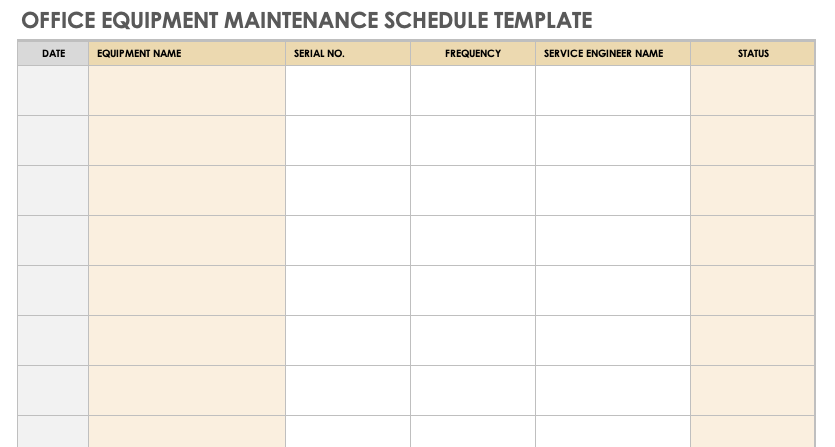
To stay organized, many offices use a maintenance schedule. Here’s an example:
| Equipment | Action | Frequency |
|---|---|---|
| Computers | Software Update | Monthly |
| Printers | Clean Rollers | Monthly |
| Air Conditioner | Replace Filter | Monthly |
| Fire Extinguisher | Pressure Check | Monthly |
| First Aid Kit | Replace Expired Items | Monthly |
By assigning tasks and keeping records, you’ll never miss an important check.
How To Organize Maintenance In Your Office
Creating a checklist is only half the battle. Here’s how to make sure everything gets done:
- Assign Responsibilities: Decide who checks each item. It could be IT, admin, or an external service.
- Use Digital Tools: Many companies use apps or spreadsheets to track maintenance. Set reminders.
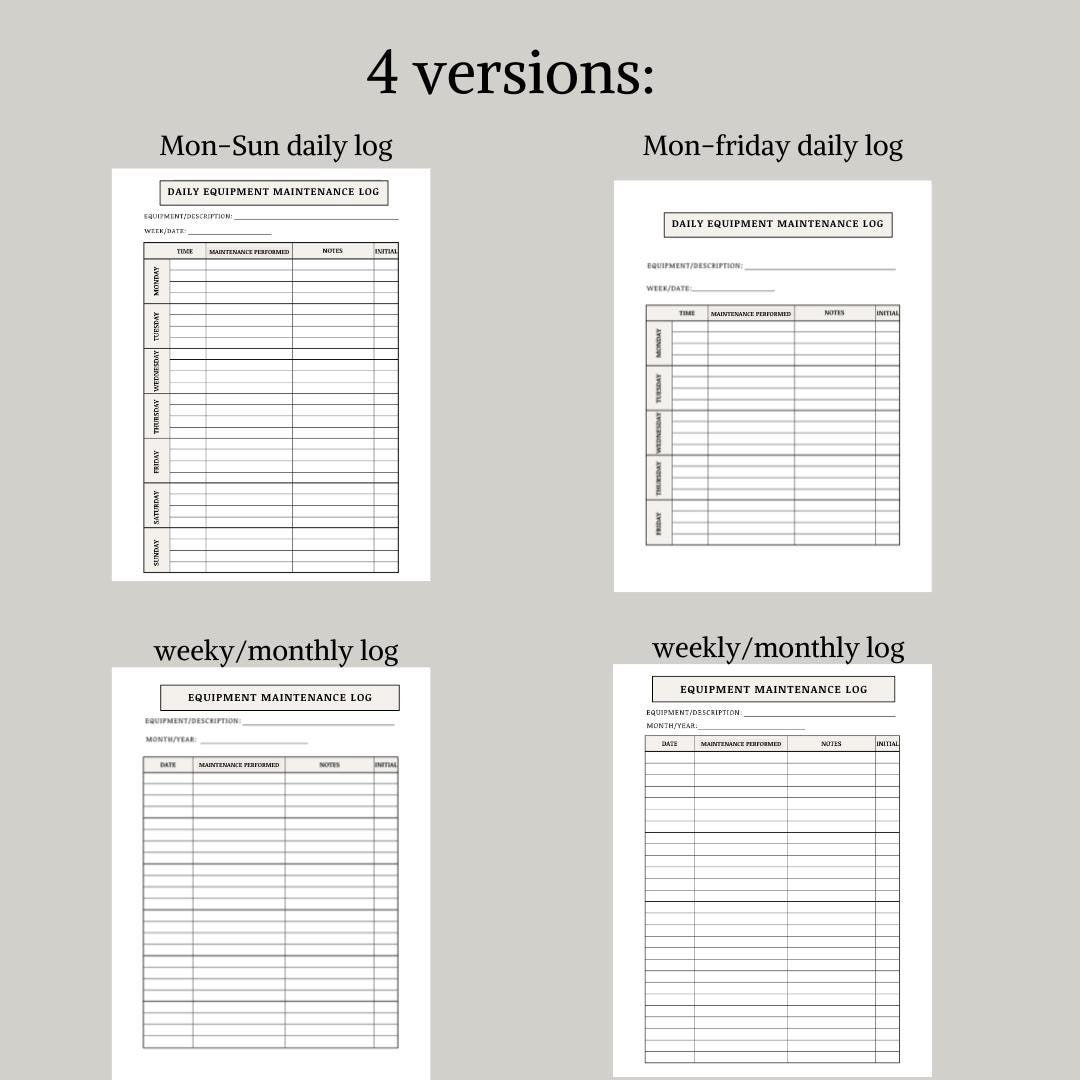
- Keep Records: Note each action taken, date, and any issues found. This helps with audits and warranty claims.
- Train Staff: Show everyone how to spot problems—like strange noises or error messages.
- Review and Improve: At least once a year, review your checklist. Update it for new equipment or office needs.
Insight: Many breakdowns are noticed first by users, not managers. Encourage staff to report problems early.
Common Office Maintenance Mistakes To Avoid
Even the best checklist won’t help if you fall into these traps:
- Ignoring small issues: A slow computer or flickering light can signal bigger problems.
- Skipping scheduled checks: Delays lead to forgotten tasks and possible breakdowns.
- Not updating records: Missing records cause confusion, especially when staff change.
- Using wrong cleaning products: Some cleaners damage screens or electronics.
- Overloading power outlets: Too many devices on one plug can cause fires.
Data: Electrical fires are among the top five causes of office disasters, often due to poor equipment maintenance.
Cost Comparison: Maintenance Vs. Replacement
Regular maintenance may seem like an extra expense, but it saves much more than it costs. Here’s a quick comparison:
| Equipment | Annual Maintenance Cost | Replacement Cost | Estimated Lifespan Without Maintenance | Estimated Lifespan With Maintenance |
|---|---|---|---|---|
| Printer | $100 | $800 | 2 years | 5 years |
| Desktop PC | $50 | $1,000 | 3 years | 6 years |
| Air Conditioner | $120 | $2,000 | 4 years | 10 years |
As the table shows, a small yearly cost greatly extends equipment life and reduces replacement spending.
How Often Should Maintenance Be Done?
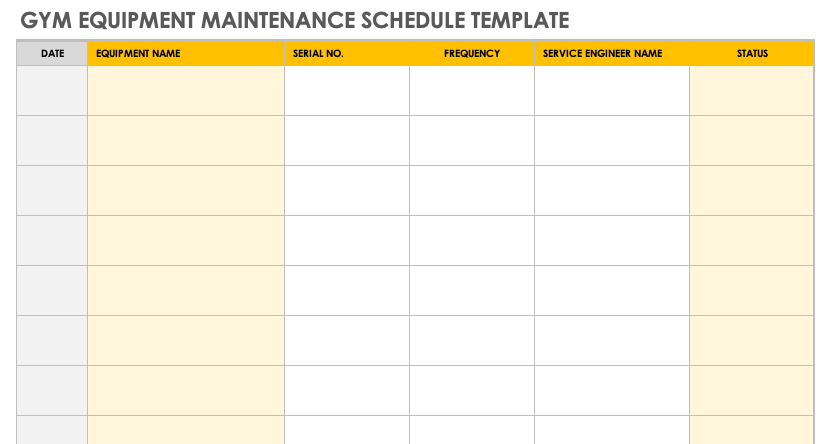
The ideal frequency depends on the equipment and its use. High-use items like printers or coffee machines need more checks. Less-used items, like projectors, may need only quarterly attention. Follow manufacturer guidelines and adjust based on your office’s unique needs.
Non-obvious Insight: Schedule maintenance during low-activity periods to avoid disrupting work. Early mornings or late evenings are ideal.
Credit: www.smartsheet.com
What To Do When Equipment Fails
Even with perfect maintenance, things can break. Here’s a quick action plan:
- Stay Calm: Don’t panic—most problems have solutions.
- Check the Manual: Many errors are common and easy to fix.
- Restart or Reset: Sometimes, a simple reboot solves the issue.
- Call the Right Person: Contact IT, maintenance, or an approved repair service.
- Record the Issue: Write down what happened for future reference.
Tip: Keep warranties and support contacts in an easy-to-find place.
Building A Maintenance Culture
A checklist is only effective when everyone participates. Encourage staff to care for equipment, report issues, and avoid careless use. Celebrate when the office goes a month without any breakdowns—it’s a sign of teamwork and responsibility.
For more detailed maintenance standards, you can explore guides from organizations like the Occupational Safety and Health Administration (OSHA).
Credit: www.etsy.com
Frequently Asked Questions
How Often Should I Update My Maintenance Checklist?
You should review and update your maintenance checklist at least once a year, or whenever you add new equipment. This keeps your routine relevant and prevents missing new items.
Who Should Be Responsible For Office Equipment Maintenance?
Responsibility depends on your office size. In small offices, it could be the admin or office manager. In larger companies, IT staff or maintenance teams usually handle it. Assign clear roles to avoid confusion.
What’s The Biggest Mistake In Office Maintenance?
The most common mistake is ignoring small issues. Delaying repairs often leads to bigger, more expensive problems. Always fix minor faults early.
How Can I Make Sure Staff Follow The Checklist?
Use digital reminders or apps to notify staff. Regularly check that tasks are done and keep a log. Give feedback and explain the importance to motivate everyone.
Is Professional Servicing Always Necessary?
Not always. Many tasks, like cleaning and checking, can be done in-house. However, for complex equipment (like HVAC or servers), annual professional servicing is recommended for safety and warranty reasons.
A well-maintained office is a productive, safe, and happy workplace. Start with this checklist, and you’ll prevent problems before they start, saving time, money, and stress for everyone.
Related Office Guides
Continue with these related workspace guides:
