
Office equipment is the backbone of every workplace. From computers and printers to coffee machines and shredders, these tools keep the business running smoothly. Yet, many offices overlook regular maintenance, leading to unexpected breakdowns, wasted time, and higher costs. If you want your workplace to stay productive and avoid expensive repairs, knowing how to maintain office equipment is essential.
Keeping office equipment in good shape is not just about cleaning. It involves smart habits, good planning, and understanding each device’s needs. Even small steps can make a big difference in equipment life and performance. Whether you manage a large office or a small team, following best practices ensures everything works when you need it most.
Why Office Equipment Maintenance Matters
Neglecting office equipment can cause more than just minor problems. For example, a single broken printer can delay important reports. A computer virus can risk sensitive data. Studies show that poor maintenance can reduce equipment lifespan by up to 30%.
In fact, the International Data Corporation found that businesses lose an average of $700 per employee each year due to IT downtime.
Regular maintenance helps you:
- Save money on repairs and replacements.
- Increase productivity and reduce downtime.
- Improve safety and compliance.
- Create a more professional work environment.
Building A Maintenance Routine
One of the most effective ways to maintain office equipment is to create a maintenance schedule. This means planning regular checks for all your devices. Start by making a list of every piece of equipment, from computers to fax machines. Decide how often each needs care—daily, weekly, or monthly.
Here’s an example of a simple schedule:
| Equipment | Daily | Weekly | Monthly |
|---|---|---|---|
| Printers | Paper check | Clean exterior | Replace toner, deep clean |
| Computers | Backup data | Check for updates | Virus scan, dust cleaning |
| Coffee Machine | Rinse parts | Descale | Deep clean |
This schedule helps you stay organized and ensures nothing is forgotten.
Cleaning: The First Step To Equipment Care
Dust, dirt, and debris are silent enemies. They can cause overheating, paper jams, and other failures. Cleaning is simple, but effective.
Best cleaning tips:
- Turn off and unplug devices before cleaning.
- Use microfiber cloths to avoid scratching screens.
- For keyboards and phones, use compressed air to remove crumbs and dust.
- Wipe down surfaces with alcohol-free wipes to avoid damage.
- Clean vents and fans to prevent overheating.
A common mistake is using harsh chemicals. Always check your equipment manual for cleaning advice. For example, never spray liquid directly onto a screen.
Computer Maintenance Essentials
Computers need more than just physical cleaning. Software maintenance is just as important. Here’s how to keep computers reliable:
- Update software regularly. This closes security gaps and fixes bugs.
- Run antivirus scans weekly to catch threats early.
- Defragment hard drives (if using HDDs) to speed up performance.
- Back up data daily, either to the cloud or an external drive.
Never ignore warning signs like slow performance or strange noises. These can be early signs of hardware problems. Replacing parts early can prevent full system crashes.
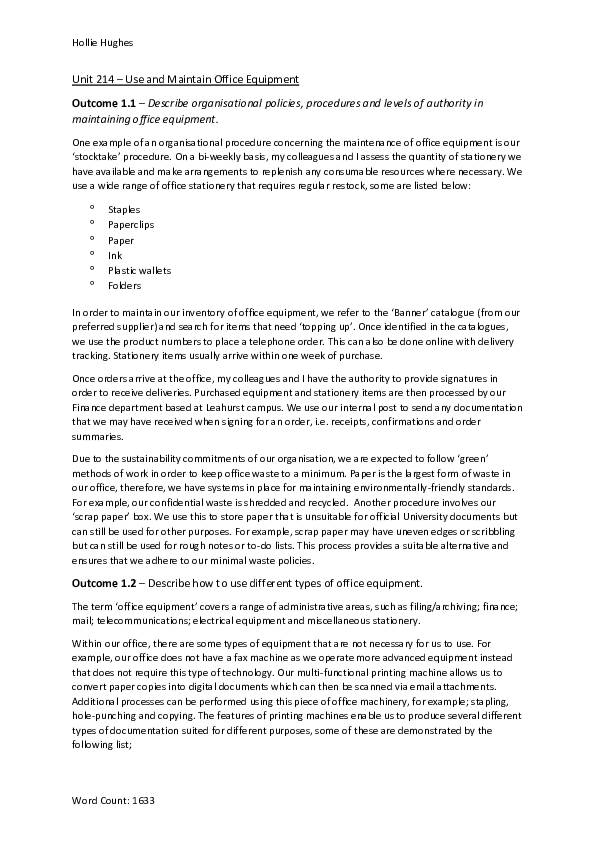
Credit: www.academia.edu
Printer And Copier Care
Printers and copiers are often the first to break down in any office. The most common issues are paper jams and poor print quality. Preventing these problems is easier than many realize.
Printer maintenance tips:
- Keep the printer clean, inside and out.
- Use the right type of paper and store it in a dry place.
- Replace toner or ink cartridges before they run empty.
- Align printer heads as recommended.
Always check for firmware updates, as these can solve bugs or improve performance. It’s also helpful to keep a spare set of cartridges to avoid last-minute panics.
Taking Care Of Phones And Communication Devices
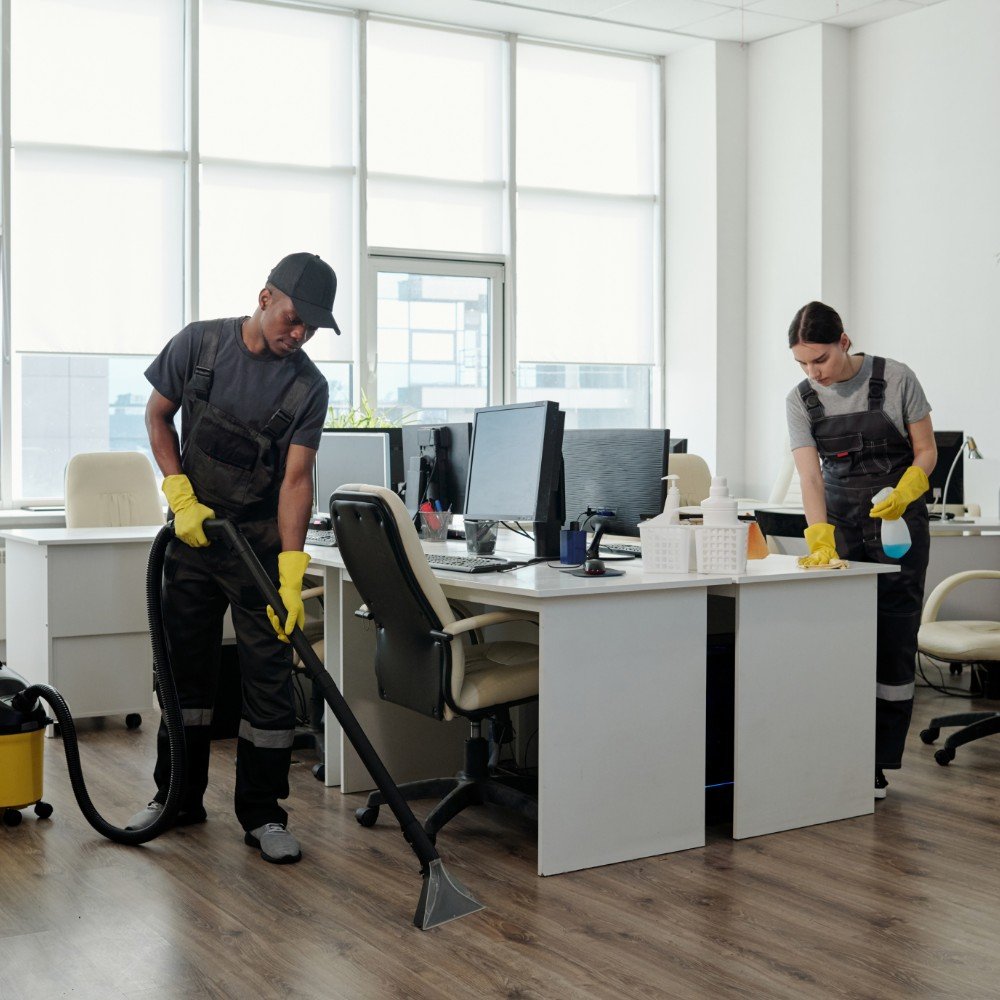
Office phones, conference systems, and VoIP devices are often touched by many people, making them magnets for germs and dust. Regular cleaning is important for both hygiene and function.
Key steps:
- Wipe handsets and buttons daily.
- Check cables for wear and replace damaged ones.
- Reset devices monthly to clear memory errors.
If you notice static or dropped calls, don’t ignore it. Sometimes a simple cable replacement solves the problem.
Credit: www.homedepot.com
Shredders, Laminators, And Other Small Devices
These devices are easy to forget until they stop working. Shredders often jam, while laminators can overheat.
Shredder care:
- Empty the waste bin before it gets full.
- Oil the blades every few weeks (use shredder oil only).
- Avoid feeding too many sheets at once.
Laminator care:
- Clean the rollers with a lint-free cloth.
- Never use sharp objects to remove jams—this can cause permanent damage.
Reading the manual can reveal small tips that make a big difference. For example, some shredders need a “cool down” period after heavy use.
Maintaining Office Furniture
Office chairs, desks, and cabinets also need attention. Loose screws or broken wheels can cause accidents. Make it a habit to:
- Tighten screws and bolts every few months.
- Lubricate moving parts like chair wheels.
- Clean surfaces to prevent stains and wear.
A broken chair can lower productivity and even cause injuries, so never ignore small problems.
Safeguarding Digital Equipment
Modern offices rely on laptops, projectors, and tablets. These devices are expensive and often portable, making them easy to damage or lose.
Protection tips:
- Use cases and screen protectors.
- Store devices in a safe place when not in use.
- Keep software updated to prevent hacking.
- Use password protection and encrypt sensitive data.
One overlooked tip: unplug chargers when not in use. This avoids overheating and extends battery life.
Managing Power And Electrical Safety
Power surges and unstable electricity can destroy equipment. Surge protectors are a simple solution. Place them between the wall outlet and your devices.
Also, avoid overloading power strips. This can cause fires or break devices. If you notice sparks or burning smells, unplug everything and call a professional.
Here’s how different power protection options compare:
| Device | Protection Level | Best For |
|---|---|---|
| Surge Protector | Basic | Desktops, printers |
| UPS (Battery Backup) | High | Servers, critical PCs |
| Voltage Stabilizer | Medium | Projectors, sensitive devices |
Investing in the right protection can save thousands in replacement costs.
Keeping Equipment Manuals And Documentation
Many offices lose track of equipment manuals. These guides contain important information about maintenance, troubleshooting, and warranty terms. Keep all manuals in one place, either as paper copies or digital files.
If manuals are lost, most can be found online on the manufacturer’s website. Having these documents handy helps you solve minor issues without calling for outside help.
Training Staff On Equipment Use
Even the best equipment will fail if used incorrectly. Training your team is a powerful way to prevent damage and boost efficiency.
Effective training includes:
- Showing how to operate each device correctly.
- Explaining basic troubleshooting steps.
- Teaching safety rules, like not forcing paper into printers.
A surprising insight: most office equipment failures are caused by user mistakes, not hardware faults. Investing in short training sessions pays off in fewer breakdowns.
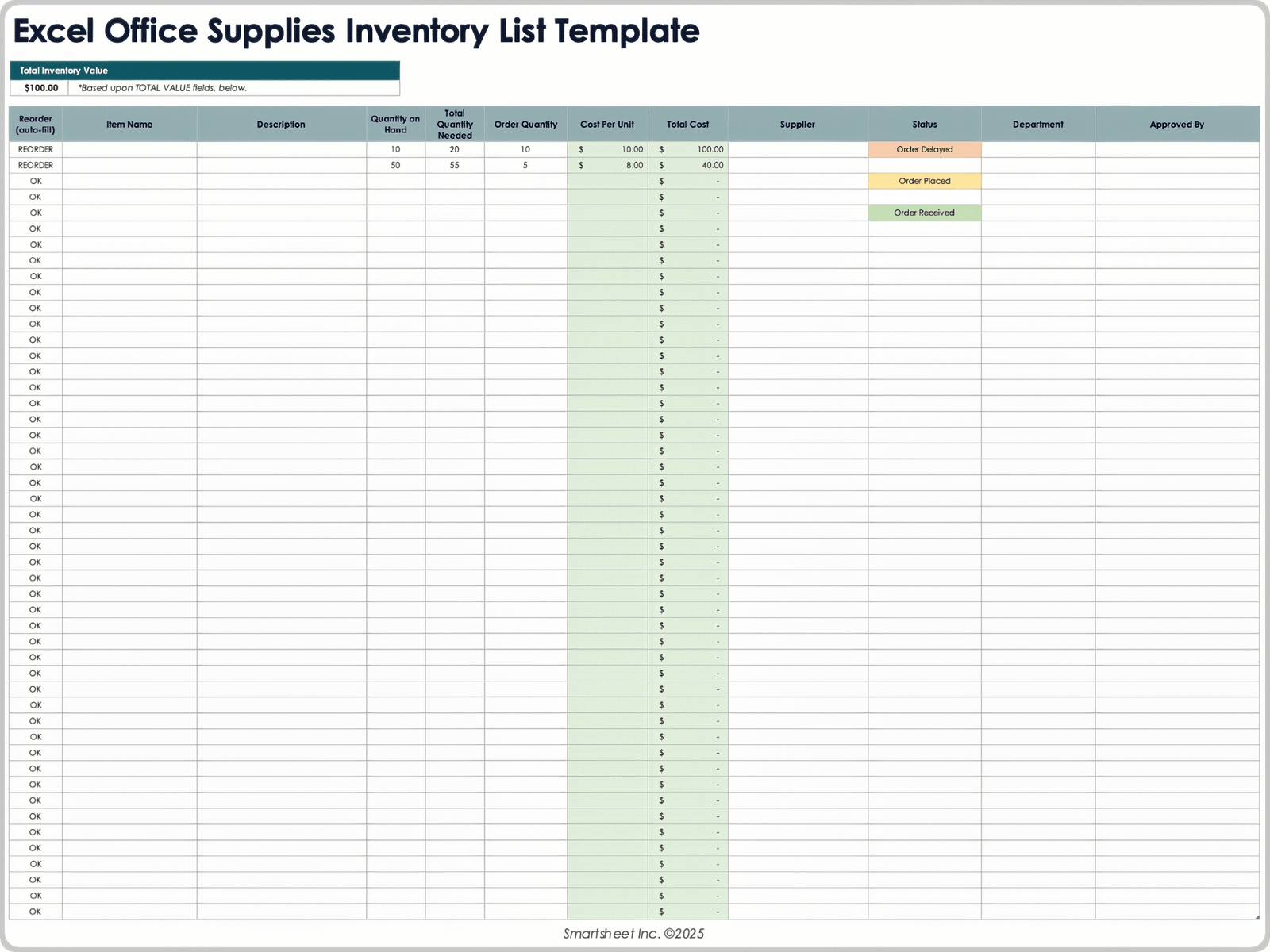
Tracking And Monitoring Equipment
Keeping records helps you spot patterns. For example, if a printer jams every Monday, you might find that someone uses the wrong paper after the weekend. Use a simple log to track issues and repairs.
Example log:
| Date | Device | Problem | Action Taken |
|---|---|---|---|
| 2024-03-14 | Printer A | Paper jam | Cleared jam, cleaned rollers |
| 2024-04-02 | Laptop 3 | Slow startup | Deleted unused files, updated OS |
Reviewing these records can show when it’s time to replace aging equipment.
When To Call A Professional
Some problems are best left to experts. For example, fixing a broken circuit board or repairing a laser printer is not a DIY task. Trying to repair complex devices without training can void warranties or cause more damage.
Call a professional if:
- The equipment is under warranty.
- You see exposed wires or smoke.
- There are repeated failures after basic troubleshooting.
Getting expert help early can prevent major losses and keep your office running.
Choosing The Right Replacement Parts
When replacing parts, always use original manufacturer parts if possible. Cheap or off-brand parts may not fit well or can even cause damage. For example, using low-quality ink can clog printer heads.
If you’re not sure which part to buy, check the manual or contact the manufacturer’s support team.
Environmental Considerations
Proper maintenance also means being kind to the environment. Recycle old batteries, toner cartridges, and electronics. Many manufacturers offer free recycling programs. Never throw electronics in regular trash—they can leak chemicals into the ground.
For more guidance on safe electronic disposal, you can check the EPA’s electronics recycling guide.
Credit: www.smartsheet.com
Common Mistakes To Avoid
Even with the best intentions, some habits can reduce equipment life. Avoid these pitfalls:
- Using the wrong cleaning products.
- Ignoring warning lights or error messages.
- Overloading machines (too much paper, too many tasks).
- Skipping regular maintenance due to being “too busy.”
Remember, small issues often grow into big problems if ignored.
Frequently Asked Questions
How Often Should Office Equipment Be Cleaned?
It depends on the device and usage. High-touch items like keyboards and phones should be cleaned daily. Printers and computers can be cleaned weekly or monthly. Always follow the manufacturer’s recommendations.
What Is The Benefit Of Using Surge Protectors?
Surge protectors shield equipment from sudden spikes in electricity, which can damage circuits and cause data loss. They are a low-cost way to protect valuable devices.
How Do I Know When To Replace Office Equipment?
If a device breaks down often, repairs cost more than half the price of a new one, or it no longer meets your needs, it’s time for a replacement. Tracking repair history helps you decide.
Is It Safe For Employees To Repair Equipment?
Simple fixes like replacing ink or clearing paper jams are fine. For electrical or internal repairs, always call a professional to avoid injury or voiding warranties.
What Should I Do With Old Or Broken Office Equipment?
Recycle them through certified e-waste programs or return them to the manufacturer if possible. Never throw electronics in the trash because they contain hazardous materials.
Maintaining office equipment is not just about fixing things when they break. It’s about building habits, training staff, and making smart choices every day. With these steps, your office can avoid costly downtime, keep staff happy, and extend the life of every device.
Investing a little time now saves a lot of trouble later.
Related Office Guides
Continue with these related workspace guides:
