
Keeping your office running smoothly depends on more than just having the right equipment. Regular care and maintenance of office equipment can save money, extend the life of devices, and reduce unexpected downtime. Yet, many businesses and workers overlook simple routines or use equipment incorrectly, leading to avoidable problems. This guide will help you understand how to care for everything from your printer to your desk chair, with practical steps, clear tips, and answers to common questions.
Why Office Equipment Care Matters
Neglecting office equipment can be costly. Dust buildup, power surges, improper cleaning, and skipped maintenance can quickly turn a dependable tool into a source of frustration. Studies show that well-maintained office hardware can last up to 40% longer and reduce repair costs by as much as 25%. Beyond savings, properly cared-for equipment improves efficiency and helps create a healthier workspace.
General Office Equipment Care Principles
Caring for equipment starts with a few universal rules:
- Read the manual: Every device has unique care instructions. Following the manufacturer’s guidelines prevents many common mistakes.
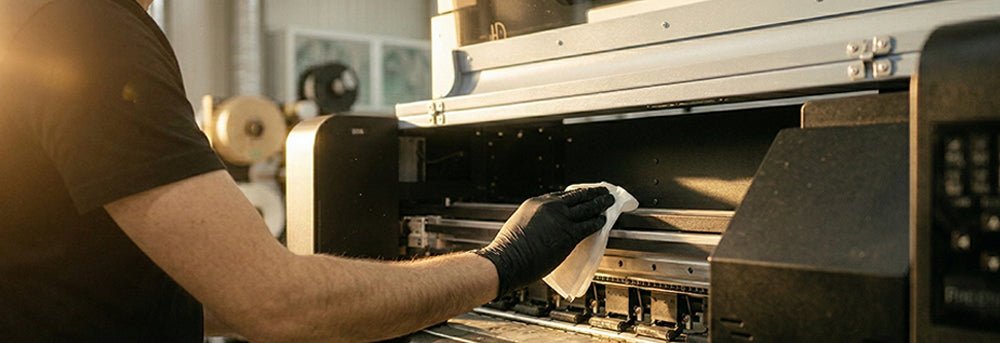
- Keep equipment clean: Dust and debris can damage internal parts, cause overheating, or jam moving components.
- Use proper supplies: Cheap or wrong supplies (like ink, paper, or batteries) may harm your devices.
- Check for damage: Regularly inspect cords, plugs, and moving parts for wear.
- Schedule maintenance: Preventive checks are usually quicker and cheaper than repairs.
- Train staff: Make sure everyone knows the basics, such as how to refill a printer or adjust a chair correctly.
Credit: aaprintsupplyco.com
Caring For Computers And Laptops
Computers and laptops are the heart of most offices, so their care is critical.
- Keep them clean: Use a microfiber cloth and avoid harsh chemicals. Dust vents and keyboards regularly to avoid overheating.
- Update software: Regular updates protect against security risks and fix bugs.
- Use surge protectors: Power spikes can destroy sensitive parts. Invest in quality surge protectors or UPS (Uninterruptible Power Supply) units.
- Monitor temperature: Don’t block vents. Overheating is a leading cause of computer failure.
- Backup data: Use cloud storage or external drives to avoid data loss from hardware failure.
- Handle with care: Don’t move laptops or desktops while running. Sudden shocks can damage internal parts.
Common Mistake
Many people forget to shut down computers properly. Forced shutdowns or leaving devices on 24/7 can shorten their lifespan.
Printer And Copier Maintenance
Printers and copiers are often shared by many users, making them prone to wear and tear.
- Clean rollers and trays: Paper dust accumulates quickly. Use a lint-free cloth to wipe trays and feed rollers monthly.
- Replace cartridges correctly: Always use the recommended brand or type. Incorrect cartridges can leak or damage the print head.
- Use proper paper: Cheap or damp paper causes jams. Store paper in a dry place.
- Run diagnostics: Most printers have built-in tools for checking alignment and cleaning heads.
- Turn off when not in use: This saves power and reduces wear on moving parts.
Example: Laser Vs. Inkjet Printer Care
Here’s a quick comparison:
| Feature | Laser Printer | Inkjet Printer |
|---|---|---|
| Cleaning frequency | Every 2-3 months | Monthly |
| Common issue | Toner spills | Clogged print heads |
| Paper type | Standard office paper | Specialty/photo paper |
Telephone And Communication Devices
Phones, headsets, and conferencing equipment need attention too.
- Disinfect regularly: Phones collect germs. Use alcohol wipes, especially on shared devices.
- Check cables: Frayed or bent cords cause static or dropped calls.
- Update firmware: Many modern phones have software updates to improve quality and security.
- Store properly: Don’t leave headsets on the floor or tangled.
Office Furniture: Desks And Chairs
While electronics get most of the attention, office furniture also needs care to ensure comfort and safety.
- Clean surfaces: Wipe desks and chairs weekly to remove dust and spills.
- Tighten bolts and screws: Loose fittings make chairs unsafe and desks unstable.
- Check wheels and glides: Replace broken casters to avoid floor damage or accidents.
- Adjust for ergonomics: Set chair height, back support, and desk level to reduce strain.
Quick Ergonomic Check
A simple check can help:
| Item | Proper Setting | Signs of Poor Fit |
|---|---|---|
| Chair height | Feet flat, knees at 90° | Legs dangle or knees bend |
| Monitor position | Eye level, arm’s length away | Neck strain or leaning forward |
| Desk space | Clear, enough for tasks | Clutter, limited movement |
Shredders, Laminators, And Other Specialty Devices
Shredders and laminators are often forgotten until they jam or break.
- Empty shredder bins: Overfilling leads to jams and motor strain.
- Oil shredder blades: Use special oil every few weeks to keep blades sharp.
- Feed items properly: Avoid overloading laminators or shredders, and never use materials not recommended by the manufacturer.
- Let devices cool: After heavy use, give them time to cool to prevent overheating.
Power Management And Electrical Safety
Power issues can silently damage equipment over time.
- Avoid daisy-chaining power strips: This can cause overloads and fire hazards.
- Unplug during storms: Lightning can cause surges even with protectors.
- Label outlets: Make it easy to disconnect devices safely for cleaning or repairs.
- Check for heat: If plugs or adapters feel hot, replace them immediately.
Surge Protector Lifespan
Did you know most surge protectors lose effectiveness after a few years? Replace them every 3-5 years, even if they seem to work.

Credit: www.ais-now.com
Cleaning Supplies And Methods
Choosing the right cleaning supplies is as important as cleaning itself.
- Microfiber cloths: Safe for most screens and surfaces.
- Alcohol-based wipes: Disinfect without leaving residue, but avoid on some plastics.
- Compressed air: Removes dust from keyboards and vents.
- Avoid water: Water can seep into electronics. Always spray cleaner onto cloth, not directly on the device.
Storage And Organization
Proper storage prevents accidental damage and makes equipment last longer.
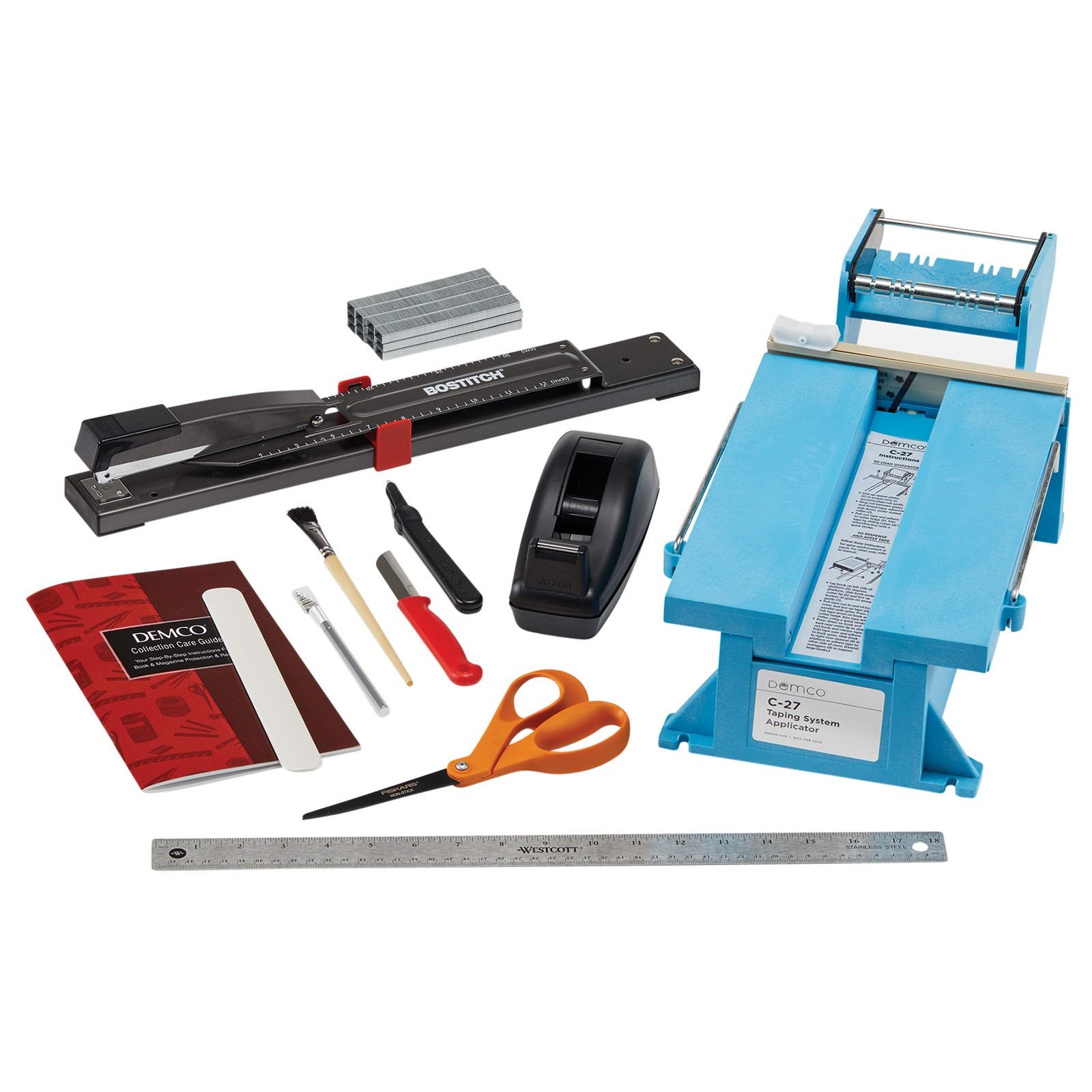
- Store cables neatly: Use cable ties or organizers.
- Keep manuals and spare parts: Store in a labeled drawer for quick reference.
- Protect from sunlight and moisture: Direct sunlight and high humidity can warp or degrade many materials.
Credit: www.demco.com
Disposal And Recycling
When equipment reaches the end of its life, proper disposal protects the environment and sensitive information.
- Erase data: Use secure wiping tools for computers and phones.
- Recycle responsibly: Many cities have e-waste programs for electronics.
- Donate if possible: Some devices can be reused in schools or charities.
Quick Comparison: Disposal Methods
| Method | Best For | Risks |
|---|---|---|
| Manufacturer recycling | Brand-name electronics | May require shipping |
| Municipal e-waste | General devices | Limited acceptance |
| Donation | Working equipment | Data not fully wiped |
Two Overlooked Insights For Beginners
- Environmental conditions matter: Many people ignore temperature and humidity. High humidity can cause rust or mold, while extreme dryness leads to static electricity, which can damage electronics. Consider a small dehumidifier or air purifier for sensitive equipment rooms.
- Scheduled deep cleaning prevents bigger problems: While spot cleaning is common, scheduling a quarterly deep clean (including under desks, inside printers, and behind computers) removes dust that can cause overheating or allergies. This is often missed until a costly failure happens.
Practical Tips For A Longer Equipment Life
- Rotate shared equipment use: Don’t let one printer or phone bear the entire workload.
- Keep a maintenance log: Note when you clean or service each device to spot patterns and anticipate issues.
- Train new staff on care routines: Make equipment care part of onboarding.
- Don’t ignore warning lights or sounds: Many breakdowns start with small signals that are easy to fix if caught early.
- Use covers for unused equipment: Dust covers protect printers, scanners, and monitors when not in use.
Frequently Asked Questions
How Often Should I Clean My Office Equipment?
Most office equipment should be cleaned lightly every week and given a deeper cleaning every 2-3 months. High-touch items like keyboards and phones may need daily wipes, especially in shared environments.
What Is The Best Way To Clean A Computer Keyboard?
Turn off the computer, unplug the keyboard, and use compressed air to blow out dust. Wipe the keys with a slightly damp microfiber cloth. For a deeper clean, use cotton swabs and isopropyl alcohol.
Can I Use Household Cleaners On My Office Devices?
Avoid regular household cleaners, especially those with bleach or ammonia. These can damage plastics and screens. Use products designed for electronics or simple alcohol wipes.
How Do I Know When To Replace Office Equipment?
Replace equipment when repairs become frequent, performance drops sharply, or it no longer meets your work needs. For electronics, a lifespan of 3-5 years is typical, but good care can extend this.
Where Can I Find Official Disposal Guidelines For Electronics?
Check your local government website or the manufacturer’s site for e-waste rules. A good starting point is the EPA’s official electronics recycling guide.
Caring for your office equipment is not just a chore—it’s an investment in productivity, health, and the environment. By following these practical steps, you can reduce costs, prevent downtime, and keep your workspace running smoothly for years to come.
Related Office Guides
Continue with these related workspace guides:
