
Keeping your office truly clean is about more than just dusting a few shelves or emptying the trash. A deep clean means reaching hidden corners, sanitizing surfaces, and removing germs that can make people sick. Many offices look tidy on the surface, but dirt, dust, and bacteria collect where most people do not see. Over time, these can affect not only how your office looks, but also the health and productivity of everyone who works there.
A well-planned office deep cleaning gives you more than a fresh appearance. It lowers the risk of illness, helps equipment last longer, and creates a better place for creative thinking and focus. If your workspace has not had a deep clean in a while, you may notice allergies, stale air, or stubborn stains that do not go away with normal cleaning. Even if you hire a cleaning crew, knowing what a real deep clean involves helps you set higher standards and spot what is missing.
In this guide, you will learn the full process of deep cleaning an office, from making a plan to finishing every detail. Whether you are a business owner, office manager, or someone who wants a healthier workspace, you will find practical steps, checklists, and expert tips you can use right away.
Why Deep Clean Your Office?
A deep clean is not just a luxury—it is a necessity for any professional environment. Many people do not realize that office desks can have more bacteria than a toilet seat. According to a study by the University of Arizona, the average desk has 400 times more germs than a toilet seat. These germs can easily spread, especially in shared spaces like meeting rooms and kitchens.
A deep clean removes hidden dirt and prevents the spread of illnesses. This matters because when employees get sick, companies lose time and money. The US Centers for Disease Control and Prevention (CDC) reports that sick workers cost businesses more than $225 billion every year due to lost productivity.
Besides health, a clean environment boosts morale. People feel happier and more motivated in a tidy, fresh-smelling office. It also makes a good impression on visitors or clients, which can be important for your company’s reputation.
Planning Your Office Deep Clean
Before anyone starts scrubbing, it is important to make a plan. Deep cleaning is much more detailed than daily cleaning, so good preparation will help you save time and avoid missing important spots.
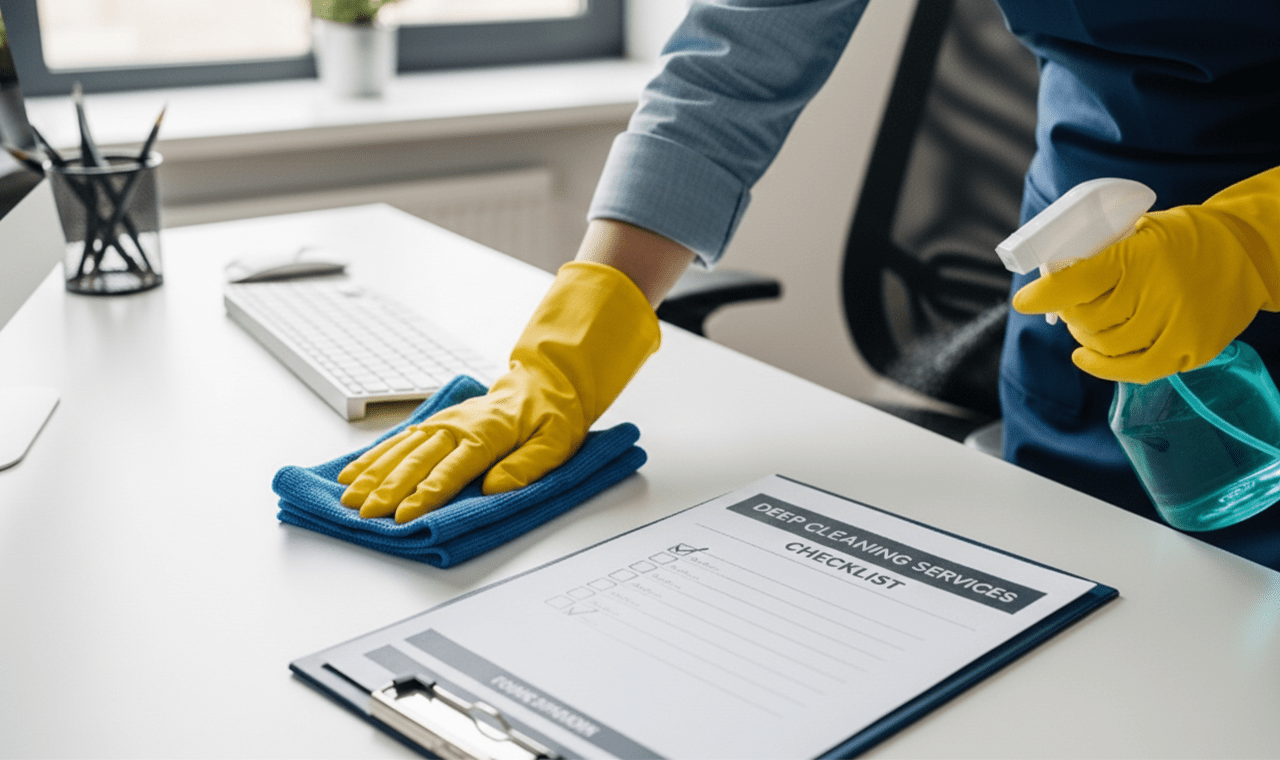
Make A Cleaning Checklist
Walk around your office and list all areas that need attention. Include often-forgotten places, such as:
- Under desks and behind furniture
- Light switches and door handles
- Air vents and baseboards
- Computer keyboards and phones
Break the list into zones like kitchen, bathrooms, workstations, and meeting rooms. This makes it easier to organize the work.
Gather The Right Supplies
You need more than just a broom and mop. For a real deep clean, gather:
- Microfiber cloths for dusting
- Disinfectant sprays and wipes
- Glass cleaner for windows and screens
- Carpet cleaner or vacuum with HEPA filter
- Scrubbing brushes and sponges
- Trash bags and recycling bins
- Floor cleaner (for wood, tile, or carpet)
- Personal protective equipment (gloves, masks)
Having everything ready means you do not waste time searching for supplies.
Decide Who Will Clean
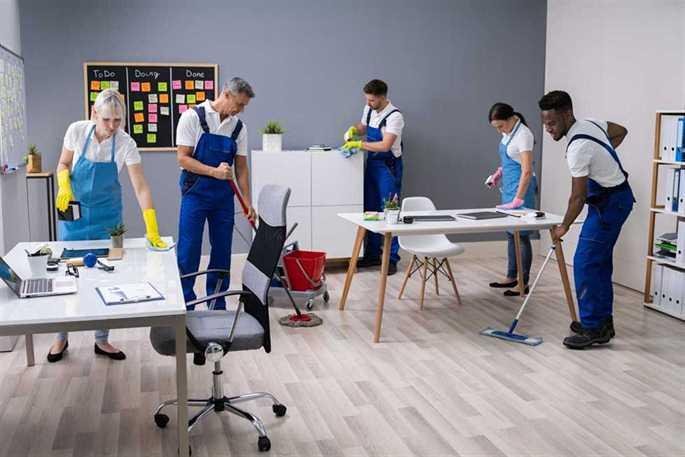
Some offices hire professional cleaners, but many small businesses do it themselves. If you use your own team, assign tasks based on the checklist. Make sure everyone understands what to do, and provide training if needed for special equipment or chemicals.
Set A Schedule
Deep cleaning an office usually takes longer than regular cleaning. Plan for at least a half or full day, depending on office size. Try to schedule it during a weekend or after hours to avoid disturbing work.
Step-by-step Office Deep Cleaning
A successful deep clean follows a logical order, moving from high to low and clean to dirty. This avoids spreading dust and germs to areas you have already finished. Let’s break down the process by key areas.
1. Declutter Workspaces
Start by removing all items from desks, shelves, and other surfaces. Throw away trash, recycle old papers, and put away personal items. This gives you clear access to every surface.
Deep cleaning is much easier when there is nothing in the way. Plus, decluttering helps people feel more organized and reduces stress.
2. Dusting And Wiping Surfaces
Use a microfiber cloth to dust all surfaces, including:
- Desks and tables
- Window sills
- Shelves
- Light fixtures
- Picture frames
Do not forget the tops of cabinets and behind computer monitors. Dust first, then follow with a disinfectant spray to kill germs.
3. Cleaning Electronics
Electronics gather dirt, fingerprints, and germs. For safety, turn off and unplug devices before cleaning. Use a slightly damp microfiber cloth for:
- Computer screens (avoid harsh chemicals)
- Keyboards (use compressed air for crumbs)
- Mice and phones
- Printer buttons
For shared devices, use a disinfectant wipe to stop the spread of germs.
4. Sanitizing High-touch Areas
Some places need extra attention because everyone touches them. These include:
- Door handles
- Light switches
- Elevator buttons
- Faucet handles
- Coffee machines
Spray or wipe these with a strong disinfectant. This step is especially important during flu season or outbreaks.
5. Deep Cleaning Floors
Floors collect more dirt than you might think. The right method depends on your office flooring:
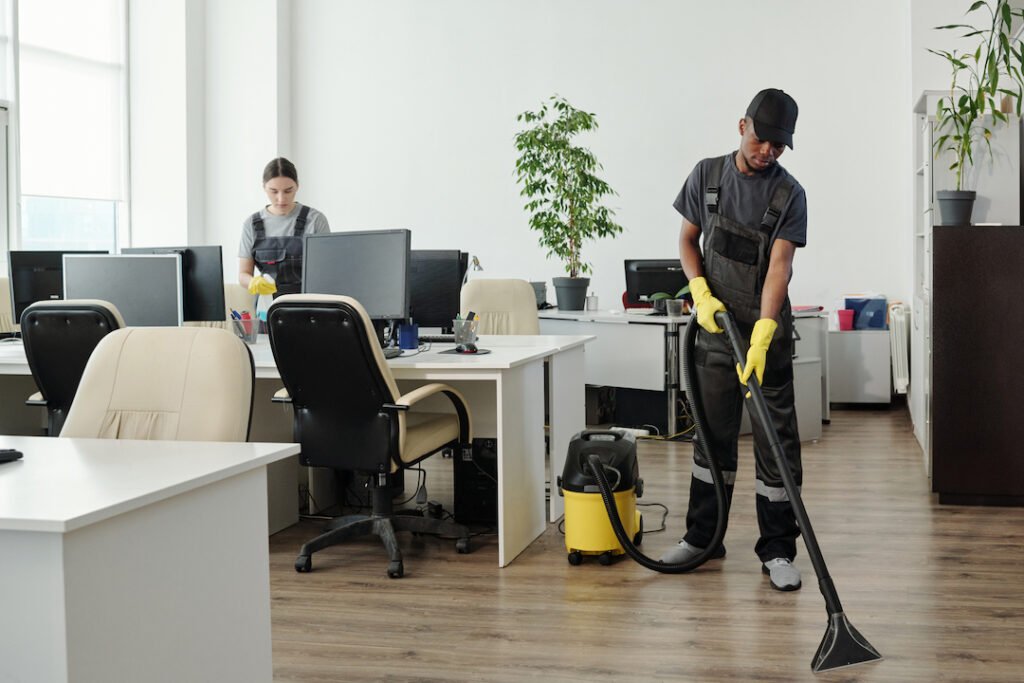
- Carpet: Vacuum slowly, focusing on corners and under furniture. Use a carpet cleaner for stains or smells.
- Hard floors: Sweep, then mop with the right cleaner for wood, tile, or laminate. Do not forget baseboards!
Here is a quick comparison of cleaning methods for different floor types:
| Floor Type | Best Cleaning Method | Frequency (Deep Clean) |
|---|---|---|
| Carpet | Vacuum + Carpet Shampoo | Every 3-6 months |
| Hardwood | Sweep + Damp Mop | Every 1-2 months |
| Tile | Sweep + Steam Mop | Every 1-2 months |
6. Washing Windows And Glass
Clean windows let in more light and make spaces feel open. Use a glass cleaner and lint-free cloth for:
- Interior and exterior window panes
- Glass partitions or doors
- Mirrors in bathrooms
For higher windows, use an extension pole or hire a professional.
7. Refreshing Upholstery And Furniture
Chairs, couches, and fabric panels can trap dust, allergens, and odors. Use a vacuum with an upholstery attachment, or a steam cleaner for deep cleaning. Spot-clean stains with a fabric-safe cleaner.
For leather furniture, use a special leather cleaner and conditioner to avoid drying and cracks.
8. Sanitizing Kitchens And Break Rooms
These areas often have hidden messes. Remove all food from refrigerators, wipe shelves with disinfectant, and throw out expired items. Clean:
- Microwaves (inside and out)
- Sinks and faucets
- Counters and tables
- Cabinet handles
Empty trash and recycling bins, then wipe them inside and out. Do not forget to mop the floor.
9. Deep Cleaning Bathrooms
Bathrooms must be both clean and sanitary. Use a strong disinfectant on:
- Toilets and urinals (including the base and behind)
- Sinks and faucets
- Light switches and door handles
- Mirrors
Scrub tiles and grout to remove mold or stains. Refill soap, paper towels, and toilet paper.
10. Ventilation And Air Quality
Air vents and filters often get ignored. Dust and mold build up here can cause allergies and odor. Remove vent covers and vacuum inside. Replace or clean filters in HVAC systems every few months.
Consider using an air purifier to reduce dust and germs, especially if the office is in a city or near construction.
11. Organizing Cables And Power Strips
Messy cables collect dust and can be a tripping hazard. Unplug devices, untangle cables, and wipe them with a damp cloth. Use cable ties or organizers to keep them neat.
This small step makes cleaning easier in the future and looks more professional.
12. Taking Out The Trash
Empty all trash bins, but do not forget to sanitize the bins themselves. Food and liquid spills can create bad smells and attract pests. Wash bins with soap and water, let them dry, and line them with fresh bags.
13. Checking For Pests
Deep cleaning is a good time to look for signs of insects or rodents. Check under sinks, behind appliances, and near trash bins for droppings or nests. If you see signs, call a pest control service right away.
14. Finishing Touches
Replace air fresheners, wipe down plants (real or artificial), and straighten up chairs and supplies. Open windows for fresh air if possible.
Take a final walk-through to spot any missed areas. Involve your team in this step—they may notice things you do not.
Common Mistakes To Avoid
Even with the best intentions, people often miss key parts of a deep clean. Here are some mistakes to watch for:
- Skipping under furniture: Dust and dirt build up under desks and cabinets.
- Forgetting about electronics: Germs love keyboards and phones.
- Using the wrong cleaner: Harsh chemicals can damage surfaces or cause allergies. Always check labels.
- Not cleaning vents: Dirty vents hurt air quality and make allergies worse.
- Missing high-touch areas: Light switches and handles are easy to forget but full of germs.
- Ignoring upholstery: Fabric chairs and couches need more than a quick vacuum.
- Overlooking trash bins: Dirty bins can smell and attract bugs.
The best way to avoid these mistakes is to use your checklist and inspect each area after you finish.
Credit: downtownwindowcleaning.com
Deep Cleaning Vs. Regular Cleaning
You may wonder why deep cleaning is so different from daily or weekly cleaning. Here is a quick side-by-side comparison:
| Task | Regular Cleaning | Deep Cleaning |
|---|---|---|
| Dusting | Surfaces only | Surfaces, vents, behind furniture |
| Floors | Quick sweep/vacuum | Move furniture, clean corners, shampoo carpets |
| Sanitizing | High-touch areas sometimes | All high-touch areas, electronics, bins |
| Trash | Empty only | Empty and wash bins |
| Air Quality | Not addressed | Clean vents and filters |
Deep cleaning is more detailed and less frequent, but it keeps your office safe and healthy in the long run.
How Often Should You Deep Clean?
There is no single answer—it depends on your office size, number of people, and type of work. A good rule for most offices is:
- Deep clean every 3-6 months for a standard workspace.
- Every 1-2 months if you have a high-traffic office or work in healthcare, food, or child care.
- After illness outbreaks or construction work.
Regular daily or weekly cleaning keeps things tidy, but a deep clean removes what regular cleaning misses.
Credit: thecleanspace.com
Professional Cleaning Services Vs. Diy
Should you hire a professional or do it yourself? Both have pros and cons.
Professional Services
- Pros: Save time, use industrial equipment, trained staff, reliable results.
- Cons: More expensive, must schedule in advance, less control over details.
Diy Deep Clean
- Pros: Cheaper, more control, flexible schedule, team building.
- Cons: Takes more time, need to buy supplies, may miss technical steps.
If your office is large or has special needs (like medical equipment), professionals are worth the cost. For small offices, a DIY deep clean is possible with good planning.
Here is a comparison of the key factors:
| Factor | Professional Cleaning | DIY Deep Clean |
|---|---|---|
| Cost | Higher | Lower |
| Time | Less (for your team) | More (for your team) |
| Expertise | High | Varies |
| Flexibility | Lower | Higher |
| Results | Consistent | Depends on team |
Expert Tips For A Successful Deep Clean
- Start early: Deep cleaning always takes longer than you think. Begin in the morning and plan breaks.
- Use color-coded cloths: Red for bathrooms, blue for desks, green for kitchens. This stops cross-contamination.
- Check cleaning products: Some can damage electronics or cause allergies. Use safe, eco-friendly options when possible.
- Label supplies: Keep cleaners in their original bottles or clearly labeled to avoid mistakes.
- Involve the team: People take more care of a space they help clean.
- Review your checklist: Do a final walk-through to catch missed spots.
- Open windows: Fresh air helps remove cleaning chemical smells.
One non-obvious insight: if your office has a lot of plants, dust their leaves. Dusty plants do not clean the air as well and can even make it worse.
Another tip: take “before and after” photos. This helps you see progress and motivates your team for future cleaning days.
Credit: www.anagomb.ca
Frequently Asked Questions
How Long Does An Office Deep Clean Take?
The time depends on office size and staff. A small office (5-10 people) usually takes 4-6 hours. A large office with many rooms may need a full day or a weekend. If you hire professionals, they may finish faster due to experience and equipment.
What Is The Difference Between Deep Cleaning And Sanitizing?
Deep cleaning means removing all visible dirt and cleaning places that regular cleaning misses. Sanitizing means killing germs on surfaces, usually with a chemical spray or wipe. Deep cleaning comes first, then sanitizing ensures germs are gone.
How Much Does A Professional Office Deep Clean Cost?
Prices vary by location and office size. In the US, a typical deep clean costs between $0.15 and $0.50 per square foot. For a 2,000 square foot office, expect to pay $300–$1,000. For more details, see this guide from the Wikipedia: Commercial Cleaning.
What Are The Most Important Areas To Deep Clean?
High-touch and shared areas are most important. Focus on:
- Door handles
- Desks and keyboards
- Phones
- Bathrooms
- Kitchen surfaces
These spots collect the most germs and spread illness quickly.
How Can I Keep My Office Cleaner Between Deep Cleans?
Encourage everyone to:
- Wipe their own desks and keyboards weekly
- Wash hands often
- Eat only in break rooms, not at desks
- Empty trash and recycling regularly
- Report spills or messes quickly
Regular small actions make deep cleaning easier and keep your office healthy.
A truly clean office is more than good looks—it is an investment in health, productivity, and pride. Whether you do it yourself or hire experts, deep cleaning shows you care about your team and your business. With a clear plan and the right tools, you can enjoy a workspace that feels fresh, safe, and ready for success.
Related Office Guides
Continue with these related workspace guides:
