
Monitor & Laptop Accessories
Reviews and guides on monitors, laptop stands, docking stations, screen protectors, and accessories to optimize your display setup.
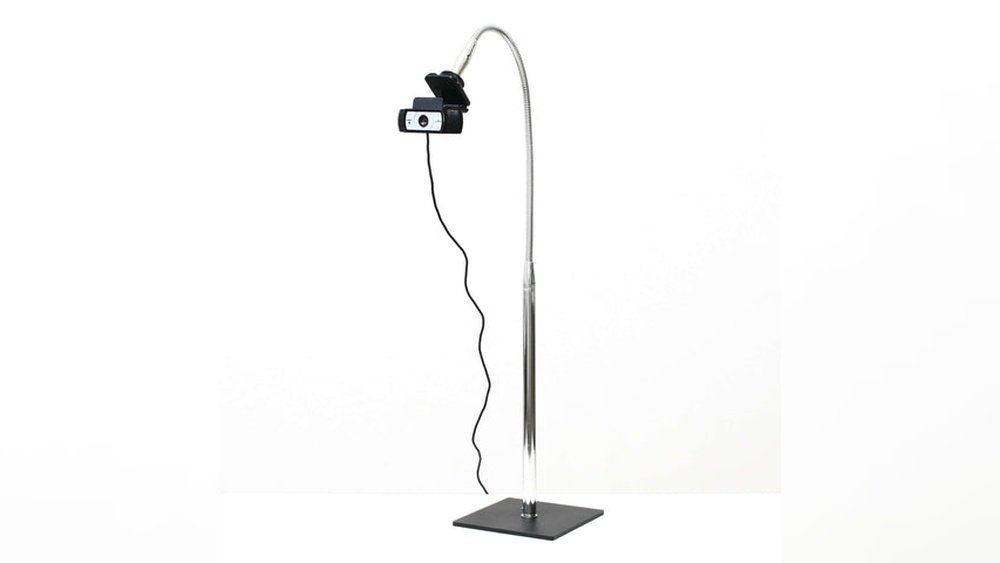
KVM Switch How to Use: A Complete Step-by-Step Guide

A KVM switch lets one keyboard, monitor, and mouse control two or more computers. To use one, connect the shared peripherals to the KVM’s console ports, connect each computer to the corresponding computer-side video and USB connections, provide power if the model requires it, then select the computer with the switch’s supported button, remote, or …
USB C Hub Overheating Causes: Why It Happens & How to Fix It
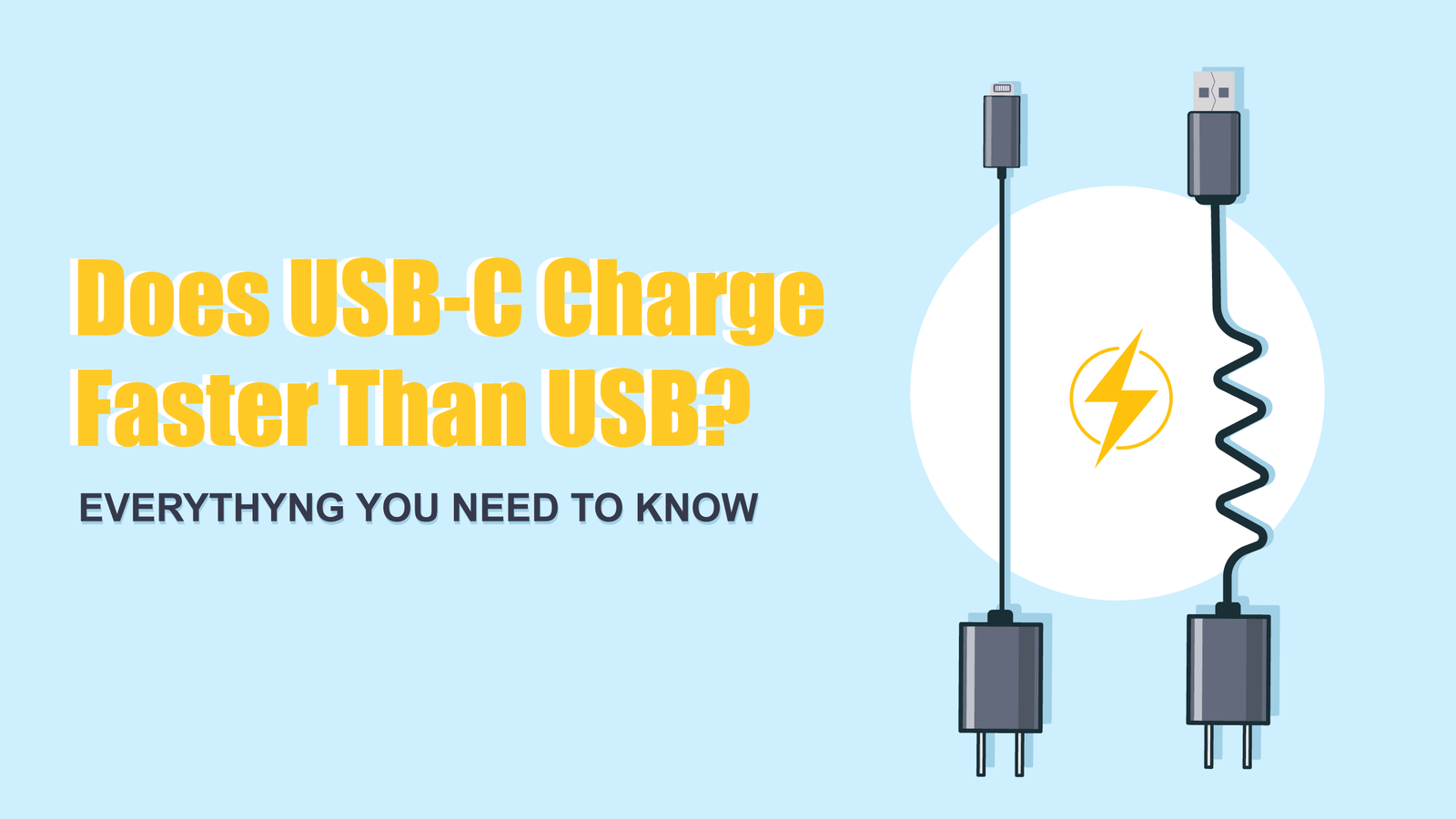
USB-C hub overheating can come from power conversion, high-speed data traffic, display output, connected peripherals, poor airflow, or a fault. Some warmth can be normal, especially while a hub is charging a laptop or handling several active devices, but there is no universal safe surface temperature or “touch test” that applies to every hub. If …
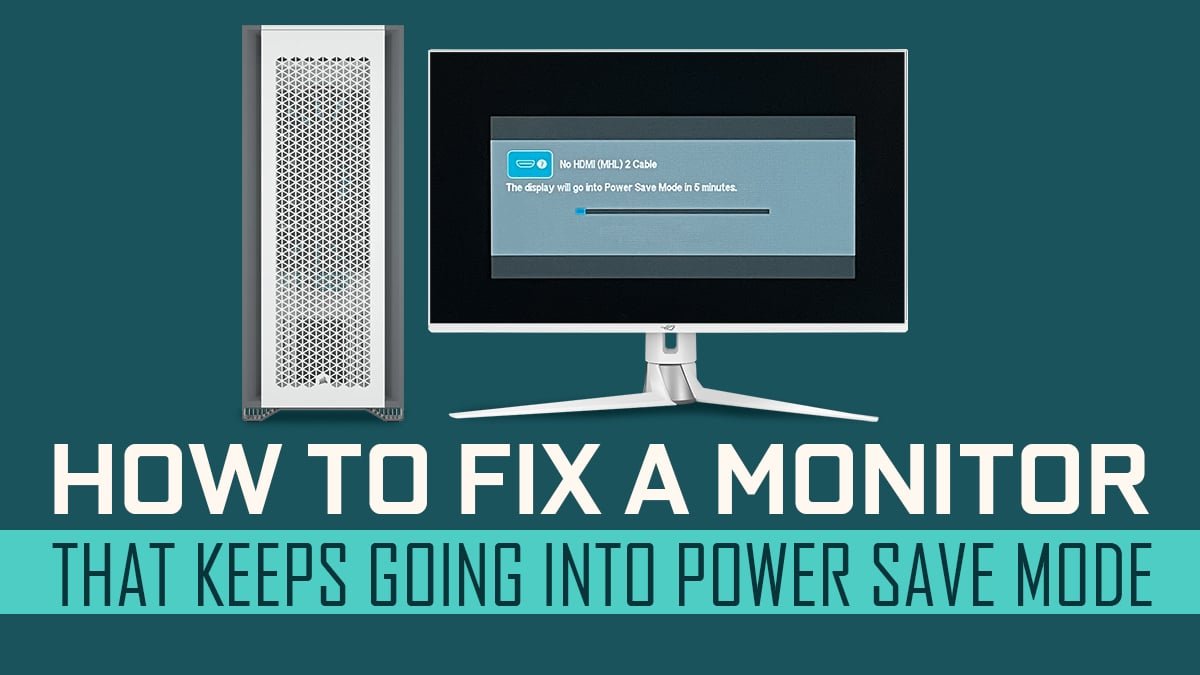
How to Stop Monitor Wobble: 7 Practical Fixes for a Stable Screen
Related Office Guides Continue with these related workspace guides: How to Clean Laptop Touchpad: Easy Steps for a Spotless Finish Signs of Bad Laptop Charger: How to Spot and Fix Issues Fast Usb C Docking Station Charging: Boost Your Workspace Efficiency Laptop Vent Cleaning Guide: Keep Your Device Cool and Efficient When to Replace Laptop …
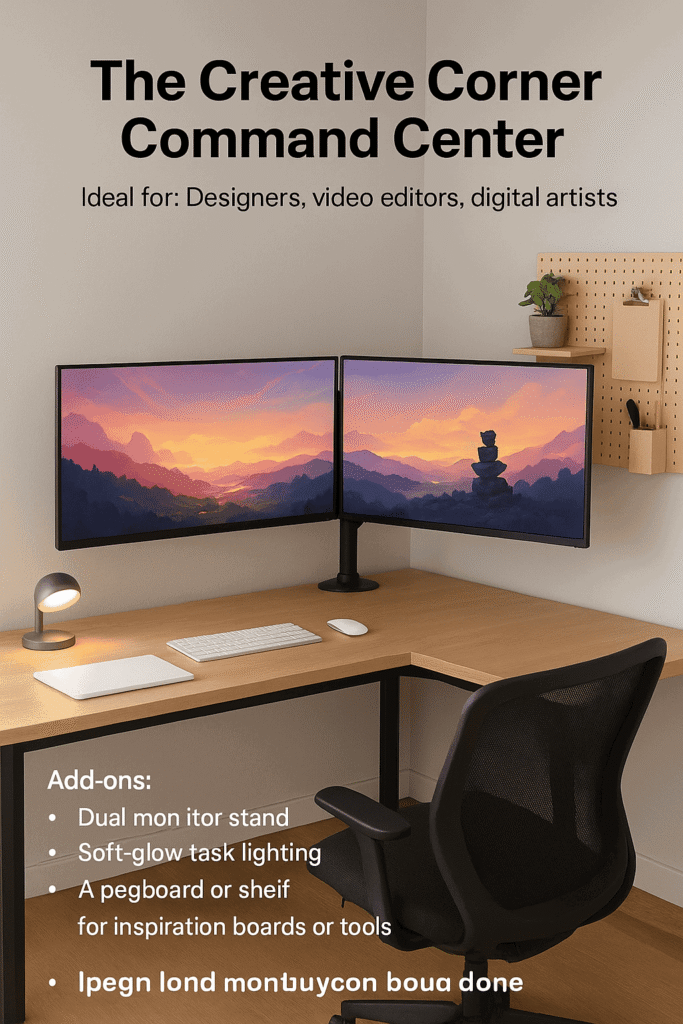

12 Essential Dual Monitor Cable Management Tips for a Flawless Desk
Related Office Guides Continue with these related workspace guides: How to Clean Laptop Touchpad: Easy Steps for a Spotless Finish Signs of Bad Laptop Charger: How to Spot and Fix Issues Fast Usb C Docking Station Charging: Boost Your Workspace Efficiency Laptop Vent Cleaning Guide: Keep Your Device Cool and Efficient When to Replace Laptop …
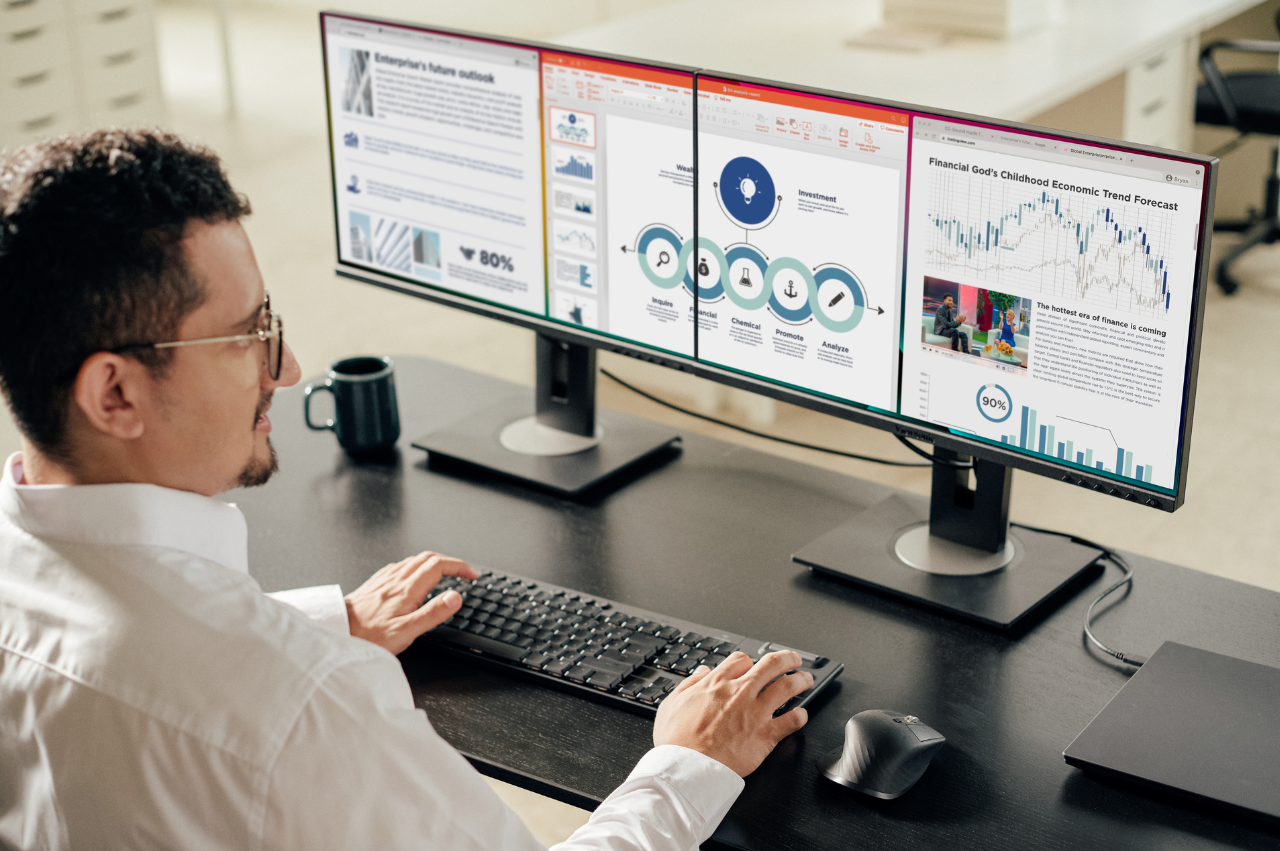
How to Set Up Dual Monitors: A Complete Step-by-Step Guide
To set up dual monitors, first confirm that your computer can drive two external displays through its available video outputs, dock, or supported USB-C/Thunderbolt connection. Connect each display with a compatible cable, select the correct monitor input, then use your operating system’s display settings to detect, arrange, and extend the desktop. The important part is …
Docking Station Vs Usb C Hub Difference
The docking station vs USB-C hub difference is not simply that one has more ports. A hub generally expands a host connection into additional interfaces, while a docking station is designed as a more complete desk connection point. Either device may be bus-powered or externally powered, and either may support charging or displays depending on …