
When you plug your phone, laptop, or tablet into a charger, you might notice it feels warm—or even hot—after a while. This is a common experience for many people, but is it safe if your charger gets hot? Understanding what’s normal and what signals a problem can help protect your devices, your home, and your safety.
Let’s break down what happens when chargers heat up, how to spot danger signs, and what you should do to keep your charging routine safe.
Why Do Chargers Get Hot?
When you use a charger, it changes electrical energy from your wall outlet into a form your device can use. This process is not perfect. Some energy is lost as heat. That’s why a charger feels warm when it’s working.
Every charger uses a small transformer and circuit to control the electricity. As these parts work, they produce heat. The more power a charger delivers, the hotter it can get. For example, a fast charger for a laptop will feel warmer than a slow phone charger.
Some heat is normal and safe. But how much heat is too much? Let’s look deeper.
How Hot Is Too Hot?
Most chargers should feel warm, not burning hot. If you touch your charger and it feels like a hot cup of coffee, that’s normal. If it feels like touching a frying pan, that’s not.
Experts say most chargers can safely work up to 40–50°C (104–122°F). If your charger is much hotter, it can cause damage or even start a fire.
Here’s a simple comparison:
| Temperature | Charger Feel | Safety Level |
|---|---|---|
| 30–40°C (86–104°F) | Warm to touch | Safe |
| 40–50°C (104–122°F) | Hot, but touchable | Usually safe |
| Over 50°C (122°F+) | Very hot, uncomfortable | Unsafe |
If your charger is too hot to touch comfortably, unplug it and check for problems.
Common Causes Of Hot Chargers
Several things can make a charger hotter than normal. Understanding these helps you spot risks early.
- High power output: Fast chargers push more power and heat up more.
- Cheap or fake chargers: Low-quality chargers often use poor materials that can overheat.
- Blocked ventilation: If your charger is covered by blankets or is plugged in behind furniture, it can’t cool itself.
- Long charging times: The longer your device charges, the more heat builds up.
- Faulty charger or cable: Damaged parts can cause extra heat.
- Bad power supply: Fluctuating electricity can stress the charger.
Sometimes, a hot charger is a warning sign. It’s not just about comfort—it could mean danger.
Risks Of Overheated Chargers
A charger that gets too hot can cause several problems:
- Device damage: High heat can harm your phone’s battery, reducing its life.
- Melting plastic: The charger’s case can melt, exposing wires.
- Fire hazard: Extreme heat can start a fire, especially if the charger is near flammable objects.
- Electric shock: Damaged chargers may expose live parts, risking shock.
Fires caused by chargers are rare, but they do happen. In 2022, the U.S. Fire Administration reported over 200 fires linked to chargers and batteries. Most were caused by cheap, faulty, or damaged chargers.
How To Check If Your Charger Is Safe
Worried about your charger? Here are steps to check its safety:
- Inspect for damage: Look for cracks, burn marks, or frayed cables.
- Check certification labels: Safe chargers have marks like UL, CE, or FCC.
- Feel for heat: Touch your charger after use. If it’s too hot to hold, stop using it.
- Smell for burning: A strange smell means something is wrong.
- Listen for buzzing: Unusual noises can signal a problem.
If you see any warning signs, replace your charger right away.
Choosing A Safe Charger
Picking the right charger can prevent problems. Here’s what matters most:
- Buy from trusted brands: Choose chargers from well-known companies.
- Look for certifications: Check for UL, CE, or FCC marks.
- Match the power rating: Use chargers with the same voltage and current as your device needs.
- Avoid very cheap chargers: Low price often means low quality.
- Check reviews: Read what other users say about heat and safety.
Here’s a comparison of safe vs unsafe chargers:
| Safe Charger | Unsafe Charger |
|---|---|
| Certified (UL, CE) | No safety marks |
| Brand name | Unknown brand |
| Matches device specs | Wrong voltage or current |
| Solid build quality | Cheap materials |

Credit: gyroorboard.com
Practical Tips To Prevent Overheating
Keeping your charger cool and safe is simple if you follow these steps:
- Charge in open spaces: Don’t cover your charger or hide it behind furniture.
- Unplug when not in use: This stops heat from building up.
- Use the right charger for your device: Wrong chargers can overheat both the charger and the battery.
- Check cables often: Damaged cables can cause heat and even fires.
- Don’t charge overnight: Long charging increases heat and risk.
- Keep away from flammable objects: Never charge near beds, papers, or curtains.
- Avoid stacking devices: Don’t place phones or tablets on top of chargers.
Many people don’t realize that charging in a cool, ventilated area can greatly reduce risk. Also, chargers can get hotter in summer or in warm rooms—so temperature matters.
Real-world Examples
Let’s look at two examples to understand the risks better.
Example 1: Cheap Charger Fire
In 2021, a student in London used a cheap phone charger bought online. After a few weeks, the charger got so hot it melted the plug and started a small fire. Luckily, the fire was stopped quickly. The charger had no safety label and was much lighter than a real brand charger.
Example 2: Overloaded Laptop Charger
A graphic designer used a laptop charger with a higher wattage than her device needed. The charger became extremely hot, and the laptop battery stopped working after two months. Using a charger with the wrong rating damaged both the charger and the laptop.
These examples show that both quality and compatibility are important—not just price.
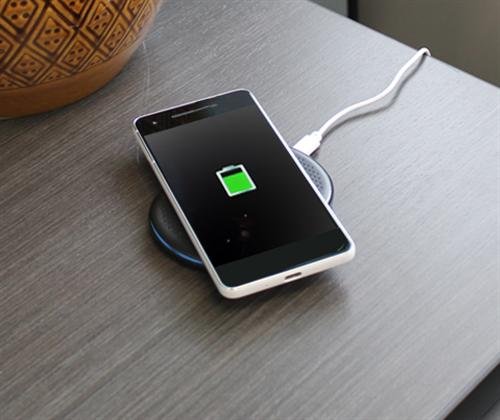
Credit: blog.solidsignal.com
What Should You Do If Your Charger Gets Hot?
If your charger feels hotter than usual, take these steps right away:
- Unplug it immediately: Don’t wait—safety first.
- Let it cool down: Place it on a safe, non-flammable surface.
- Check for damage: Look for melted parts, burn marks, or strange smells.
- Try a different charger: If the problem continues, it could be your device.
- Replace with a certified charger: Never use a damaged or unsafe charger again.
If you suspect your charger is dangerous, report it to the store or manufacturer. Sometimes, unsafe chargers are recalled and replaced for free.
Does Device Type Matter?
Different devices need different chargers, and this affects how hot they get.
- Phones: Usually use 5–20W chargers. They should only feel warm.
- Laptops: Use 45–100W chargers. These can get hot, but should not burn.
- Tablets: Use mid-range chargers (15–30W). Moderate heat is normal.
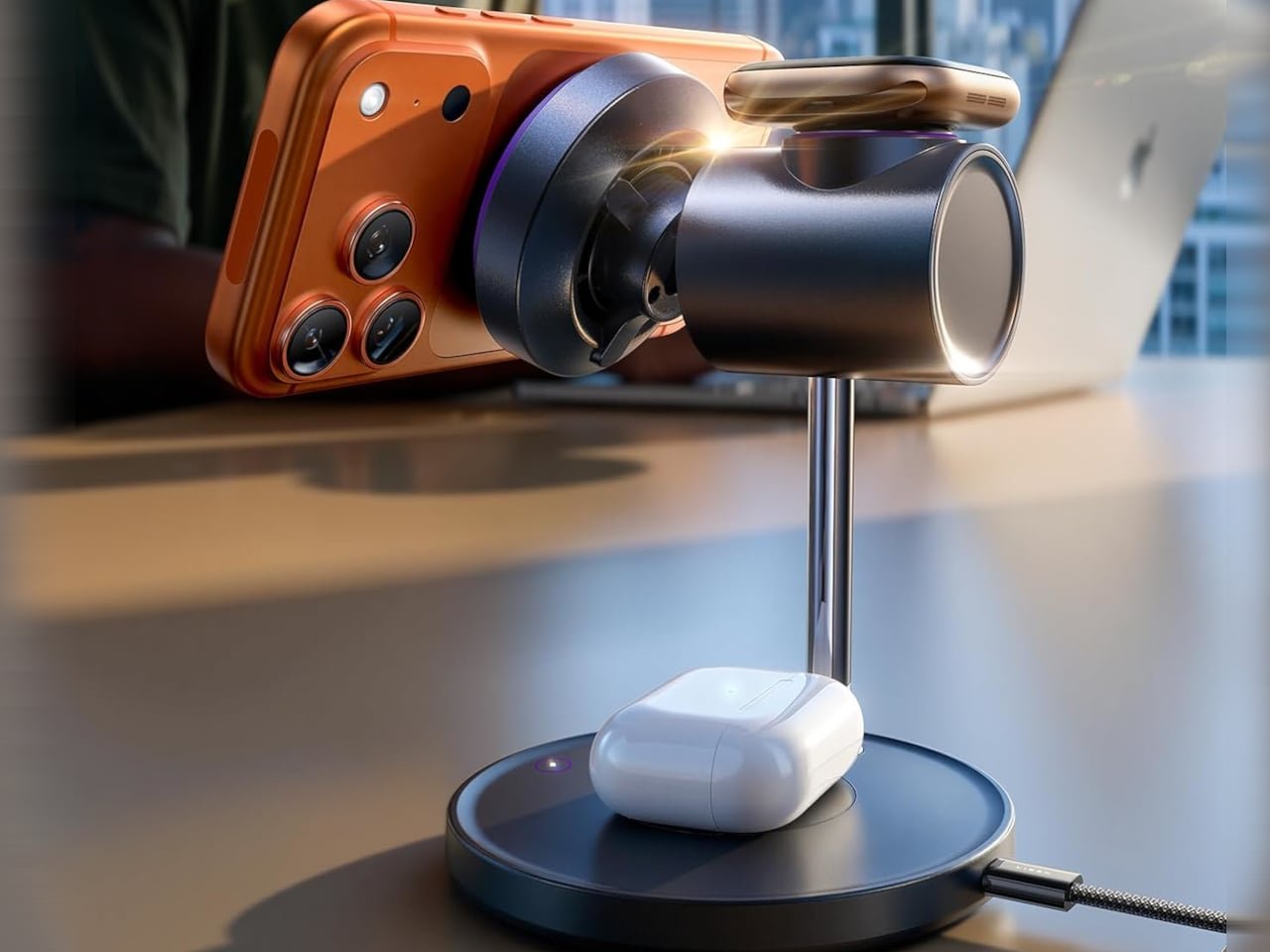
Some new devices use fast charging or wireless charging. These often get warmer because they move more power in less time. Wireless chargers, for example, can feel hotter since energy is lost through the air.
Here’s a quick comparison:
| Device | Typical Charger Wattage | Expected Heat |
|---|---|---|
| Phone | 5–20W | Warm |
| Tablet | 15–30W | Warm to hot |
| Laptop | 45–100W | Hot |
| Wireless Charger | 10–15W | Warmer than wired |
Always use the charger designed for your device to avoid overheating.
Credit: www.yankodesign.com
Why Cheap Chargers Are More Dangerous
Cheap, fake, or uncertified chargers often skip safety features. They may use poor materials, lack proper insulation, and cannot handle power well. This makes them more likely to overheat, break, or cause fires.
Many beginners think saving money on a charger is harmless. In reality, a cheap charger can cost you much more if it damages your device or causes an accident. For more details, see this Consumer Reports guide.
Non-obvious Insights Most Beginners Miss
- Ambient temperature affects charger safety: If your room is hot, your charger will heat up faster. Charging in cooler rooms reduces risk.
- Device battery age matters: Old batteries can pull more power, making chargers hotter. If your device is old and your charger overheats, it’s time to check both.
Final Thoughts
A charger getting warm is normal, but hot can be dangerous. The safety of your charger depends on quality, compatibility, and where you use it. Always check for damage, buy from trusted sources, and avoid using a charger that feels too hot. Protect your devices—and yourself—by following simple safety steps. Remember, small actions can prevent big accidents.
Frequently Asked Questions
Why Does My Charger Get Hot?
Chargers convert electricity, and some energy is lost as heat. This is normal, especially for fast chargers. But if your charger is too hot to touch, it might be faulty or overloaded.
Can Using A Hot Charger Damage My Phone?
Yes. Overheated chargers can send unstable power, which can damage your phone’s battery and reduce its life.
Is It Safe To Use Third-party Chargers?
Only if they are certified and match your device’s requirements. Cheap, uncertified chargers are risky and can overheat easily.
What Should I Do If My Charger Smells Like Burning?
Unplug it immediately and do not use it again. A burning smell is a sign of serious damage or fire risk.
How Do I Know If My Charger Is Certified?
Look for marks like UL, CE, or FCC on the charger. Trusted brands and stores usually sell certified products. If you’re unsure, check the manufacturer’s website or ask the seller.
Related Office Guides
Continue with these related workspace guides:
