
Most people use USB C chargers every day, but few truly understand how charger compatibility works. Maybe you’ve plugged your phone into a laptop charger and wondered if it’s safe. Or you bought a new device and felt unsure which charger to use. With so many gadgets now using USB C, it’s easy to get confused. This article will help you master USB C charger compatibility: what works, what doesn’t, and how to choose the best charger for your devices.
What Is Usb C And Why It Matters
USB C is a type of connector that’s now common on many devices like smartphones, tablets, laptops, and headphones. Unlike older USB types, USB C is reversible—you can plug it in either way. It also supports faster charging and data transfer.
But not all USB C chargers are created equal. Just because a cable fits, doesn’t mean it’s the right match for your device. Using the wrong charger can lead to slow charging, overheating, or even damage in rare cases.
How Usb C Charger Compatibility Works
Understanding compatibility is about more than just the shape of the plug. Here’s what you need to know:
1. Power Delivery (pd) And Charging Speed
Many USB C chargers use USB Power Delivery (PD), a standard that allows higher power transfer. Devices and chargers “talk” to each other to decide how much power to send. For example, a phone may request 18W, while a laptop could ask for 60W or more.
- If your charger supports PD and matches your device’s needs, you get fast charging.
- If your charger is weaker than your device requires, it may charge slowly or not at all.
- If your charger is stronger, the device will only take the power it needs (as long as both support PD).
2. Wattage Ratings: Why They Matter
Every charger lists its wattage (W), which is volts x amps. Common ratings are 18W, 30W, 45W, 65W, and 100W.
For example:
- A typical smartphone needs 18W–25W for fast charging.
- Tablets often need 30W.
- Laptops usually require 45W–100W.
If you use a 100W charger on a phone, the phone will only pull the amount it can handle. But using a 20W charger on a 65W laptop means very slow or no charging.
3. Cable Quality And Compatibility
Not all USB C cables are equal. Some only support charging, others also handle fast data transfer. Higher-quality cables are needed for fast charging or high-speed data.
- Look for cables labeled as USB 3.1, 3.2, or Thunderbolt 3/4 for best performance.
- Weak or old cables may limit charging speed or even overheat with high-wattage chargers.
Types Of Usb C Chargers
With so many devices and brands, USB C chargers come in different shapes and power levels. Here are the main types:
Wall Chargers
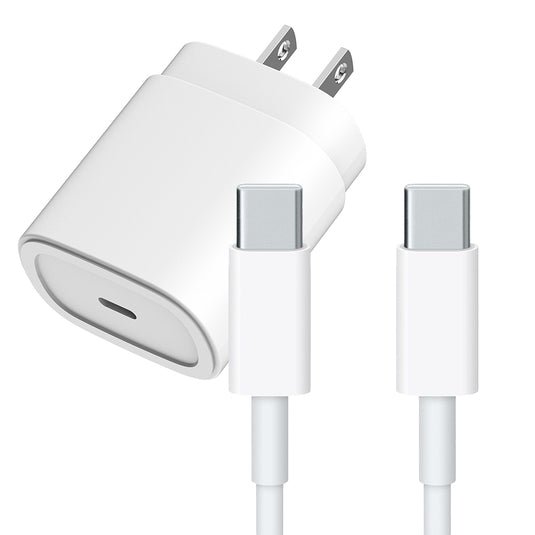
These plug into an outlet and have one or more USB C ports. Some offer multiple ports for charging several devices at once.
- Single-port chargers: Simple, often cheaper, but only charge one device at a time.
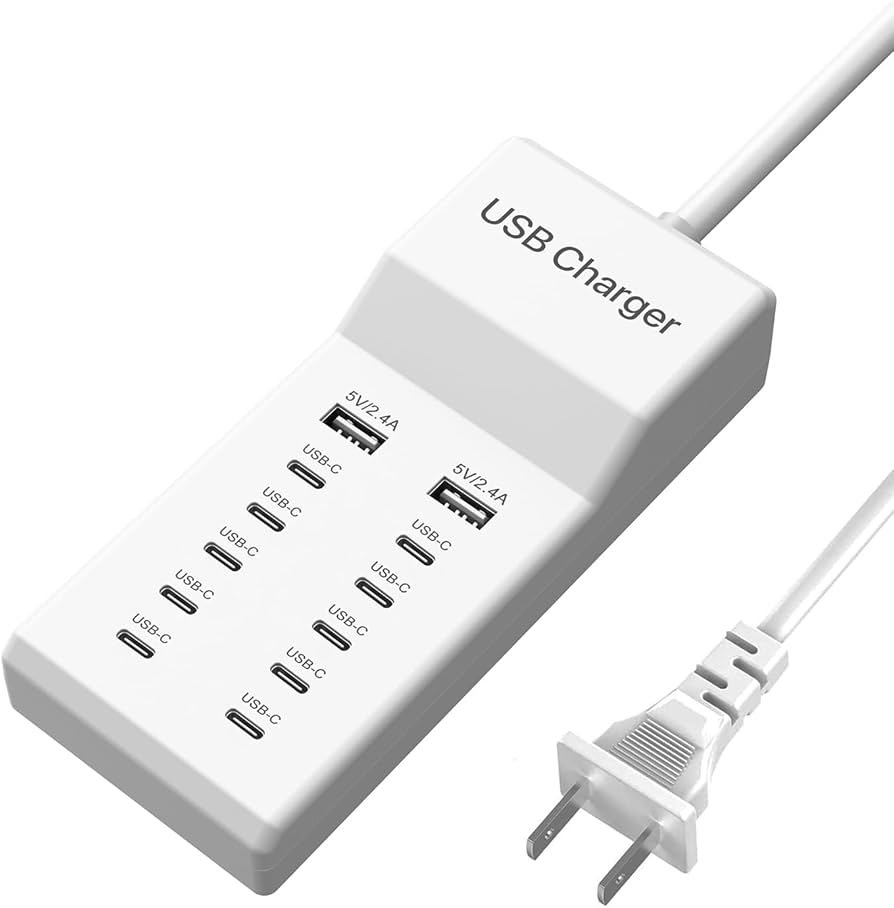
- Multi-port chargers: Great for travelers or families.
Laptop Chargers
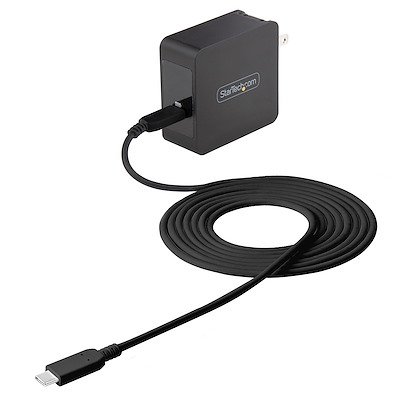
Laptops need more power, so their chargers are usually 45W–100W. Many modern laptops (MacBook, Dell XPS, Lenovo ThinkPad) use USB C for charging.
- Can often be used for phones and tablets as well, thanks to PD.
- Some laptops still use proprietary charging ports—check before buying.
Power Banks
USB C power banks store energy for charging on the go. Many support PD and can charge laptops as well as phones.
- Capacity measured in mAh (milliamp hours).
- Look for power banks with at least 18W PD for fast charging.
Car Chargers
These plug into your car’s 12V outlet and offer USB C ports. Useful for charging phones and tablets while driving.
Usb C Charging And Device Compatibility
Not every device supports the same charging speeds or standards, even with USB C. Here’s how it works with popular device types:
Smartphones
Most new phones (Android and iPhone, with USB C to Lightning cable) support USB C charging. But the maximum charging speed depends on the model.
- Samsung Galaxy S23: Up to 25W
- Google Pixel 7: Up to 20W
- IPhone 14: Up to 27W (with USB C to Lightning)
Using a higher-wattage charger doesn’t harm the phone, but won’t make it charge faster.
Tablets
Tablets like the iPad Pro and Samsung Galaxy Tab S8 support faster charging, usually 30W or higher. If you use a phone charger, it may charge slowly.
Laptops
Most modern laptops with USB C support PD charging. However, older or budget models may not. Always check the laptop’s manual or website.
Here’s a comparison of typical charging needs:
| Device | Recommended Charger Wattage | Max Supported Wattage |
|---|---|---|
| Smartphone | 18–25W | Up to 27W |
| Tablet | 30–45W | Up to 45W |
| Laptop | 45–100W | Up to 100W |
Credit: www.4xem.com
Common Compatibility Issues
Even with standards, problems can happen. Here are some common issues and how to solve them:
- Slow charging: Often caused by using a low-wattage charger or poor-quality cable. Always check both.
- No charging: Some devices only accept chargers that meet certain standards (like PD). Others need cables with special chips.
- Overheating: Usually a sign of poor cable quality or incompatible charger. Stop using if you notice heat.
- Charger not detected: Sometimes, the device doesn’t recognize the charger, especially with older chargers or cables.
How To Choose The Right Usb C Charger
Picking the best charger for your device is simple if you know what to look for:
- Check your device’s charging specs. Look for “Input” or “Charging” in the manual or on the manufacturer’s website.
- Buy a charger that matches or exceeds the needed wattage. For example, if your phone supports 25W, any charger 25W or above is fine.
- Pick a trusted brand. Cheap, generic chargers may lack safety features.
- Get a high-quality cable. Especially important for high-wattage charging (laptops, tablets).
- Consider multiple ports if you want to charge several devices at once.
Here’s a quick comparison of popular USB C chargers:
| Brand | Ports | Max Output | Best For |
|---|---|---|---|
| Anker Nano II | 1 USB C | 65W | Laptops, phones |
| Apple 20W | 1 USB C | 20W | iPhones, iPads |
| Baseus 100W GaN | 2 USB C, 2 USB A | 100W | All devices |
| Samsung 45W | 1 USB C | 45W | Samsung phones, tablets |
Credit: www.amazon.com
Special Cases And Non-obvious Insights
Some situations can surprise even experienced users:
- Not all USB C ports are for charging. On some laptops, only certain ports support charging.
- Data-only cables can’t charge devices, even if the connector fits.
- Thunderbolt ports (which look like USB C) can offer faster charging and data, but only if both devices support it.
A less obvious fact: Some devices support “programmable power supply” (PPS), a form of PD that adjusts voltage for more efficient charging. Samsung’s Super Fast Charging uses PPS. If your charger doesn’t support PPS, your device may charge slower than the advertised speed.
Another insight: Using a much more powerful charger than your device needs (for example, a 100W charger for a 20W phone) is safe, but only if the charger and cable have good safety features. Cheap chargers may not handle the power well, risking overheating.
Safety And Certification
Look for chargers and cables with safety certifications like UL, CE, FCC, or USB-IF. These show that the product has passed safety tests.
- Avoid super-cheap, no-name chargers.
- If your charger or cable feels hot, unplug it right away.
- If you travel, make sure the charger supports the correct voltage (110V or 220V).
Future Of Usb C Charger Compatibility
More and more devices are moving to USB C. The European Union now requires all smartphones to use USB C by 2024. Apple’s new iPhones are switching to USB C for this reason.
In the future, you’ll likely be able to use one charger for everything. But for now, always check compatibility before plugging in.
For more on the technical standards, see the official USB-C Wikipedia page.
Frequently Asked Questions
How Do I Know If My Usb C Charger Is Compatible With My Device?
Check your device’s charging specs (in the manual or online). The charger should meet or exceed the required wattage. Also, make sure the cable supports the needed speed.
Can I Use A Laptop Usb C Charger For My Phone?
Yes, you can. The phone will only draw as much power as it needs. But always use a high-quality cable to avoid overheating.
Why Is My Device Charging Slowly With A Usb C Charger?
This could be because the charger’s wattage is too low, the cable is poor quality, or your device doesn’t support fast charging.
Is It Safe To Use A Higher-wattage Charger?
Yes, as long as both the charger and cable are good quality and certified. The device will only take the power it needs.
What Is Usb Power Delivery (pd)?
It’s a standard that lets devices and chargers “talk” to each other to agree on the best charging speed. PD supports faster, safer, and more flexible charging.
Choosing the right USB C charger is simple when you know what to look for. Remember to check wattage, cable quality, and safety certifications. As the world moves toward USB C for everything, understanding compatibility will help you keep all your devices charged and safe.
Credit: www.startech.com
Related Office Guides
Continue with these related workspace guides:
