
Usb C Pd Watts Explained
If you’ve shopped for a new phone, laptop, or charger recently, you’ve probably seen the term “USB-C PD” followed by a number with a “W”—for example, “USB-C PD 65W”. But what does this actually mean? Why do some devices need more watts, and how do you know if your charger is safe or compatible? Understanding USB-C Power Delivery watts is not just for tech experts. It helps you charge your devices faster, avoid damage, and save money by choosing the right cables and adapters.
This article will break down what USB-C PD watts are, why they matter, and how to pick the best charging setup. You’ll also see real-world examples, important tips most beginners miss, and clear answers to common questions.
What Does Usb-c Pd Watts Mean?
Let’s start with basics. USB-C is a connector shape—small, reversible, and now used by most modern devices. Power Delivery (PD) is a charging standard. When you see “USB-C PD 30W”, it means a USB-C charger that supports Power Delivery, and can provide up to 30 watts of power.
Watt is a unit of power. It tells you how much energy can move from the charger to your device each second. Higher watts = faster charging (if your device supports it).
For example:
- A USB-C PD 18W charger can charge a smartphone much faster than a 5W charger.
- A laptop might need a 45W, 65W, or even 100W charger to work at full speed.
Key idea: Not all USB-C chargers are the same. The “PD watts” number shows the maximum power output.
Why Does Usb-c Pd Wattage Matter?
Choosing the right wattage is important for three main reasons:
- Speed: Higher-wattage chargers can charge compatible devices much faster. If your phone supports 20W charging, using a 5W charger will be slow.
- Compatibility: Some laptops or tablets need more power to even turn on or work. Using a charger with too few watts may not work at all.
- Safety: Using the correct wattage helps prevent overheating, battery damage, or charger failure.
Common mistake: Many people think “higher is always better.” But your device will only draw what it needs. A 100W charger is safe for a 20W phone, but a 20W charger will not charge a 65W laptop properly.

Credit: www.amazon.com
How Usb-c Power Delivery Works
USB Power Delivery is more than just fast charging. It’s a smart system where the charger and device “talk” to each other. Here’s how it works:
- When you plug in a USB-C PD charger, the device asks for a certain voltage and current.
- The charger checks if it can provide that.
- If yes, the charger “negotiates” and delivers the correct power.
- If not, it only gives what it can safely provide.
Example: If you plug a phone (needs 18W) into a 65W USB-C PD charger, the charger only sends 18W. If you plug a laptop (needs 65W) into a 20W charger, the laptop might charge slowly or not at all.
This smart negotiation is why USB-C PD is safer and more flexible than old USB charging.
Common Usb-c Pd Watt Levels And What They Charge
You’ll see many wattage numbers on chargers and devices. Here’s a quick guide to what each level is good for:
| PD Wattage | Typical Use | Examples |
|---|---|---|
| 18W – 20W | Phones, small devices | iPhone, Samsung Galaxy, earbuds |
| 30W – 45W | Tablets, small laptops | iPad Pro, MacBook Air, Chromebook |
| 60W – 65W | Standard laptops | MacBook Pro 13″, Dell XPS 13 |
| 85W – 100W | Powerful laptops, some monitors | MacBook Pro 15/16″, gaming laptops |
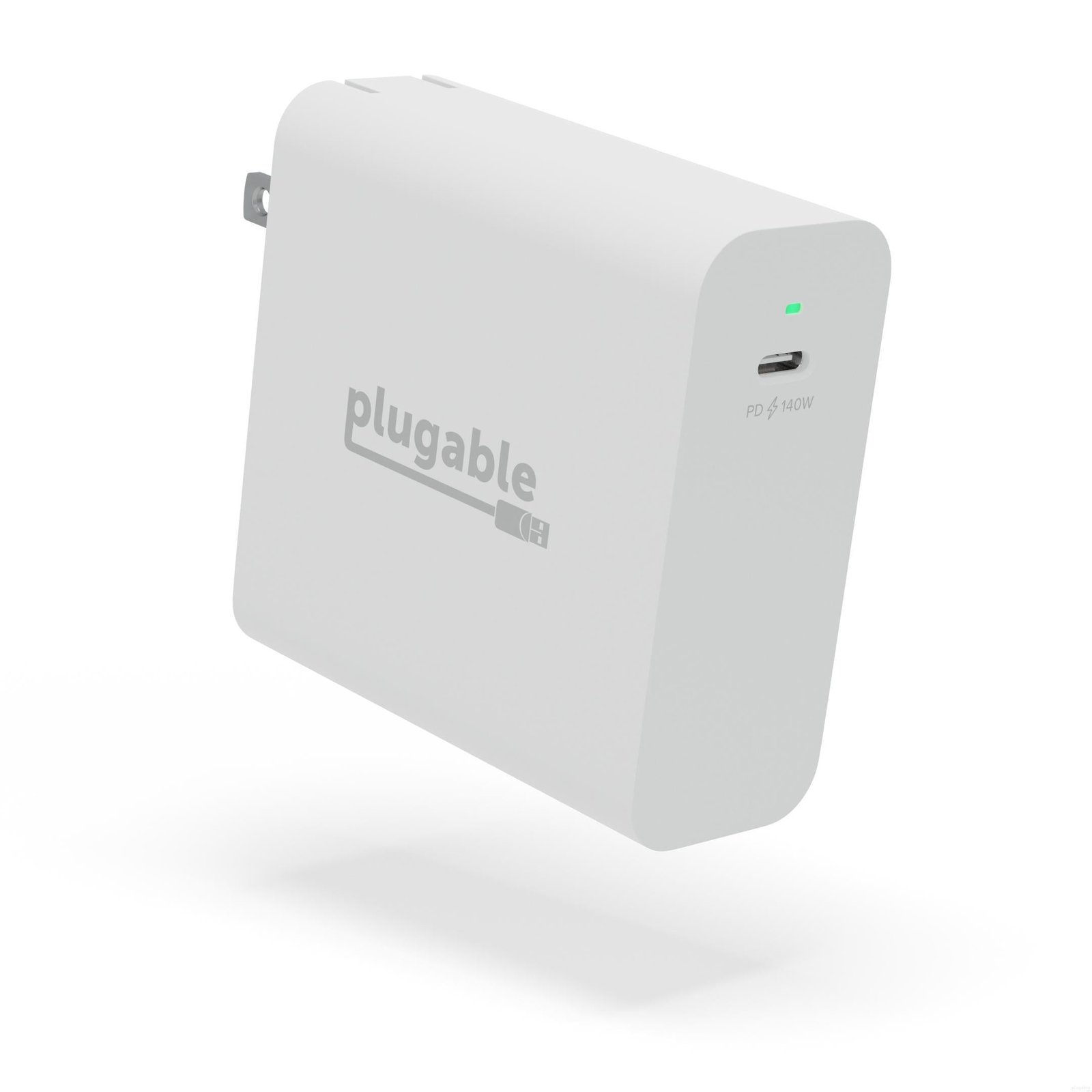
| 140W and higher* | High-end laptops | MacBook Pro 16″ (2021+), some workstations |
*Note: 140W charging uses a newer PD standard (PD 3.1 Extended Power Range) and special cables.
How To Choose The Right Usb-c Pd Charger
Buying a charger isn’t just about picking the highest watt number. Here’s what matters most:
- Device Requirement: Check your device’s manual or official website for the recommended wattage.
- Charger Output: Make sure the charger’s watt rating is equal to or higher than your device’s need.
- Cable Quality: Some cables can’t safely carry high watts. Look for cables rated for the wattage you need.
- Number of Ports: Multi-port chargers split power. One “100W” charger with three ports might only give 45W per port if all are used at once.
Practical tip: Always buy chargers and cables from trusted brands. Cheap or fake products may overheat, break, or fail to deliver the promised watts.
Usb-c Pd Voltages And Currents Explained
Wattage is only part of the story. Power is calculated as Watts = Volts x Amps. USB-C PD supports several voltage levels:
| PD Profile | Voltage (V) | Max Current (A) | Max Power (W) |
|---|---|---|---|
| Standard | 5V | 3A | 15W |
| Fast Charging | 9V | 3A | 27W |
| Laptop Charging | 15V | 3A | 45W |
| High Power | 20V | 5A | 100W |
| Extended Range* | 28V, 36V, 48V | 5A | 140W – 240W |
*For 140W and higher, you need special “E-marked” USB-C cables.
Real-world Examples: Matching Charger And Device
Let’s look at a few common situations:
- Charging an iPhone 13: The phone supports up to 20W PD charging. A 20W USB-C PD charger will give you the fastest charge. A 5W charger will work, but much slower.
- Charging a MacBook Air (M1): Needs about 30W. You can use a 30W, 45W, 60W, or higher USB-C PD charger. The laptop only draws what it needs.
- Gaming Laptop (Razer Blade, etc): Needs 100W USB-C PD. If you use a 60W charger, the laptop may charge slowly or not power up during heavy gaming.
Non-obvious insight: Even if a charger can deliver high watts, your device must support USB-C PD to use them. Old devices with USB-C may only accept 15W or less.
How Charging Speed Changes With Wattage
Does using a higher-watt charger always make charging faster? Only if your device is designed for it.
- Phones: Most modern phones support 18W–30W. Using a 100W charger will not make them charge faster.
- Laptops: Using a charger with too few watts may charge very slowly, or the battery may drain if you’re using the laptop while charging.
- Tablets: Usually need 18W–30W. Higher-watt chargers are safe, but not faster.
Charging speed is limited by the device, not just the charger.
What Are E-marked Cables?
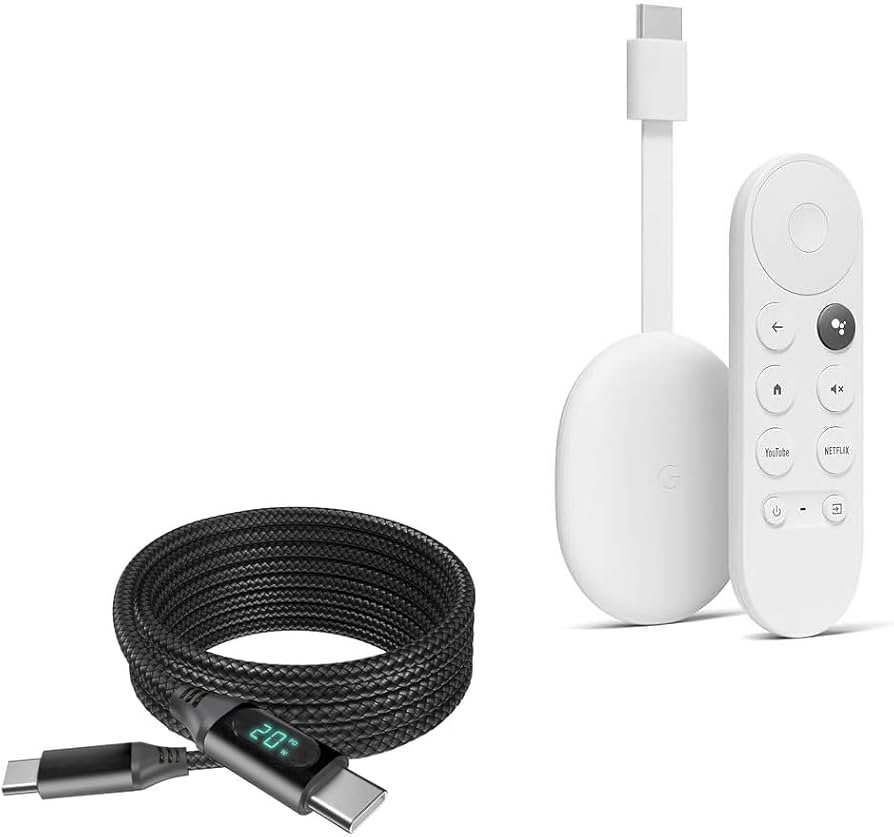
You may hear about “E-marked” USB-C cables for high wattage charging. These cables have a small chip (an “electronic marker”) that tells the charger and device they are safe for 5A (up to 100W or more).
- For 60W or less, most USB-C cables are fine.
- For 100W or more, always use E-marked cables (often labeled “5A” or “100W”).
- Using a low-quality cable with a high-watt charger can cause overheating or charging to stop.
Practical tip: If you want to future-proof, buy E-marked cables even if your device doesn’t need them yet.
Usb-c Pd Versions And Extended Power Range
The USB Power Delivery standard has improved over time:
- PD 2.0 & PD 3.0: Support up to 100W (20V, 5A)
- PD 3.1 (Extended Power Range): Supports up to 240W (48V, 5A)
Most phones and laptops use PD 2. 0 or 3. 0. Only new high-end laptops and monitors use PD 3. 1 for 140W+ charging.
Non-obvious insight: For PD 3.1, you need both a compatible charger and a special high-wattage cable. If one is missing, charging falls back to 100W or less.
Credit: www.amazon.com
Are All Usb-c Devices Compatible With Pd?
No. Here’s what you should know:
- Not all USB-C devices support Power Delivery. Some only use old USB charging (up to 15W).
- Many phones and tablets support “Quick Charge” or other standards that are not the same as PD. They may charge faster with their original charger.
- PD is backward compatible. You can use a PD charger for non-PD devices, but speed may be limited.
Always check your device’s specs for the charging standard.
Safety Tips For Usb-c Pd Charging
To protect your devices and yourself, follow these safety guidelines:
- Use certified chargers and cables. Cheap knock-offs may not meet safety standards.
- Avoid damaged cables. Frayed or bent cables can cause shorts and overheating.
- Do not cover chargers while in use. Chargers can get hot, especially at high wattage.
- Unplug when not in use. Some chargers continue to use power even when nothing is plugged in.
Tip: If a charger or cable feels unusually hot, stop using it immediately.
The Future Of Usb-c Pd: 240w Charging And Beyond
The latest USB-C PD version (PD 3.1) supports up to 240W—enough to power large laptops, monitors, or even desktop PCs. This means soon you may only need one charger for all your devices, from phone to high-end laptop.
However, most current phones and laptops do not use more than 100W. The technology is ready for the future, but device makers are slowly adopting it.
For more technical details, the Wikipedia page on USB Power Delivery is a good resource.
Frequently Asked Questions
What Happens If I Use A Higher-watt Charger Than My Device Needs?
Your device will only draw the power it needs. For example, charging a phone that supports 18W with a 65W charger is safe. The charger will not force extra power and will not damage your device.
How Do I Know What Wattage My Device Needs?
Check your device’s manual, the label on the original charger, or the manufacturer’s website. Look for the “Input” section, which usually shows volts (V) and amps (A). Multiply them (V x A) to get watts.
Can I Use The Same Usb-c Pd Charger For All My Devices?
Often yes, if the charger supports the highest wattage you need and has enough ports. Just make sure to use the right cable, especially for high-watt devices. Multi-port chargers may split power when charging several devices at once.
What Are The Risks Of Using A Low-quality Usb-c Pd Charger?
Cheap or fake chargers may deliver unstable power, overheat, or even damage your device. They may also lack safety features. Always buy from trusted brands and look for certification (such as “UL Listed” or “USB-IF Certified”).
Is Usb-c Pd The Same As “fast Charging”?
USB-C PD is one type of fast charging, but not the only one. Some brands use other standards like “Quick Charge” or “SuperVOOC”. Check your device’s specs to see which fast charging it supports. Many new devices support PD, but not all.
USB-C PD watts can sound technical, but understanding them helps you charge smarter, safer, and faster. With the right charger and cable, you’ll get the best from every device—now and in the future.
Credit: plugable.com
Related Office Guides
Continue with these related workspace guides:
