
Every office and many homes rely on paper shredders to safely destroy sensitive documents. Yet, many people overlook shredder maintenance, thinking these machines are “set and forget. ” The truth is, even the best shredder needs regular care to run smoothly, avoid jams, and last for years.
If you’ve ever faced a stubborn paper jam, heard that grinding noise, or noticed the shredder slowing down, you know maintenance matters.
Learning how to maintain your shredder isn’t complicated, but it does require a few specific steps and a little consistency. This guide covers everything you need to know—from choosing the right oil to cleaning tricky sensors—so your shredder stays sharp, safe, and ready for action.
Whether you use a small home shredder or a heavy-duty office machine, these techniques will help keep it in top shape.
Why Shredder Maintenance Is Important
Regular maintenance does more than just prevent breakdowns. It also protects your investment and your information. Here’s why you should never skip shredder care:
- Longer Lifespan: Well-maintained shredders can last twice as long as neglected ones. This saves on replacement costs.
- Better Performance: Sharp blades and a clean motor mean faster shredding and less risk of paper jams.
- Information Security: If a shredder fails, sensitive documents may not be destroyed properly.
- Cost Savings: Repairing a jammed or broken shredder is often more expensive than simple maintenance.
- Safety: Worn-out or jammed shredders can overheat or even become fire hazards.
Many people assume shredders are low-maintenance, but dust, oil, and even the type of paper you use all affect performance. For example, using the wrong lubricant can gum up blades, while ignoring jammed sensors may lead to bigger problems.
Understanding Your Shredder: Types And Features
Before you begin, it helps to know your machine. Shredders come in several styles, and each has different maintenance needs.
| Shredder Type | Best For | Maintenance Tips |
|---|---|---|
| Strip-Cut | Low-security, high volume | Blades can dull faster due to larger strips |
| Cross-Cut | Medium security, small offices | Needs regular oiling to avoid build-up |
| Micro-Cut | High security, sensitive documents | Jams more easily, clean sensors often |
| Industrial | Large offices, bulk shredding | Requires professional servicing, frequent lubrication |
Most home users have strip-cut or cross-cut shredders. Micro-cut and industrial shredders are common in businesses needing higher security. Always check your shredder’s manual for specific maintenance advice, as not all machines are built the same.
Essential Tools And Supplies For Shredder Maintenance
You don’t need a workshop to keep your shredder running well, but a few basic items make the job easier:
- Shredder oil (never use cooking oil or WD-40)
- Lint-free cloths
- Compressed air canister
- Vacuum with nozzle attachment
- Small brush (like a clean paintbrush or old toothbrush)
- Screwdriver (for advanced cleaning)
- Shredder lubricant sheets (optional, for quick lubrication)
- Gloves (to protect your hands from blades and dust)
Having these supplies on hand means you can address problems immediately, rather than waiting for the next big jam.
Daily And Weekly Shredder Care
Most people only think about their shredder when it stops working. But a simple daily and weekly routine can prevent nearly all common problems.
Daily Care
- Empty the waste bin: Never let shredded paper pile above the bin’s fill line. Overfilling is a major cause of jams and can damage internal sensors.
- Check for paper clips or staples: Even if your shredder claims to handle them, removing metal bits first reduces blade wear.
- Listen and observe: Odd noises, slower operation, or overheating mean your shredder needs attention.
Weekly Care
- Wipe the exterior: Use a lint-free cloth to remove dust from vents and buttons.
- Inspect the feed slot: Remove any small paper pieces with a brush.
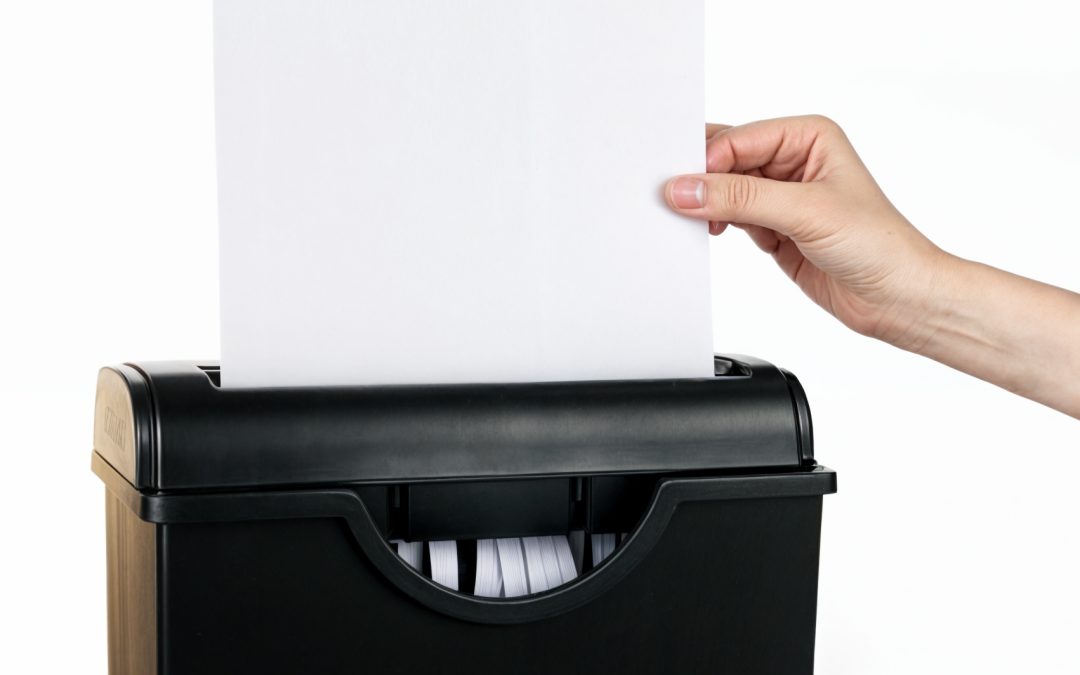
- Oil the blades: Most manufacturers recommend oiling after every 30 minutes of use, but weekly oiling is a good rule for light users.
Credit: termopasty.com
How To Oil Your Shredder Correctly
Oiling is the single most important shredder maintenance step. It keeps the blades sharp, reduces friction, and prevents jams. But many people do it wrong—or not at all.
When To Oil
- After emptying a full bin
- Every time you shred a lot of paper at once
- At least once a week with regular use
How To Oil
There are two main methods: direct oiling and lubricant sheets.
Direct Oiling
- Turn off and unplug the shredder for safety.
- Apply a thin line of shredder oil directly across the feed slot.
- Plug in and run the shredder in reverse for 10 seconds to spread the oil.
- Shred a few sheets of paper to remove excess oil and ensure blades are coated.
Using Lubricant Sheets
- Feed the sheet into the shredder as you would regular paper.
- Run the machine in reverse for 10 seconds.
- Shred a few blank sheets to remove any residue.
Never use cooking oil, WD-40, or spray lubricants—these can damage your shredder and even pose a fire risk.
Common Oiling Mistakes
- Applying too much oil (creates a mess)
- Forgetting to run the shredder after oiling (oil pools instead of spreading)
- Using the wrong oil (leads to sticky build-up)
Cleaning The Blades And Sensors
Paper dust and small fibers collect inside your shredder over time. Left alone, this debris causes jams, affects sensors, and slows the motor.
Blade Cleaning Steps
- Unplug the shredder and remove the bin.
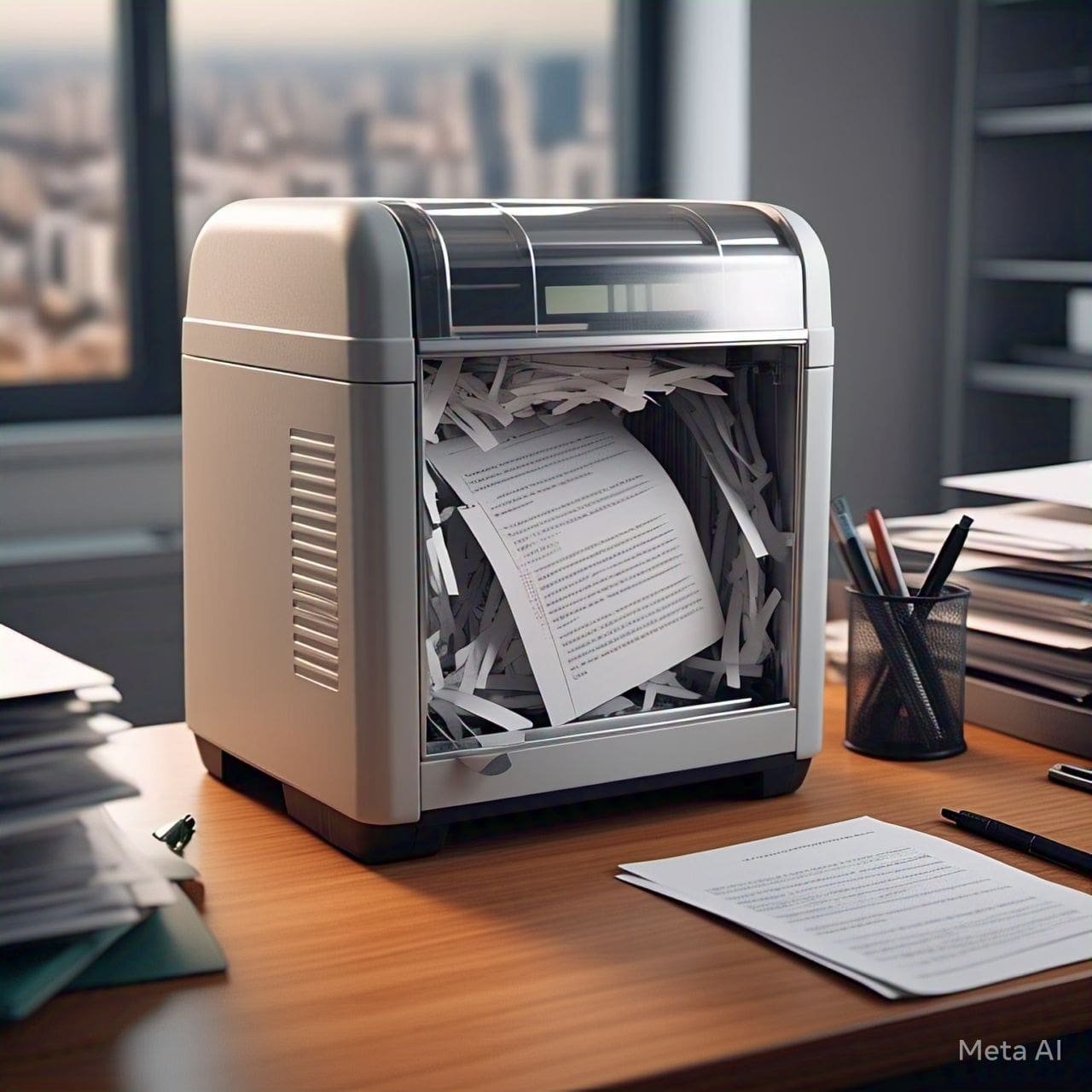
- Use a brush or vacuum to remove visible paper dust and small pieces stuck in the blades.
- For stubborn debris, use compressed air to blow out hard-to-reach areas.
- Wipe down the blades gently with a slightly damp cloth (never use water directly).
Cleaning Sensors
Many shredders have optical sensors that detect paper. These can become blocked by dust or fibers.
- Find the sensors (usually near the feed slot or under the head unit).
- Wipe gently with a dry, lint-free cloth. Do not use liquids.
- If the shredder keeps running when empty, sensor cleaning often solves the problem.
Advanced tip: Some high-security models have more than one sensor. If your machine acts strangely, check all sensor locations.
Credit: documentsecuritysolutions.net
Dealing With Paper Jams
Even with good care, jams happen—especially if you shred thick stacks, junk mail, or old paper.
Immediate Steps
- Turn off and unplug the shredder.
- Try the reverse function (if available) to back out the jammed paper.
- If needed, gently pull out visible paper with tweezers or pliers. Don’t use your fingers near the blades.
- Never force the shredder—this can damage gears or burn out the motor.
For Stubborn Jams
- Remove the shredder head and clear any debris by hand.
- Use a brush or compressed air for small bits.
- Oil the blades before restarting.
Pro tip: Shredding envelopes with glue or sticky notes often causes jams. Remove adhesives before shredding whenever possible.
Emptying And Cleaning The Waste Bin
You might think the bin is the least important part, but a dirty or overfilled bin can trigger jams and sensor errors.
- Empty the bin before it’s full—ideally, at 75% capacity.
- Wipe the inside and outside with a damp cloth every few weeks.
- Check for stuck paper clumps that might block sensors.
- If your shredder has a clear bin window, clean this so you can easily monitor fill levels.
Annual Deep Cleaning And Inspection
Once a year (or more for heavy users), give your shredder a full checkup.
Steps For Deep Cleaning
- Unplug and disassemble the shredder head (follow the manual).
- Vacuum and brush all parts: Blades, gears, sensors, and feed slot.
- Inspect the blades for nicks, dullness, or rust.
- Check the motor and gears for dust or signs of wear.
- Reassemble carefully, making sure all parts fit snugly.
Some industrial shredders may require professional servicing. For home and office models, a deep clean can double the machine’s life.
Comparing Shredder Maintenance Needs
Not all shredders require the same level of care. Here’s a quick side-by-side look at maintenance needs for different types:
| Type | Oil Frequency | Jam Risk | Sensor Cleaning | Annual Service |
|---|---|---|---|---|
| Strip-Cut | Monthly | Low | Rarely | Basic |
| Cross-Cut | Weekly | Medium | Occasionally | Recommended |
| Micro-Cut | Every 2-3 days | High | Frequently | Essential |
| Industrial | Daily | Low | Weekly | Professional |
Non-obvious insight: Micro-cut shredders require much more frequent oiling and cleaning due to the tight tolerances between blades. Ignoring this can quickly lead to permanent damage.
Safe Use Practices That Protect Your Shredder
How you use your shredder is just as important as how you maintain it. Here are some habits that keep your machine running better for longer:
- Avoid overloading: Feed only as many sheets as your shredder’s maximum rating (often 5-10 for home models).
- No foreign objects: Staples, paper clips, credit cards, and CDs are only safe if your shredder is rated for them.
- Let it rest: Most shredders have a duty cycle (e.g., 2 minutes on, 30 minutes off). Follow these limits to prevent overheating.
- Use clean, dry paper: Damp or dirty paper can gum up blades.
- Don’t force paper: If it’s hard to insert, you may have a jam or the stack is too thick.
Experience-based tip: Many users try to “save time” by shredding thick stacks or unopened envelopes. This almost always leads to jams and extra cleaning work later.
Troubleshooting Common Shredder Problems
Even with perfect maintenance, issues can happen. Here’s how to quickly identify and solve the most frequent problems:
Shredder Won’t Start
- Check power supply: Plug and switch.
- Sensor blocked: Clean the feed slot.
- Overheating: Let the shredder cool for 30-60 minutes.
Always Running Or Not Stopping
- Sensors dirty or stuck: Clean thoroughly.
- Paper jammed in sensor area: Remove all debris.
Paper Not Shredding Properly
- Blades dull: Oil or replace if possible.
- Too many sheets: Feed fewer pages at once.
Unusual Sounds
- Grinding or squealing: Oil the blades or check for jammed objects.
- Clicking: Gears may be misaligned—deep clean or seek service.
Pro insight: Most shredder issues trace back to neglected cleaning or oiling. Consistent care solves over 80% of problems without a repair call.

Credit: www.reddit.com
When To Replace Or Upgrade Your Shredder
No machine lasts forever, and sometimes, replacement is smarter than repair. Consider a new shredder if:
- Blades are badly worn or chipped (dull blades can’t be sharpened easily)
- Motor overheats quickly or makes strange noises
- Frequent jams despite good maintenance
- You need higher security or more volume (e.g., moving from strip-cut to micro-cut)
Before buying, compare models for sheet capacity, security level, and recommended maintenance. Reliable brands often offer longer warranties and better support.
Environmental And Safety Considerations
Shredders are powerful machines, so safety and environmental care are important.
- Never insert fingers or tools while plugged in.
- Keep children and pets away from shredders.
- Dispose of shredded paper responsibly—most is recyclable, but check for plastic or non-paper items.
- Recycle old shredders at electronic waste centers.
Manufacturers are improving shredder designs for energy efficiency and quieter operation. For eco-conscious users, look for models with automatic shut-off and low standby power use.
Non-obvious Maintenance Tips Most Beginners Miss
- Rotate your oiling direction: Don’t always oil in the same spot. Move the oil line across the feed slot to reach all blade areas.
- Watch for static build-up: Shredded paper can stick due to static, especially in dry climates. Wipe the bin with a dryer sheet to reduce static and make emptying easier.
- Clean the shredder’s ventilation slots: Dust can build up here, causing the motor to overheat. Use compressed air every few months.
- Check the waste bin for hidden jams: Sometimes, small paper bits wedge under the shredder head and are missed during quick cleanings.
Frequently Asked Questions
How Often Should I Oil My Shredder?
Most home and small office shredders need oiling at least once a week with regular use. For heavy use, oil after every full bin or long shredding session. Micro-cut shredders often require even more frequent oiling.
Can I Use Regular Household Oil To Lubricate My Shredder?
No, you should only use shredder-specific oil. Household oils like cooking oil, WD-40, or machine oil can damage the blades, attract dust, and may even void your warranty.
What Should I Do If My Shredder Gets Jammed And Won’t Reverse?
Turn off and unplug the shredder. Remove as much jammed paper as possible with tweezers or pliers. If the jam is deep inside, remove the shredder head and clear debris by hand or with a brush. Avoid forcing the motor to prevent damage.
Is It Safe To Shred Credit Cards And Cds?
Only if your shredder is rated for these materials. Many shredders have separate slots for credit cards or CDs. Using the wrong slot or a shredder not designed for hard materials can break the blades or jam the machine.
Where Can I Find Official Shredder Maintenance Recommendations?
Always check your shredder’s user manual for model-specific advice. For general best practices, you can visit the Wikipedia page on paper shredders for more details.
A well-maintained shredder is a quiet hero in your workspace—protecting your information, saving you money, and sparing you from the headache of jams and breakdowns. By following these simple but powerful tips, you’ll keep your shredder running smoothly for years to come. Remember: a few minutes of care today saves hours of frustration tomorrow.
Related Office Guides
Continue with these related workspace guides:
