
When you pick up your phone or laptop and see the familiar oval shape of a USB-C port, you might wonder why your device sometimes charges super-fast and sometimes not. The secret often lies in a technology called USB-C Power Delivery (PD). This charging standard promises to power up devices quickly and safely, but many people don’t know exactly how fast USB-C PD can charge, what affects its speed, or how to get the best performance. Whether you’re curious about buying your next charger or just want to understand what’s really happening when you plug in, let’s dive deep into the world of USB-C PD charging speed.
What Is Usb-c Power Delivery (pd)?
Before we talk about speed, it’s important to understand what USB-C PD actually is. USB-C is a type of physical connector — the small, reversible plug that’s become standard for new phones, tablets, and laptops. Power Delivery (PD) is a fast-charging protocol that works over USB-C connections.
Unlike older USB standards, which were limited to 2.5W or 12W, USB-C PD can deliver much more power. The USB Power Delivery protocol negotiates between the charger and device to decide how much power to send. This means your phone, tablet, or laptop gets just the right amount of energy, as fast as it can safely handle.
Key features of USB-C PD:
- Supports charging up to 240W (with the latest revision)
- Allows devices to request only as much power as they need
- Works with many types of devices, from phones to laptops
- Supports smart communication between charger and device
How Fast Is Usb-c Pd Charging?
The speed of USB-C PD charging is not the same for every device. It depends on three main things: the maximum power output of your charger, the capability of your cable, and how much power your device can accept.
Power Levels In Usb-c Pd
Since the USB-C PD standard has evolved, there are different maximum power levels:
- USB PD 1.0: Up to 100W (20V, 5A)
- USB PD 3.0/3.1: Up to 240W (48V, 5A) with Extended Power Range (EPR)
Most phones and tablets use lower levels, usually 18W to 30W, while laptops and more demanding devices use higher levels. Here’s a quick look:
| Device Type | Common PD Power Range | Typical Charging Time (0-80%) |
|---|---|---|
| Smartphones | 18W – 30W | 30–60 minutes |
| Tablets | 18W – 45W | 1–2 hours |
| Laptops | 30W – 100W | 1.5–3 hours |
| Power Tools/E-Bikes | 60W – 240W | Varies (30 min–2 hours) |
Insight: The charging speed is fastest between 0% and 80% battery for most devices. After 80%, charging slows to protect battery health.
Factors That Affect Usb-c Pd Charging Speed
Many users expect the fastest charging every time they use USB-C PD, but that’s not always the case. Here are the main factors that determine how fast you actually charge:
1. Charger Power Output
Not all USB-C chargers are the same. Some are rated for 18W, others for 60W, and some go as high as 140W or even 240W. If your charger offers less power than your device can accept, you’ll charge at the charger’s maximum rate.
Example: If you plug a laptop needing 65W into an 18W charger, it will charge slowly or not at all.
2. Device Power Acceptance
Every device has a maximum charging speed. Many phones cap out at 18W or 25W, even if you use a 100W charger. Check your device’s specs to know its limit.
Non-obvious insight: Some devices limit charging speed to reduce heat or protect the battery, even if the hardware supports higher speeds.
3. Cable Quality And Rating
Cables matter more than many think. A cable must support the required power level. Basic USB-C cables often max out at 60W (3A), while special “e-marked” cables can handle 100W (5A) or more.
Mistake to avoid: Using a cheap or old cable can bottleneck your charging speed, even with a powerful charger.
4. Battery State
Charging is fastest when the battery is low and slows down as it fills. This is by design, to prevent overheating and extend battery life.
5. Background Device Usage
Running heavy apps, bright screens, or games while charging can slow the charging process, because the device is using power as fast as it receives it.
6. Device Temperature
If your device gets too hot, charging speed will drop to prevent damage. Charging in a cool environment is always better.
7. Firmware And Software
Manufacturers sometimes limit charging speed with software updates, especially if they find battery or safety problems.
Real-world Charging Speed Examples
Numbers on paper are nice, but what about real-life results? Let’s look at some common devices and how fast they charge with USB-C PD.
| Device | Battery Size | Max PD Input | 0–80% Charge Time |
|---|---|---|---|
| iPhone 13 | 3,240 mAh | 20W | ~35 minutes |
| Samsung Galaxy S23 | 3,900 mAh | 25W | ~40 minutes |
| iPad Pro 12.9″ | 10,758 mAh | 30W | ~75 minutes |
| MacBook Air M2 | 52.6 Wh | 67W | ~90 minutes |
| Dell XPS 13 | 52 Wh | 45W | ~100 minutes |
Note: These times are for charging from near empty to 80%, with the device in sleep or idle mode.
How Does Usb-c Pd Compare To Other Fast Charging Technologies?
There are many charging standards. You might have heard of Qualcomm Quick Charge, OnePlus Warp Charge, or even Apple’s old 5W chargers. USB-C PD is widely used because it works with many brands and types of devices.
Usb-c Pd Vs. Qualcomm Quick Charge
- USB-C PD: Open standard, works with all compliant devices, up to 240W.
- Quick Charge: Proprietary, found mostly on Qualcomm Snapdragon devices, typically up to 18W or 27W.
Usb-c Pd Vs. Manufacturer-specific Systems
Some brands (like Oppo, Vivo, or OnePlus) use their own fast-charging systems that reach 65W or even 100W. These only work with special chargers and cables. USB-C PD is more flexible and cross-compatible, but sometimes a bit slower on these brands.
Non-obvious insight: Even if your phone supports 65W with the original charger, it may only take 18W or 25W over standard USB-C PD.
Understanding Usb-c Pd Voltage And Current Profiles
USB-C PD negotiates both voltage and current between the charger and device. The main “profiles” are:
- 5V at up to 3A (15W)
- 9V at up to 3A (27W)
- 15V at up to 3A (45W)
- 20V at up to 5A (100W)
- 28V, 36V, and 48V (for 140W, 180W, and 240W, respectively, with USB PD 3.1)
This means the charger and device “talk” and agree on the best level. Using the wrong charger often means you fall back to a lower, slower profile.
Example: A MacBook Pro plugged into a 20W phone charger will likely only charge at 15W or not at all.
Credit: www.bioliteenergy.com
How To Maximize Your Usb-c Pd Charging Speed
If you want the fastest, safest charging, here’s what you should do:
- Use the original charger or a charger that matches (or exceeds) your device’s max supported PD wattage.
- Get a certified USB-C cable rated for at least the wattage you need.
- Charge in a cool environment and avoid using your device heavily while charging.
- Keep software updated to benefit from charging optimizations and safety fixes.
- Check your device’s specs to know its actual charging limit, not just the charger’s.
The Latest Advances: Usb Pd 3.0 And 3.1
USB-C PD is still evolving. The newest version, USB PD 3.1, supports up to 240W, enough to charge even demanding laptops, monitors, or even some gaming systems.
Features of USB PD 3.1:
- New voltage levels: 28V, 36V, and 48V
- Up to 240W of power delivery
- Improved safety and communication
- Backward compatible with earlier PD versions
Practical example: The Apple 16-inch MacBook Pro now ships with a 140W USB-C PD charger, using PD 3.1 technology for ultra-fast charging.
Common Myths About Usb-c Pd Charging Speed
Let’s clear up some confusion:
- Myth: Any USB-C charger will charge everything at full speed.
- Fact: You need a charger and cable that match your device’s PD requirements.
- Myth: More watts always means faster charging.
- Fact: Your device decides its own charging speed limit.
- Myth: All USB-C cables are the same.
- Fact: Cables have power limits. Check for e-marking for 100W or higher charging.
Safety And Battery Health With Usb-c Pd
Fast charging can make people worry about battery health. USB-C PD is built to be safe:
- It uses smart communication to avoid overcharging or overheating.
- Charging slows down as the battery fills, protecting long-term life.
- Certified chargers and cables are tested for safety.
Tip: Always buy chargers and cables from reputable brands. Cheap, uncertified products can risk safety.
Typical Charging Scenarios And What To Expect
To make it more practical, let’s walk through a few common charging situations:
Charging A Phone With A Laptop Charger
Most modern laptop chargers (like a 65W USB-C PD charger) can safely charge phones, but the phone will only take the max power it supports (usually 18W–25W). It won’t overcharge.
Charging A Laptop With A Phone Charger
If you try to charge a power-hungry laptop with an 18W phone charger, you may see slow charging or even “not charging” messages. Devices often need a minimum wattage to work.
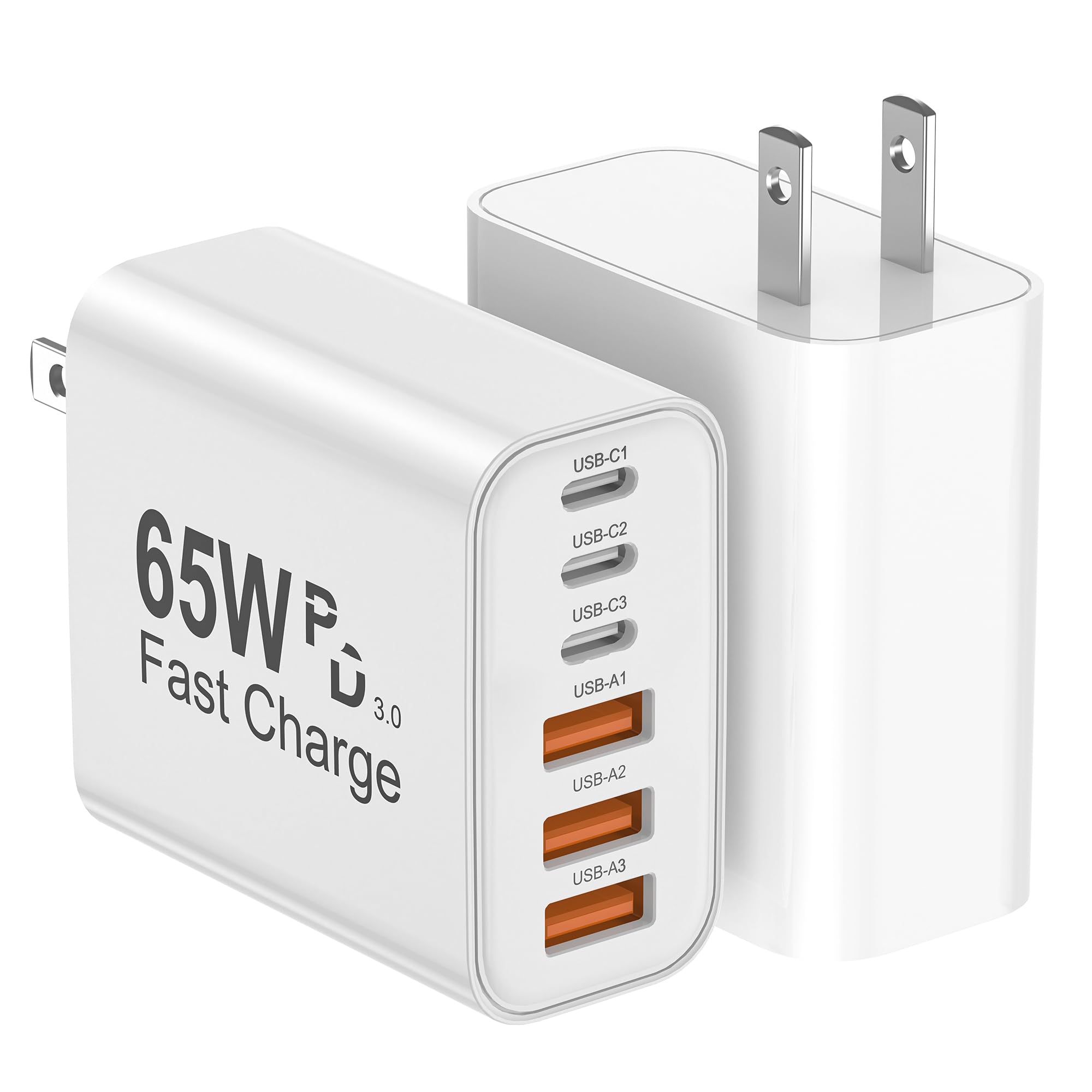
Charging Two Devices At Once
Some USB-C PD chargers have multiple ports. If you plug in two devices, the charger splits its total power. Check the label: a “60W dual-port” charger might give 30W to each device, or prioritize one over the other.
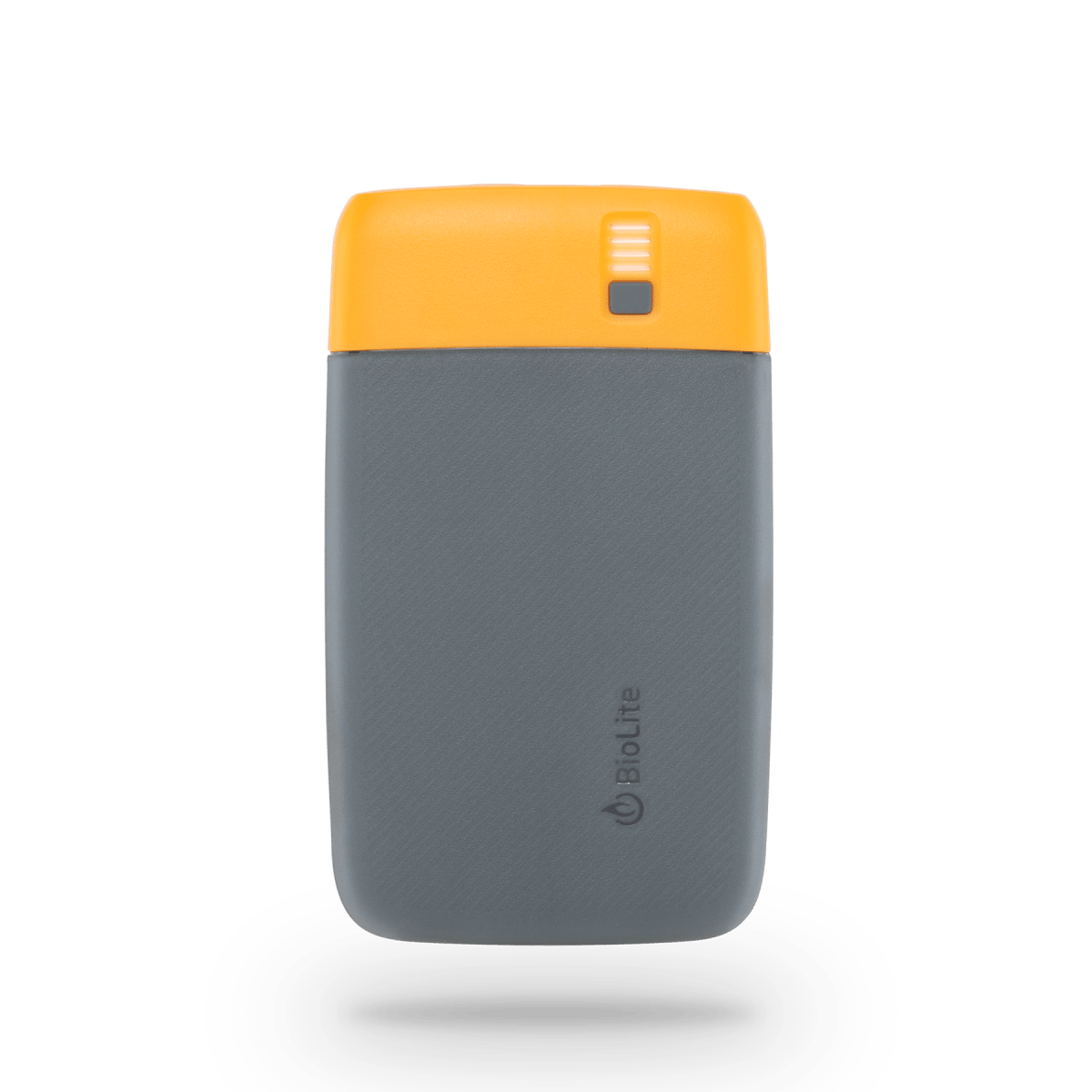
Using A Usb-c Power Bank
Many power banks now support USB-C PD. The charging speed depends on both the power bank’s output and your device’s input limit.
Example: A 20,000 mAh power bank with 45W PD can charge most phones at full speed, and even some small laptops.
When Is Usb-c Pd Not Enough?
While USB-C PD is powerful, there are cases where it’s not the best or not supported:
- Some gaming laptops or large workstations need more than 240W — they still use proprietary chargers.
- Certain cameras, drones, or older devices don’t support USB-C PD.
- If you use a USB-A to USB-C cable, you won’t get full PD speeds.
How To Tell If Your Device Supports Usb-c Pd
Check your device’s specs on the manufacturer’s website or manual. Look for phrases like “USB-C Power Delivery,” “PD fast charging,” or a wattage listed next to charging.
Visual cues:
- Some chargers/cables are labeled with “PD” or the wattage.
- Laptops often show “charging rapidly” or similar messages when using PD.
If unsure, check with the brand’s official support.
Usb-c Pd Charging In The Future
The USB-C PD standard is likely to become even more common as the European Union and other regions push for universal charging standards. This means fewer chargers, less e-waste, and more convenience for users everywhere.
Some new devices, like monitors, even charge laptops and phones through a single USB-C cable, making workspaces simpler and neater.

Credit: www.amazon.com
Frequently Asked Questions
How Do I Know If My Charger Supports Usb-c Pd?
Look for “Power Delivery” or “PD” on the charger, or check the specs online. Most chargers that offer 18W or higher over USB-C support PD. For laptops, the charger’s wattage (like 45W, 65W, or 100W) is a good sign.
Can Usb-c Pd Damage My Battery?
No, as long as you use certified chargers and cables. USB-C PD is designed to communicate with your device to use the safest, fastest charging speed. Fast charging will not shorten battery life if you use quality accessories.
Is Usb-c Pd The Fastest Charging Option?
For most devices, yes. But some manufacturers have proprietary systems that are faster — for example, Oppo’s VOOC or Xiaomi’s HyperCharge. These only work with their special chargers. USB-C PD is the fastest widely compatible standard.
Do I Need A Special Cable For Usb-c Pd Charging?
Yes, if you want above 60W (3A) charging. For speeds above 60W (like 100W or 140W), you need an e-marked USB-C cable rated for 5A. For phones and tablets, most USB-C cables will be enough.
Where Can I Learn More About Usb-c And Power Delivery Standards?
You can find detailed technical information and updates on the Wikipedia page for USB-C.
Final Thoughts
USB-C PD is a major step forward in charging technology. It’s fast, flexible, and safe, powering everything from smartphones to full-sized laptops. But the real charging speed you get depends on your charger, cable, and device. By understanding how these pieces work together, you can get the best performance and save time every day.
Always use quality accessories, keep your device’s firmware updated, and check your device’s true charging limits for the best experience with USB-C PD. The days of slow, confusing charging are ending — and USB-C Power Delivery is leading the way.
Credit: www.amazon.com
